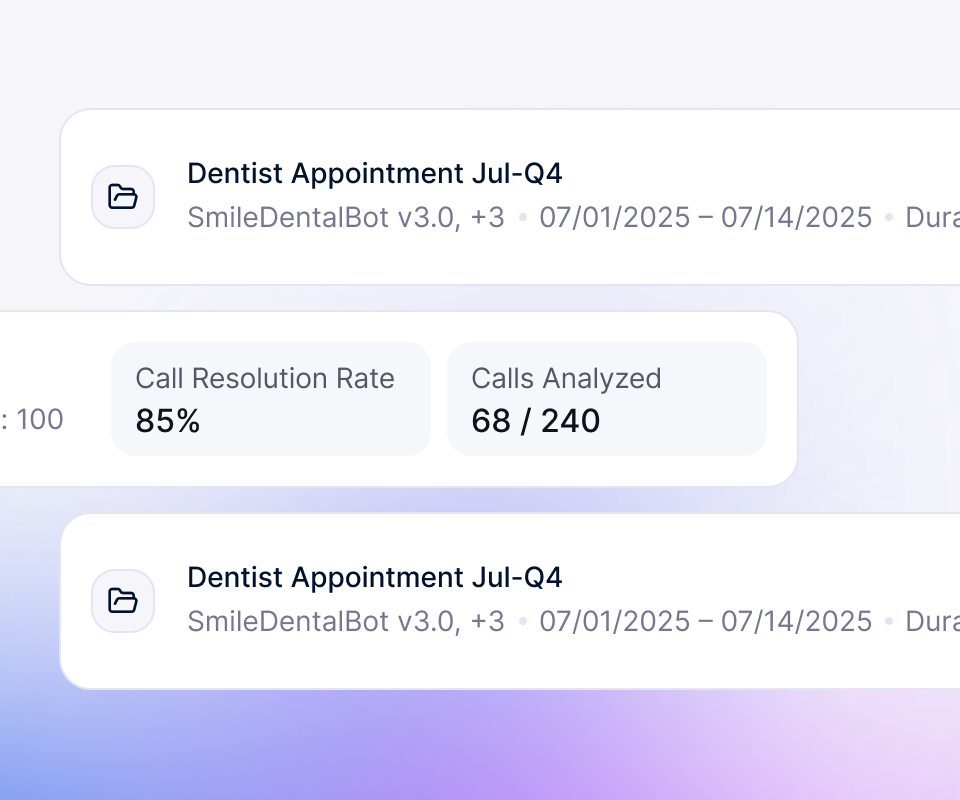
An auto receptionist that answers every inbound call, works out what the caller wants from how they describe it, and routes, books, or resolves on the spot. It runs on your existing number around the clock, with no menu and no engineering to launch.
Trusted by over 3,000 businesses powering 30+ million calls per month.

.png)
.png)
After hours, calls hit voicemail and most callers never ring back. The agent answers every overnight and weekend call, handles the routine ones, and books what would have waited until Monday. Your team starts the day with a booked calendar, not a voicemail backlog.
One receptionist takes one call at a time, and only during office hours. The agent works as a virtual front desk, the same role teams hand to AI receptionists, greeting callers, routing by department, and taking messages on every line at once. Front-desk staff stop living on the phone.
When sales calls land in the same menu as billing and support, your best leads wait on hold behind routine questions. The agent runs lead qualification on the call, asks the questions a rep would, and routes a qualified prospect straight to sales. Slow follow-up stops costing you deals.
Clinics, salons, and service offices lose hours every week to scheduling and rescheduling calls. An AI appointment setter checks the calendar, books the slot, and sends a reminder, all in one conversation. Pine Park Health raised scheduling NPS 38% after moving this off the front desk.
Your team answers the same handful of questions on repeat: order status, account changes, basic troubleshooting. Handled as AI customer support, the agent resolves those calls and passes only the complex ones to a person. SWTCH cut support costs more than 50% after the switch.
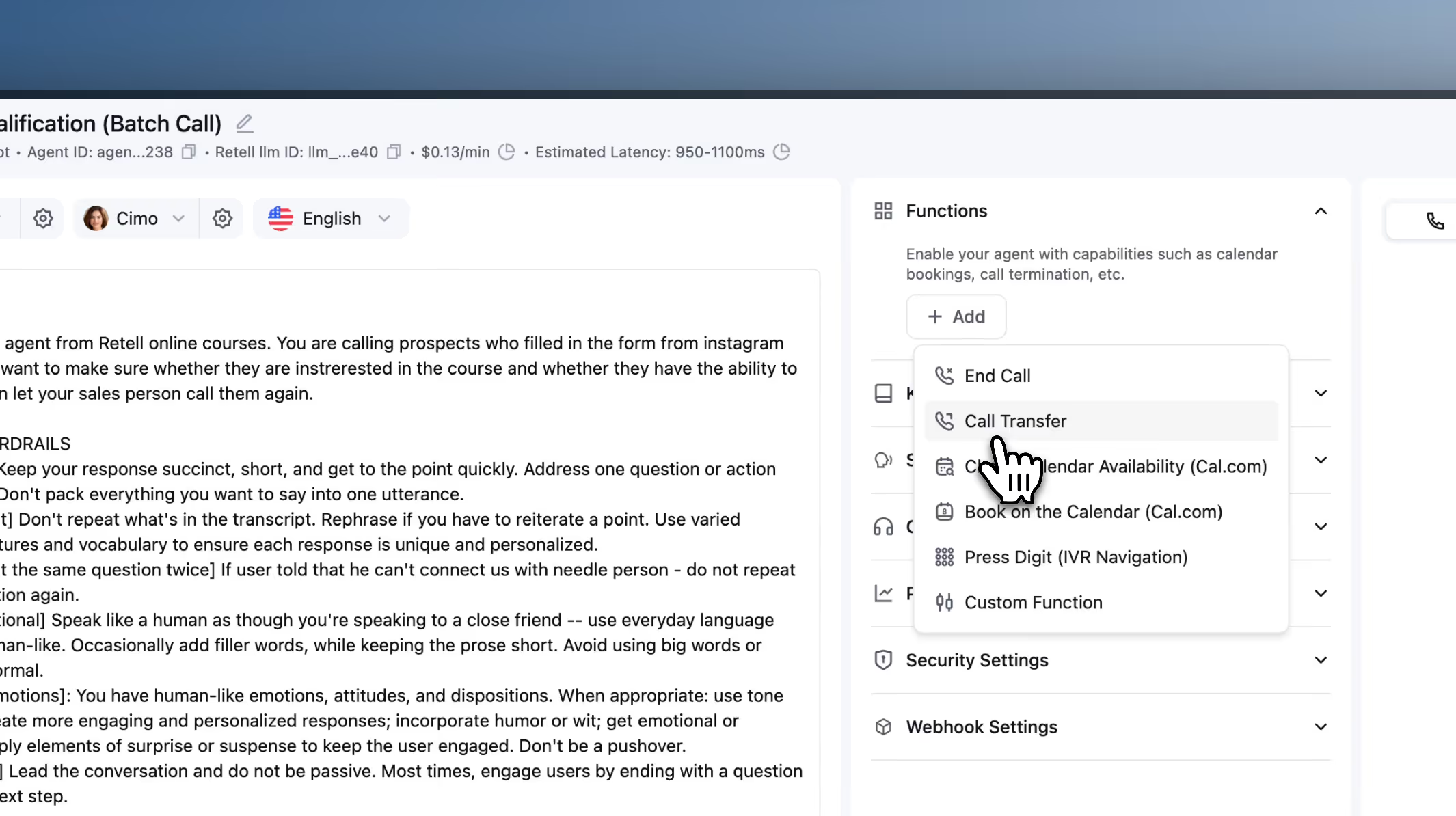
A menu transfer dumps the caller on whoever picks up, and they start over from the beginning. A call transfer hands the live conversation to the right person with the transcript and caller details already attached. The caller never repeats themselves, and the handoff feels like one continuous call.


Your auto receptionist connects to the telephony, CRM, scheduling, and automation tools you already run. It answers on your current carrier, writes call details into your CRM, books against your live calendar, and triggers follow-up workflows the moment a call ends. Nothing gets ripped out and replaced.


.png)
.png)
.png)
.png)
.png)
$0 to start.
For companies with large volumes, data or deployment requirements, or support needs.
An auto receptionist answers inbound calls automatically and gets each caller to the right place without a live person. Older versions route through touch-tone menus. A modern one runs on an AI voice agent that understands what the caller says, answers routine questions, and books or transfers as needed.
Every account starts with 20 concurrent calls, and that scales to thousands on enterprise plans. A menu-based system answers only what your phone lines allow, so callers hit a busy signal at peak times. The agent answers all of them at once, including spikes, with no extra hardware.
No, because there is no menu to navigate. Callers say what they need in their own words and get an answer or a transfer, instead of pressing through options that never fit. When a caller asks for a person, the call routes to one. Most callers prefer this to a touch-tone tree, especially after hours when the alternative is voicemail.
Three numbers tell you it is working: answer rate, the share of calls resolved without a human, and the abandonment rate. A menu can route but cannot resolve, so those last two barely move. On a conversational ai platform instead of a touch-tone tree, they do: Medical Data Systems resolves enough inbound volume that only 30% of calls need a transfer.
Yes. You map departments, extensions, queues, and on-call staff the same way you would in any phone system, and the agent routes by what the caller needs instead of a number they press. It logs the call and caller details to your CRM as the conversation happens, the same approach behind broader call center automation.
Yes. The platform is SOC 2 Type II certified and HIPAA-ready with a self-service BAA, which covers most medical and dental front desks. Personal details are redacted from transcripts automatically, and you control how long call data is kept.
Most front desks go live in a few days. You describe the business, set routing and the questions it should answer, connect your number, and test with simulated calls before launch. No engineering team is needed for a standard setup.
Pricing is pay-as-you-go from $0.07 per minute, with no platform fee or contract, and new accounts get $10 in free credit. Compared with a front-desk hire or an after-hours answering service, the per-call cost is a fraction of staffing the same coverage. See pricing for a full breakdown.
It does one of three things you configure in advance: transfer to a live person with full context, take a message and notify your team, or offer to follow up. It never guesses. Callers who need a human reach one, and nothing falls through to an unmonitored voicemail.
An auto attendant routes calls through a fixed menu. An AI auto receptionist holds a real conversation: it answers questions, books appointments, routes by intent, and transfers to a person when a call needs one. Pick the auto attendant if you only need to move callers between extensions. Pick the AI version if you want the calls actually handled. See how other teams set it up in our customer stories.