13 Best Conversational AI Platforms for 2026
24
MIN READ
September 7, 2026

Searching for a conversational AI platform surfaces the same problem fast. Half the results are basic chatbots that answer a few FAQs, then push the caller back into a human queue. Support teams keep juggling phone, chat, email, and social with no relief.
This comparison of 13 conversational AI platforms draws on vendor pricing pages, published compliance disclosures, and third-party user feedback from G2 and Gartner Peer Insights, verified in July 2026. Platforms are evaluated across five dimensions that predict production readiness: setup speed, automation quality, integration depth, reporting and control, and pricing at scale.
This guide covers 13 conversational AI platforms worth serious attention. (For a voice-first cut of the same landscape, see our roundup of the best voice AI agent platforms.)
You will see what each platform does well, where it fits in conversational AI for customer service operations, and which options make the most sense for contact centers, internal support teams, and product leaders who care about customer experience.
A conversational AI platform is software that helps you build, deploy, and manage AI agents that talk with people through text or voice. It sits between your customers, your support teams, and your enterprise systems so conversations can turn into completed tasks, not just quick replies.
Instead of following a fixed script, these platforms use natural language processing, natural language understanding, and large language models. Virtual assistants, voice bots, and other conversational AI agents then handle messy questions, keep context in multi turn conversations, and respond in a more natural way. This is also why the distinction between agentic AI vs AGI matters when evaluating these platforms, because they are agentic systems built for specific tasks, not general intelligence.
Gartner has estimated that conversational AI could cut contact center agent labor costs by roughly $80 billion. That tracks with where the real differentiation showed up here. It was not the fanciest model. It was how cleanly each platform connected to CRMs, help desks, and backend systems so agents could actually resolve tickets.
Teams use strong conversational AI platforms as the base for AI powered chatbots on websites, AI phone agents in contact centers, AI Answering service for automated support, and internal assistants for employees. Most serious platforms share a core set of capabilities:
Viewed this way, conversational AI platforms are not just chatbot builders. They are the base layer for conversational interfaces and intelligent agents across your customer journey and internal support workflows.
This is a research-driven review, not a random list of tools. Each conversational AI platform was scored on a few simple things that matter in day to day work.
I combined hands-on testing, vendor documentation, and third party user feedback from sites like G2 and Gartner Peer Insights.
The goal is to reflect how these platforms perform in practice, not just how they look in a product tour.
| Platform | Rating* | Best For | Why It Made The List | Pricing Starts From |
|---|---|---|---|---|
| Retell AI | G2: 4.8 / 5 | Best overall for AI voice agents and call operations | Standout call quality, solid telephony stack, and strong compliance for high-volume voice use. | Pay as you go from $0.07/min for voice, plus per-message chat billing from about $0.001/msg by model |
| Fini | G2: 4.9 / 5 (vendor-reported) | Regulated-industry support automation across chat, email, and ticketing | Compliance stack and audit depth built for fintech, banking, healthcare, and insurance, with agents that complete backend actions rather than deflect. | From $0.69 per resolution, $1,799/month minimum |
| Synthflow | G2: ~4.5 / 5 | No-code AI phone agents for startups and SMBs | Simple visual builder for inbound and outbound calls without heavy engineering. | From ~$29/month plus per-minute rates around $0.12–0.13/min |
| Bland AI | Product Hunt: 3 / 5 | Enterprise voice AI for dev-heavy teams | Ultra-fast, production-ready voice agents with low latency and broad multilingual support. | Usage-based, around $0.09/min for calls; enterprise contracts via sales |
| Sprinklr | G2: 4.2 / 5 | Omnichannel customer service across digital and voice channels | Full CX suite tying conversational AI to social, messaging, email, and contact center reporting. | Custom enterprise pricing via sales |
| Moveworks | G2: 4.6 / 5 | Internal IT, HR, and workplace support inside Slack and Teams | Strong at resolving internal tickets using historical knowledge inside collaboration tools. | Custom pricing based on organization size and scope |
| Mosaicx | G2: 3.5 / 5 | Large contact centers relying on voice-led self-service | Voice-first virtual agents with industry modules for regulated sectors and high call volume. | Custom enterprise contracts only |
| Cognigy | G2: ~4.6 / 5 | Global enterprises seeking an AI workforce in the contact center | Mature contact center AI with strong voice, chat, agent assist, and CCaaS integrations. | Enterprise license pricing through sales |
| Yellow.ai | G2: 4.4 / 5 | Brands needing multilingual automation across many channels | Broad channel and language coverage with deep enterprise CX and EX integrations. | Free tier available; usage-based enterprise plans |
| DRUID AI | Gartner PI: 4.8 / 5 | Agentic AI across complex internal workflows | Strong RPA integrations and industry templates for back-office automation. | Custom pricing, quote on request |
| Kore.ai | G2: 4.6 / 5 | AI agents for customer service, agent assist, and operations | All-in-one CX and EX platform with governance and omnichannel coverage. | Seat- and usage-based enterprise plans |
| Google Dialogflow CX | G2: 4.4 / 5 | Product and engineering teams building chat and voice bots | Flexible flow builder and solid NLU within Google Cloud. | Usage-based per request and per second of audio |
| Amazon Lex | G2: 4.2 / 5 | AWS teams adding chat and voice to apps and Amazon Connect | Unified text and voice bot service with tight AWS integration. | Pay-as-you-go per text and speech request, limited free tier |
As you saw in the table, The table above covers a long list of conversational AI platforms, narrowed to the 13 that are worth a closer look.
Each one plays a different role across AI agents, voice bots, and virtual assistants, so this section covers where it fits and what stands out in testing and research.
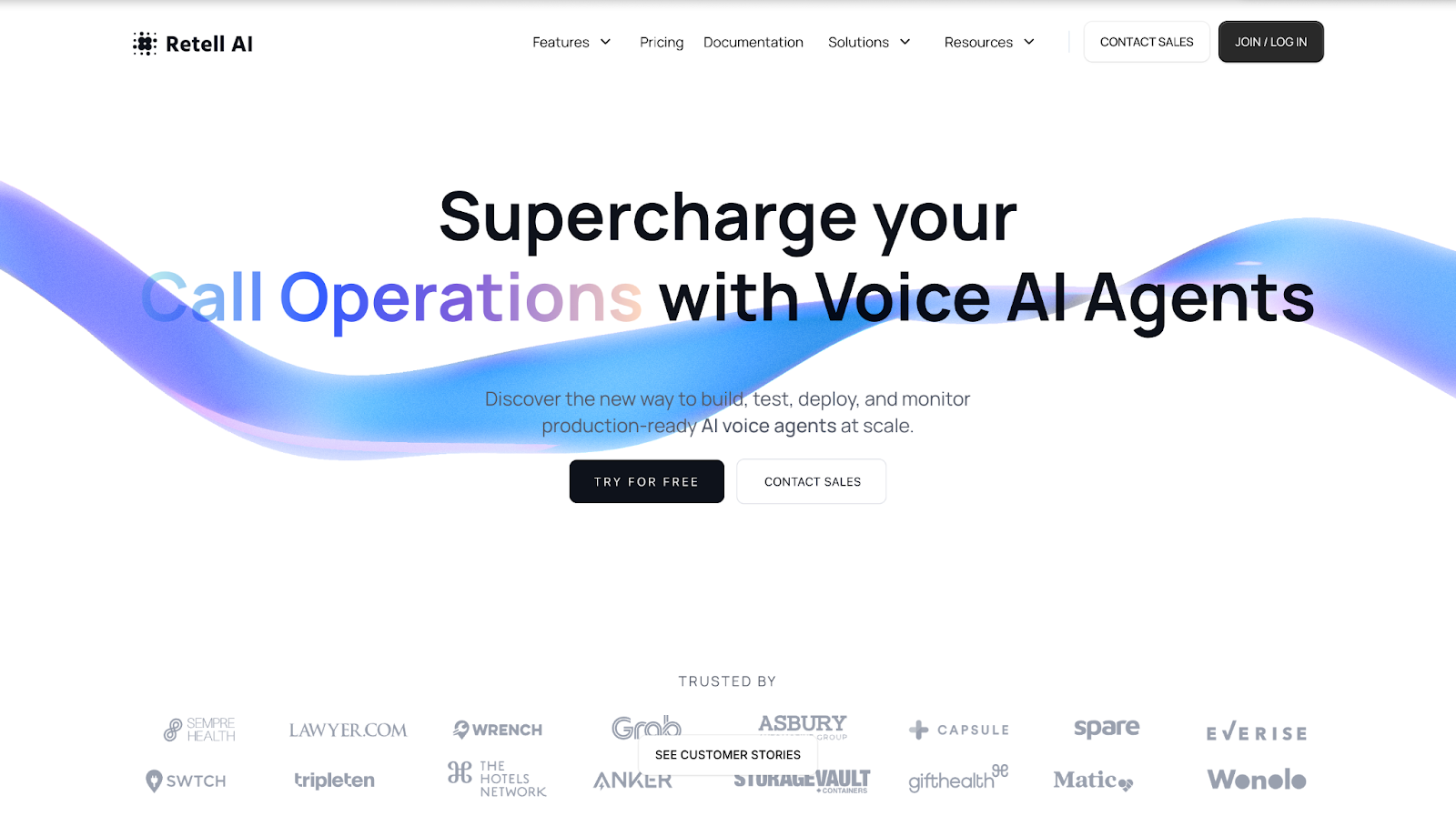
Retell AI sits at the top of my list for voice led conversational AI platforms powered by an AI voice agent that handles calls and conversational interactions at scale. It feels built for teams that live on the phone and want AI agents to handle a big share of calls without losing the human tone.
You design agents inside a visual builder, plug in your knowledge base, test edge cases with simulation tools, then deploy conversational AI across phone, web calls, SMS, and chat. One call history dashboard covers everything, so there is no need to juggle separate tools just to keep voice bots in production.
The telephony layer is where Retell AI pulls ahead , with support for features like AI IVR navigation that automate phone menus and routing. You get SIP trunking to keep existing numbers or VOIP providers, batch calling for outbound campaigns, branded caller ID, and verified phone numbers so calls are less likely to look like spam. For contact centers and sales teams using conversational AI for sales, that mix matters more than a shiny AI demo.
Security and reliability are not an afterthought here. The platform is SOC 2 Type 1 and Type 2, HIPAA, and GDPR compliant, supports 55+ languages, and is built for high volume traffic with low latency. That makes it a strong fit for healthcare organizations, financial services, and large enterprise contact centers.
Pros
Cons
Testing notes
In testing, Retell AI scored highest on call quality, latency, and telephony control. It feels closer to an AI call center backbone than a generic chatbot with voice added on, so I would start here if phone queues are your main problem.
Where it underperforms vs others
Retell AI does not replace broad CX suites like Sprinklr or Kore.ai that manage marketing journeys, social care, and every digital touchpoint. For complex web chat workflows and cross channel reporting, those platforms still go deeper.
Who should avoid it
Teams that only need a light website bot or marketing assistant will likely find Retell AI more platform than they need.
Its real value shows up in voice heavy operations where call handling and compliance matter most.
G2 rating and user feedback
G2 Rating: 4.8 / 5
“Quite literally the best performant AI-voice agent on the market.”
– Richard L., Business user on G2
Pricing and scale considerations
Retell AI uses usage based pricing. AI voice agents start at $0.07/min and range up to $0.31/min depending on the LLM and add-ons you enable. AI chat agents bill per AI message, from about $0.001 on the smallest models up to roughly $0.05 on the largest, with $10 in free credits and 20 free concurrent calls on signup. Entry cost stays low, but large contact centers should still model expected minutes and message volume before rolling it out across every queue.
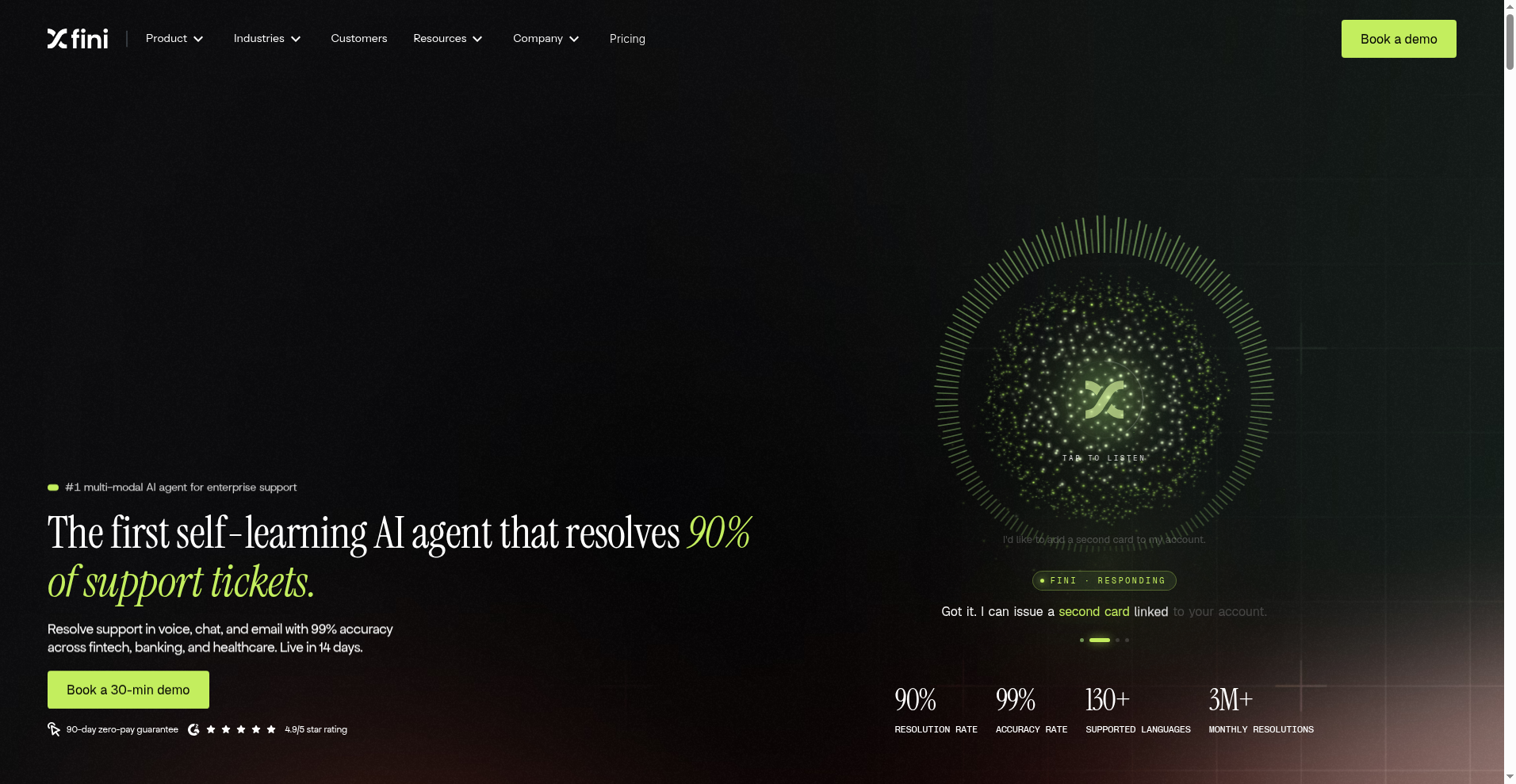
Fini is a conversational AI platform for support teams in regulated industries. It sits on top of the help desk you already run, reads your existing knowledge, and handles customer queries across chat, email, and ticketing without pushing everything back to a queue.
What separates it from most platforms in this list is where the compliance work sits. SOC 2 Type II, ISO 27001, HIPAA eligibility, GDPR, and PCI-DSS ship inside the core product rather than as an enterprise add-on you negotiate for later. For fintech, banking, insurance, and healthcare teams, that shortens the security review from months to weeks.
Agents also complete tasks rather than answer around them. Refunds, account lookups, subscription changes, and identity verification run through native API integrations, and you configure an approval step per action so nothing sensitive ships without a human in the loop.
Testing notes
Fini felt strongest where the support queue is high volume and the answers carry consequences. Setup ran off existing help center content and past tickets rather than a from-scratch intent build, and Fini says most teams go live in 14 days. Fini reports up to 80% autonomous resolution at 98% accuracy on the journeys it covers.
The guardrail layer stood out in evaluation. You can scope what an agent is allowed to say and do per topic, which matters more in regulated queues than raw model quality does.
Where it underperforms vs others
Fini is not a telephony platform. If your main problem is phone queues, SIP trunking, and call routing, Retell AI or Mosaicx will fit better. Voice is available, but the depth sits on the chat and ticketing side.
It also does not try to be a full CX suite. Sprinklr goes deeper on social care and cross channel reporting, and Moveworks is the stronger pick when your tickets are internal IT and HR rather than customer facing.
Who should avoid it
Small teams with low ticket volume. The compliance architecture and guided onboarding target organizations processing thousands of tickets a month, and the economics do not clear below that.
Teams that want a self-serve bot live in an afternoon will also find the implementation model heavier than they need, since deployments run with a dedicated engineer rather than pure self-setup.
Pros
Cons
G2 rating and user feedback
Fini reports 4.9 out of 5 on G2. Review volume there is still thin next to the incumbents on this list, so read it as an early signal rather than a settled score.
Pricing
Fini prices per resolution rather than per seat. Public pricing starts at $0.69 per resolved ticket with a $1,799 per month minimum, and enterprise contracts are custom. Because you pay on outcomes, cost tracks resolved volume instead of headcount.
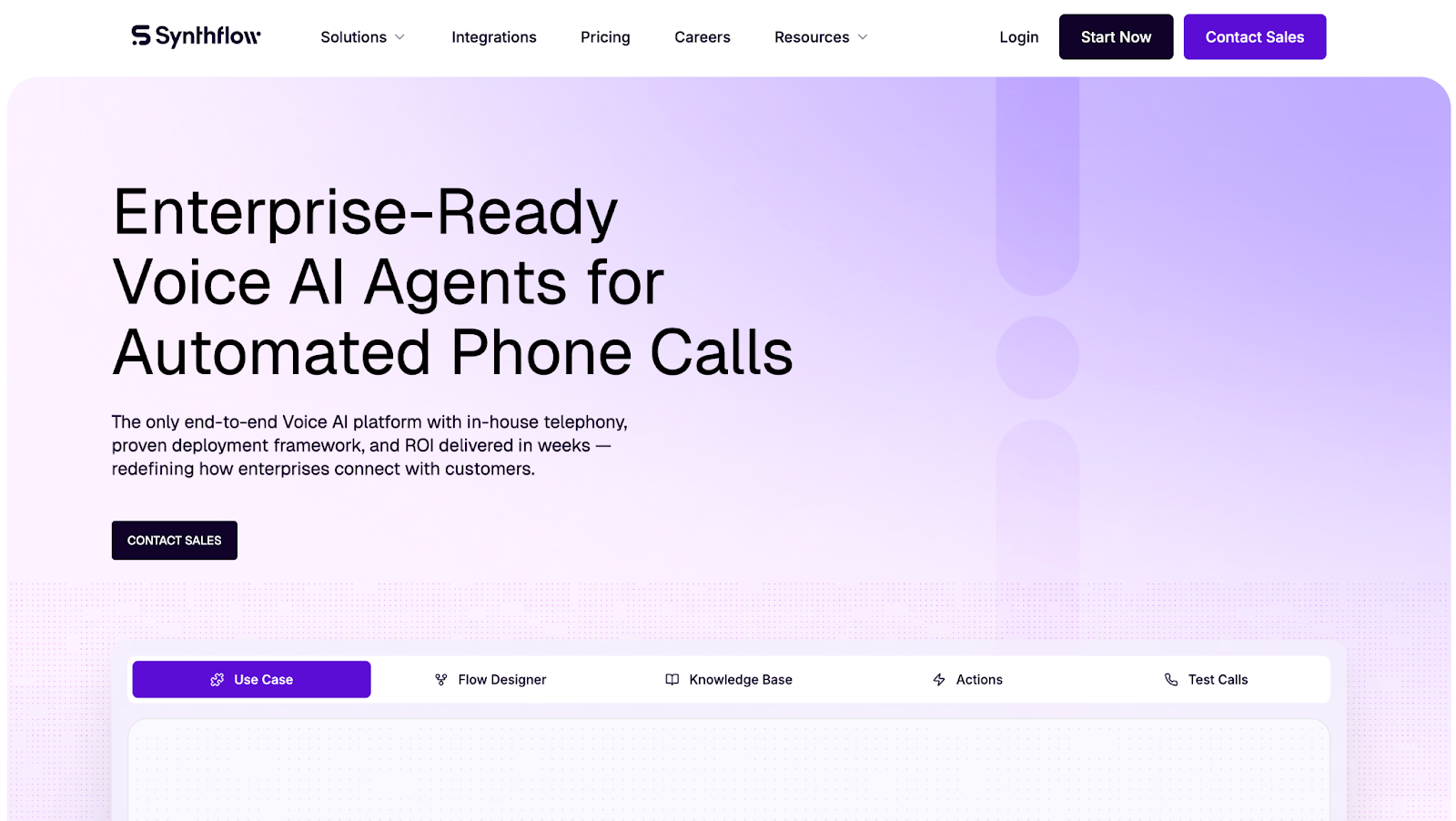
Synthflow AI is a no-code voice platform for teams that want AI agents making and taking phone calls without deep engineering work.
You design call flows in a visual editor, plug in your CRM and calendar, then let AI agents handle outbound outreach, inbound support, and basic sales conversations in multiple languages. This also makes it useful for conversational AI for ecommerce use cases such as order inquiries, customer support calls, and post-purchase assistance.
It leans into white-label and agency use cases, so you can resell voice agents under your own brand.
Testing notes
In my evaluation, Synthflow felt strongest when speed to launch and no-code control mattered more than deep telephony customization. Case studies and user reviews show teams getting a basic ai receptionist or outbound agent live in hours, then iterating on prompts and flows without writing code.
Where it underperforms vs others
Synthflow’s biggest trade offs show up on cost and support. Reviews call out pricing at the higher end for Pro and Growth plans, plus occasional call glitches and slow support responses, especially at scale.
It also takes more prompt work to handle off-topic questions smoothly compared with voice platforms that ship deeper knowledge tooling out of the box.
Who should avoid it
Very price sensitive teams, or anyone who needs strict enterprise SLAs with hands-on support, will feel the cost and support limits faster.
If you want a full CX suite with rich reporting across chat, social, and agents in one place, tools like Sprinklr or Kore.ai will fit better than a voice-first platform like Synthflow.
Pros
Cons
G2 rating and user feedback
On G2, Synthflow sits in the mid to high 4s, with recent snapshots around 4.5 out of 5 from verified small business users.
“Very good. The integration with Zapier lets us do a lot with our workflows.”
– Business manager on G2
Pricing
Synthflow uses per-minute pricing. Public benchmarks show flat rates starting around $0.08 per minute, with enterprise tiers as low as $0.07, and plan-based bundles where Pro starts near the mid-hundreds per month for a few thousand minutes.
You also see usage-based overages in the $0.12–$0.13 per-minute range, so high volume teams need to model minutes carefully.
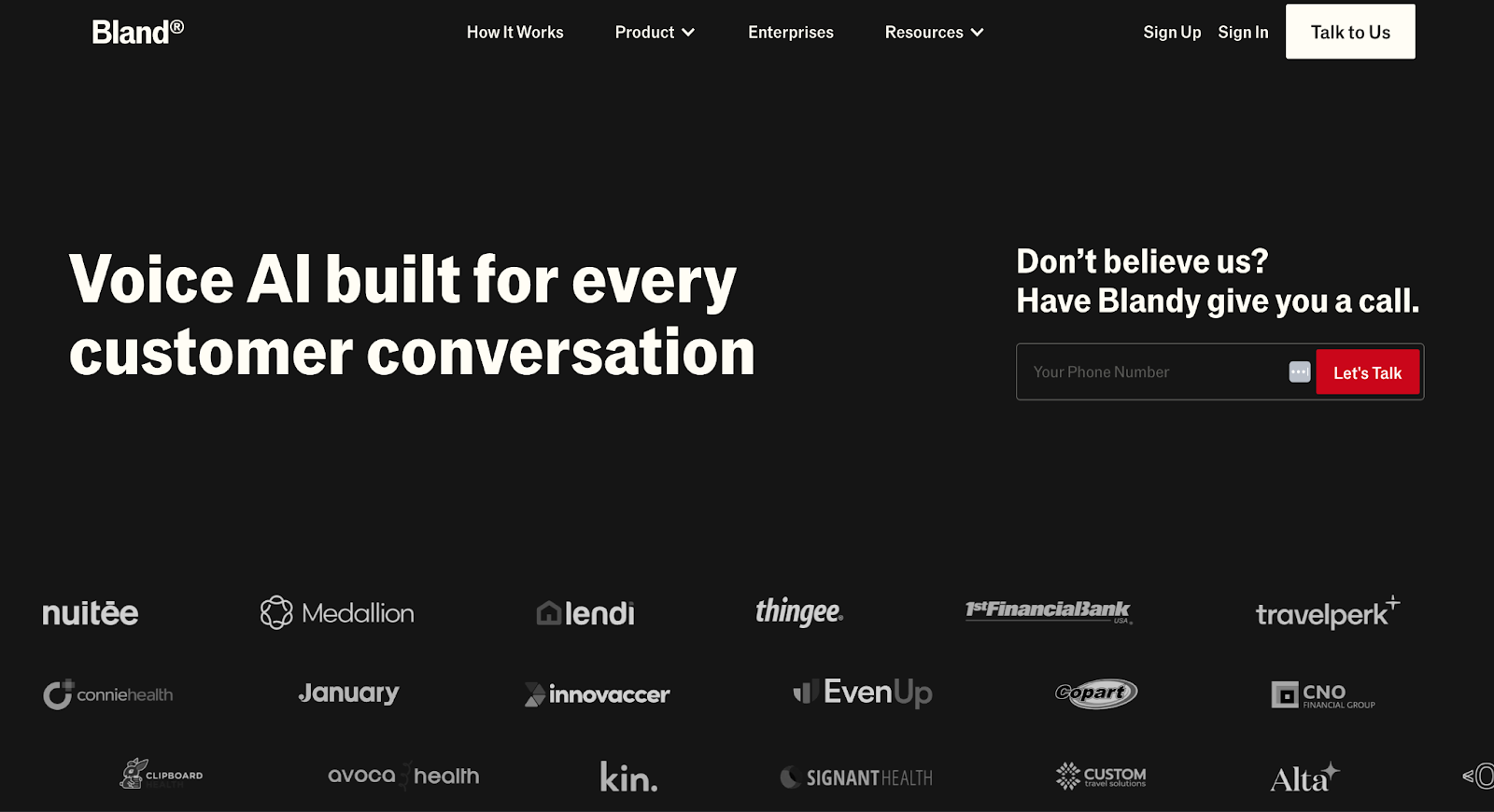
Bland AI is an API-first voice AI platform for teams that want programmable AI call bot for phone agents. Engineers use its Voice API, webhooks, and workflows to script how agents answer, route, and complete calls at scale, including live transfers and live data injection during conversations.
It targets high volume enterprise phone use, including conversational AI cold calling and outbound campaigns, rather than simple drag and drop chatbots.
Testing notes
In testing and third party reviews, Bland AI looked strongest in the hands of developer heavy teams.
The control you get through the API, custom logic, and live context integration suits squads that want to fine tune every part of the voice stack instead of relying only on a visual builder.
Where it underperforms vs others
The biggest pain points show up around cost, setup, and reliability. Multiple independent breakdowns point to a simple headline rate that hides extra fees for transcription, GPT-4, voice cloning, and short outbound attempts, which makes monthly cost harder to predict than usage models from tools like Retell AI.
Review roundups also call out call quality issues, support frustration, and setup complexity compared with other AI phone platforms.
Who should avoid it
Teams without strong engineering support, or orgs that want clear SaaS style plans and hands on onboarding, will fight the platform more than they benefit from it.
High volume contact centers that care about strict compliance, SLAs, and very predictable pricing usually lean toward alternatives with clearer contracts and deeper support models.
Pros
Cons
Rating
Bland AI does not have enough G2 reviews for a meaningful score yet.
On Product Hunt it sits at about 3.0 out of 5 from early adopters, with feedback that mixes praise for its time saving potential and API power with complaints about performance and support.
A third party test summed it up like this:
“Good call quality at competitive pricing… callers found the voice natural and easy to understand.”
Pricing
Bland AI pricing starts around $0.09 per connected minute, with about $0.015 per outbound attempt that ends before 10 seconds.
On top of that, there are extra costs for speech transcription, GPT-4 access, voice cloning, and some telephony features. Independent breakdowns say effective monthly spend often lands in the $200–$300 plus range even on lower volumes, and some guides list subscription tiers that start near $299 per month before usage.
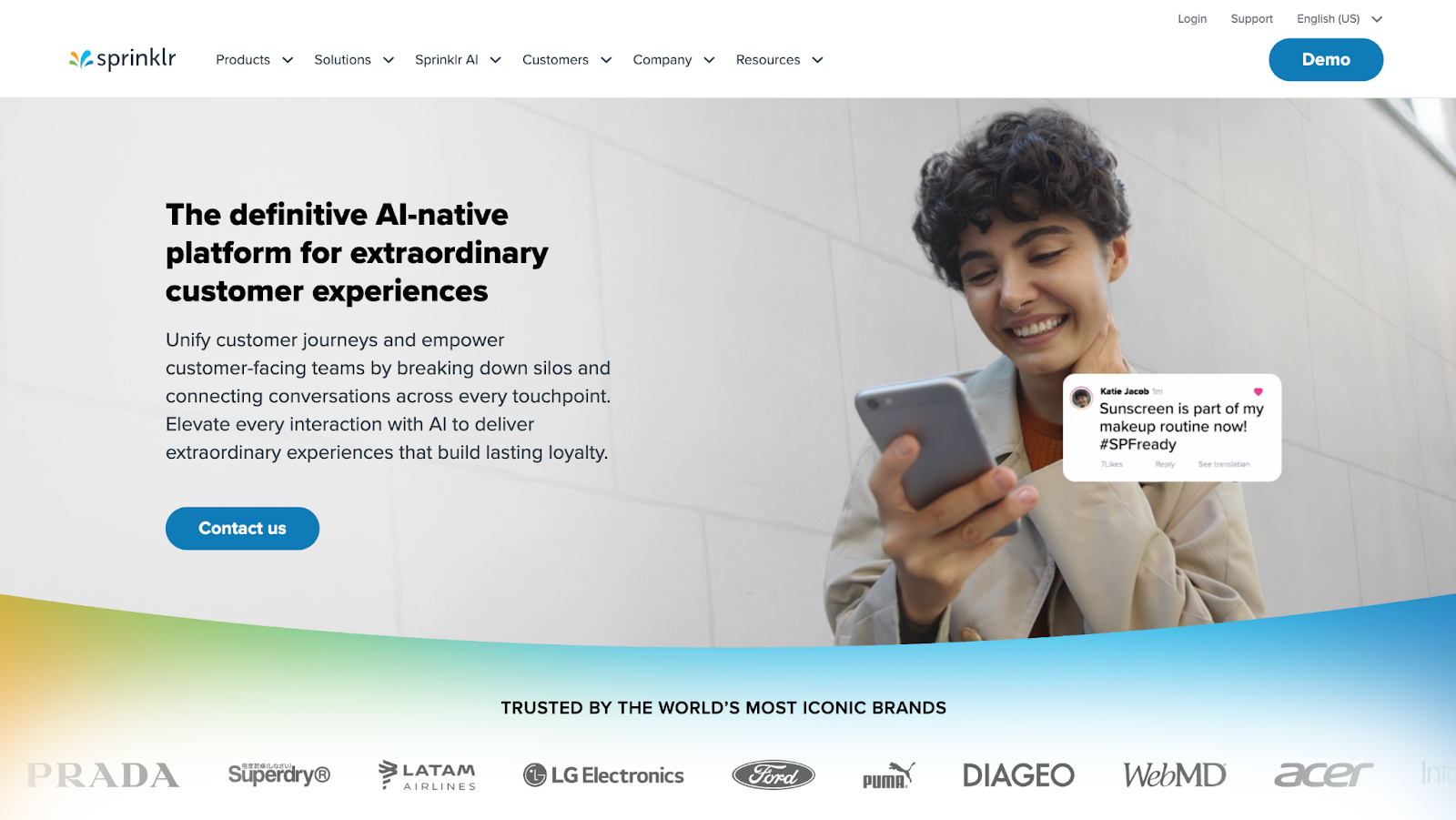
Sprinklr shows up fast when large brands talk about conversational AI platforms. It is an AI-native CX platform that pulls social, messaging, email, web chat, and voice into one place, then layers automation, routing, and analytics on top.
I see it less as a bot builder and more as a full contact center and social care stack that happens to include conversational AI.
In my evaluation, Sprinklr stood out on omnichannel coverage and reporting. It handled social DMs, web chat, and voice in one workspace and gave leaders a clear view of queues, sentiment, and agent performance.
The real strength sat in contact center analytics and contact center automation trends, not just chatbot flows.
Sprinklr feels heavier than focused tools like Retell AI or Moveworks. Getting a simple use case live takes more setup, more configuration, and more stakeholder time. It also leans on custom pricing, so it is harder to benchmark cost per ticket against lighter conversational AI platforms.
Smaller support teams that want a fast, self-serve bot will likely feel overwhelmed here. If your team does not have a CX ops owner and at least some admin capacity, you will not get full value. In that case, a narrower conversational AI tool is a safer first step.
G2 rating: 4.2 / 5
Users highlight Sprinklr’s breadth and UI, but also call out complexity and price at enterprise level.
“The UIX is great, very fluent and friendly. Sprinklr offers a wide range of integrations.”
– Robinson V., Business user on G2
Pricing
Sprinklr does not publish per-agent or per-conversation pricing. You request a demo, scope your channels and use cases with sales, and move onto an enterprise contract. I treat it as a premium conversational AI option for brands that want social, support, and contact center in one platform.
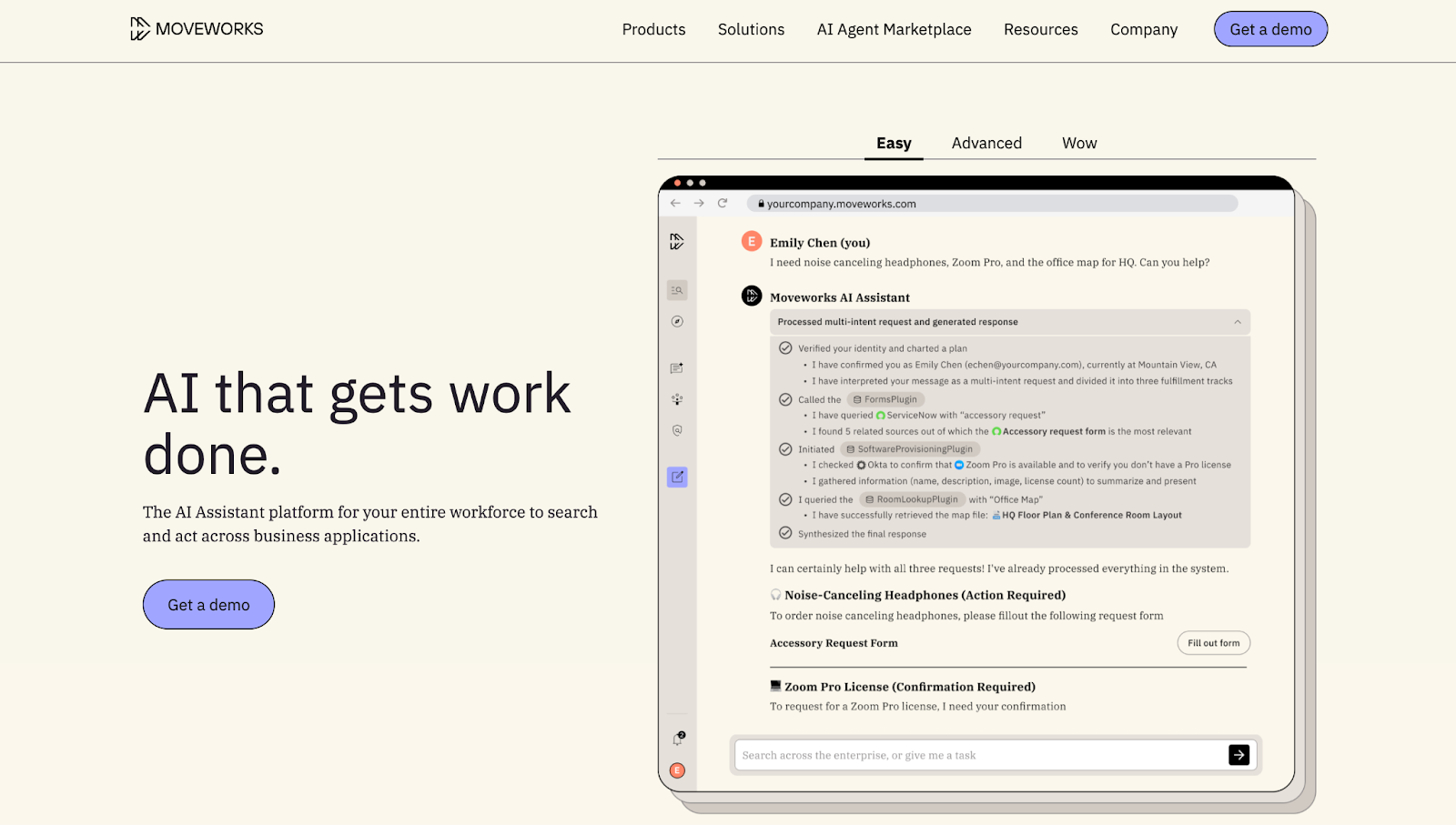
Moveworks is a conversational AI platform built for internal support, not customer service. Its AI agents sit inside Slack, Microsoft Teams, and web portals, understand natural language, and resolve IT, HR, and finance requests by talking to your existing enterprise systems instead of just sending links.
If your goal is to reduce internal tickets and improve employee self service, Moveworks is one of the stronger enterprise conversational AI platform solutions.
Pros
Cons
Testing notes
Moveworks felt strongest when I mapped it to large internal ticket volumes. It fits companies where employees already live in Slack or Teams all day and expect quick, chat based resolution instead of long email threads.
Where it underperforms vs others
Moveworks does not try to handle customer facing CX like Sprinklr or voice heavy use cases like Retell AI. For public support queues and phone led contact centers, other platforms fit better.
Who should avoid it
Smaller companies without mature IT or HR systems, or teams focused mainly on customer conversations rather than employee support.
G2 Rating: G2 rating sits in the mid to high 4s. Most reviews highlight happier employees, faster resolutions, and smoother ticket workflows, with some notes about enterprise level pricing.
“The biggest benefit is that employees are really happy and satisfied with it.”
– IT user, review sourced from G2
Pricing
Moveworks does not list public per agent pricing. You request a demo and work with sales on a tailored package based on employee count, connected systems, and conversational AI use cases, so I treat it as a premium option for internal support.
Mosaicx is a voice-led conversational AI platform for contact centers that still handle heavy phone and SMS volumes. Its virtual agents drive call center automation by taking over routing, authentication, payments, and other routine tasks so human agents can stay on complex calls.
It leans into 24/7 voice and SMS, proactive outreach with outbound dialer capabilities, and industry templates for finance, healthcare, insurance, retail, and telecom. It feels more like a managed, voice-first CX layer than a bot builder for small teams.
Testing notes
In my evaluation, Mosaicx looked strongest where phone volumes stay high and workflows are predictable. The value shows up most in scripted, compliance-heavy use cases rather than in open-ended chat or experimentation.
Where it underperforms vs others
Mosaicx has less breadth than platforms like Sprinklr or Kore.ai. There are fewer digital channels, limited public integrations, and sparse documentation, which makes it harder to compare and extend. The lack of transparent pricing also hurts teams that want to run quick pilots.
Who should avoid it
Digital-first companies that want rich web chat, in-app messaging, or self-serve experimentation will feel boxed in. Smaller teams that need clear SaaS pricing and easy onboarding should look at more accessible conversational AI tools.
Pros
Cons
G2 rating: Reviews are mixed: users like the voice focus but note that it feels niche beside broader CX suites.
“A good mix of conversation starters and facts to add to pitches.”
– Verified user in Computer & Network Security on G2
Pricing
Mosaicx does not list a “starts from” price. Most listings describe it as a cloud-based virtual agent for mid-market and enterprise, so I treat it as a custom-contract product rather than a self-serve conversational AI tool.
Cognigy is an enterprise contact center AI platform. It is built for large teams that want AI agents handling voice and chat at scale, plus agent assist, across many channels and languages.
It makes the most sense when you already run a serious contact center and want automation layered on top, not just a website bot. Interactive help center documents made with software like Flipsnack or Canva.
Testing notes
Cognigy felt strongest in multilingual conversational AI deployments and high volume environments. Dialog design was structured, and once the base setup was done, non-technical users could ship new flows.
The connector library made it easier to plug into CRMs and ticketing tools without writing every integration from scratch.
Where it underperforms vs others
Analytics and reporting felt lighter than Sprinklr’s contact center suite. Very complex workflows often pushed teams into APIs and custom code, which makes it feel closer to a builder platform than a pure no-code tool.
Who should avoid it
If you only need a basic chatbot or have no engineering support, Cognigy will feel heavy. Small teams on tight budgets are usually better served by simpler, self-serve conversational AI tools.
Pros
Cons
G2 rating: about 4.6 / 5 from hundreds of reviews, with many praising the mix of power and usability.
“Cognigy as a platform is very easy to use. Quick to learn, fast to build solutions and has a great library of integrations to work with out of the box.”
– Jordan B., Enterprise user on G2
Pricing
No public entry price. Cognigy is sold as an enterprise license through sales and partners, scoped around contact center size, channels, and AI use cases.
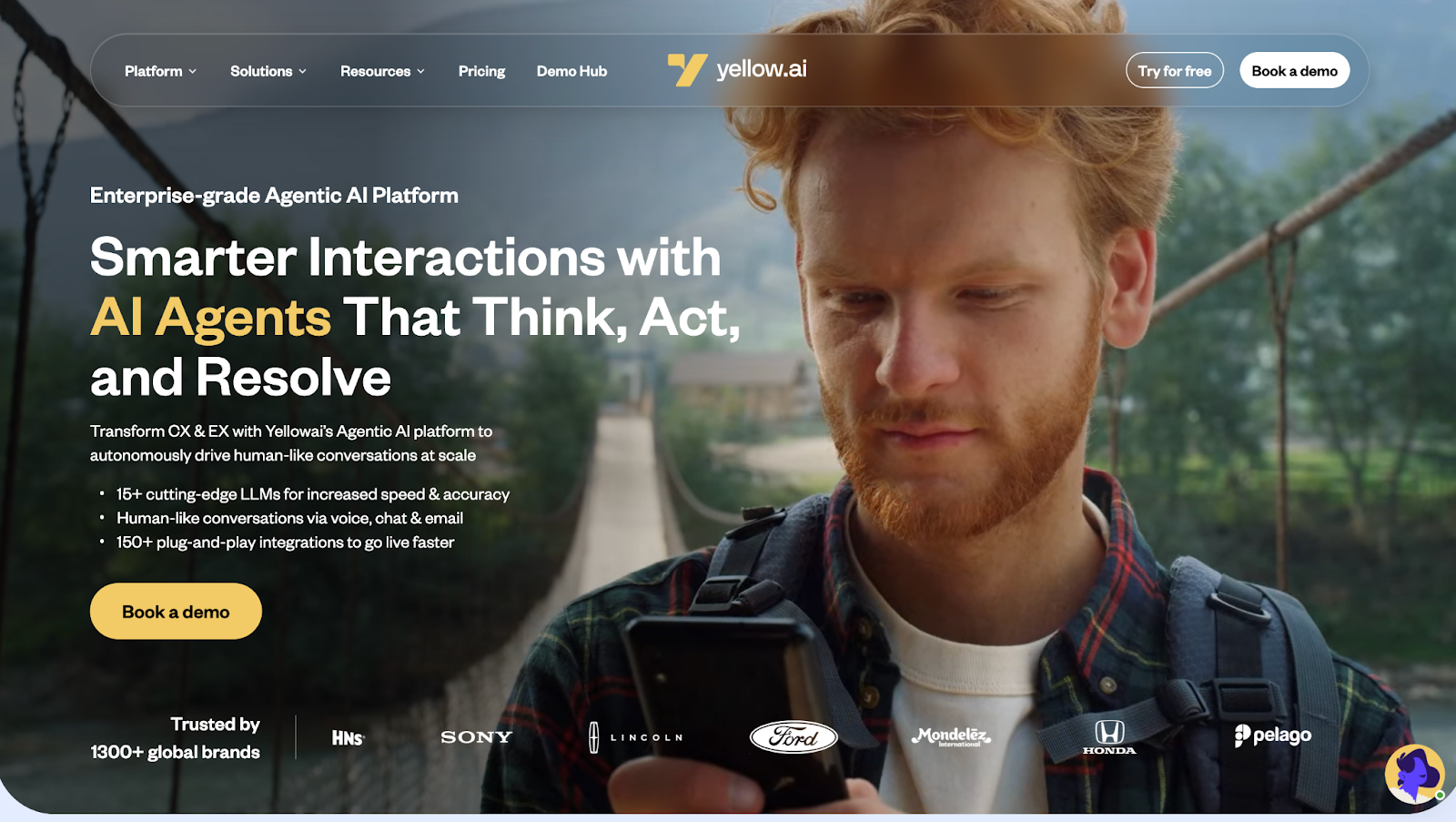
Yellow.ai focuses on brands that run customer and employee conversations across many channels.
It leans on agentic AI, strong automation, and wide language support, so support, marketing, and HR teams can work from one place instead of managing scattered bots. If Yellow.ai's pricing complexity or learning curve is a concern for your team, our list of Yellow.ai alternatives compares the closest options side by side.
Testing notes
In my evaluation, Yellow.ai felt strongest where you need scale and variety. The visual builder made it easy to ship flows across WhatsApp, web chat, and email without rebuilding logic. Once data sources were connected, the AI agents handled a good share of routine customer queries in multiple languages.
Where it underperforms vs others
The platform is powerful, but the interface and setup felt heavier than Retell AI for pure voice use cases and heavier than Dialogflow for very custom builds. Reporting is solid, yet not as deep as Sprinklr for large CX teams that live in dashboards.
Who should avoid it
If you only need a simple website bot or a single-channel assistant, Yellow.ai is probably more platform than you need. Very small teams with no technical help may struggle with the learning curve and should look at lighter tools or managed offerings.
Pros
Cons
G2 rating: about 4.4 / 5, with many users calling out the “human-like” feel of conversations.
“What I like about Yellow AI is that it gives our customers a human-like experience whenever they communicate with us.”
– Shubham G., Senior Sales Development, mid-market user on G2
Pricing
Yellow.ai offers a limited free tier to test flows and a usage-based enterprise plan through sales. I treat it as an upper mid-market and enterprise option rather than a basic, self-serve chatbot tool.
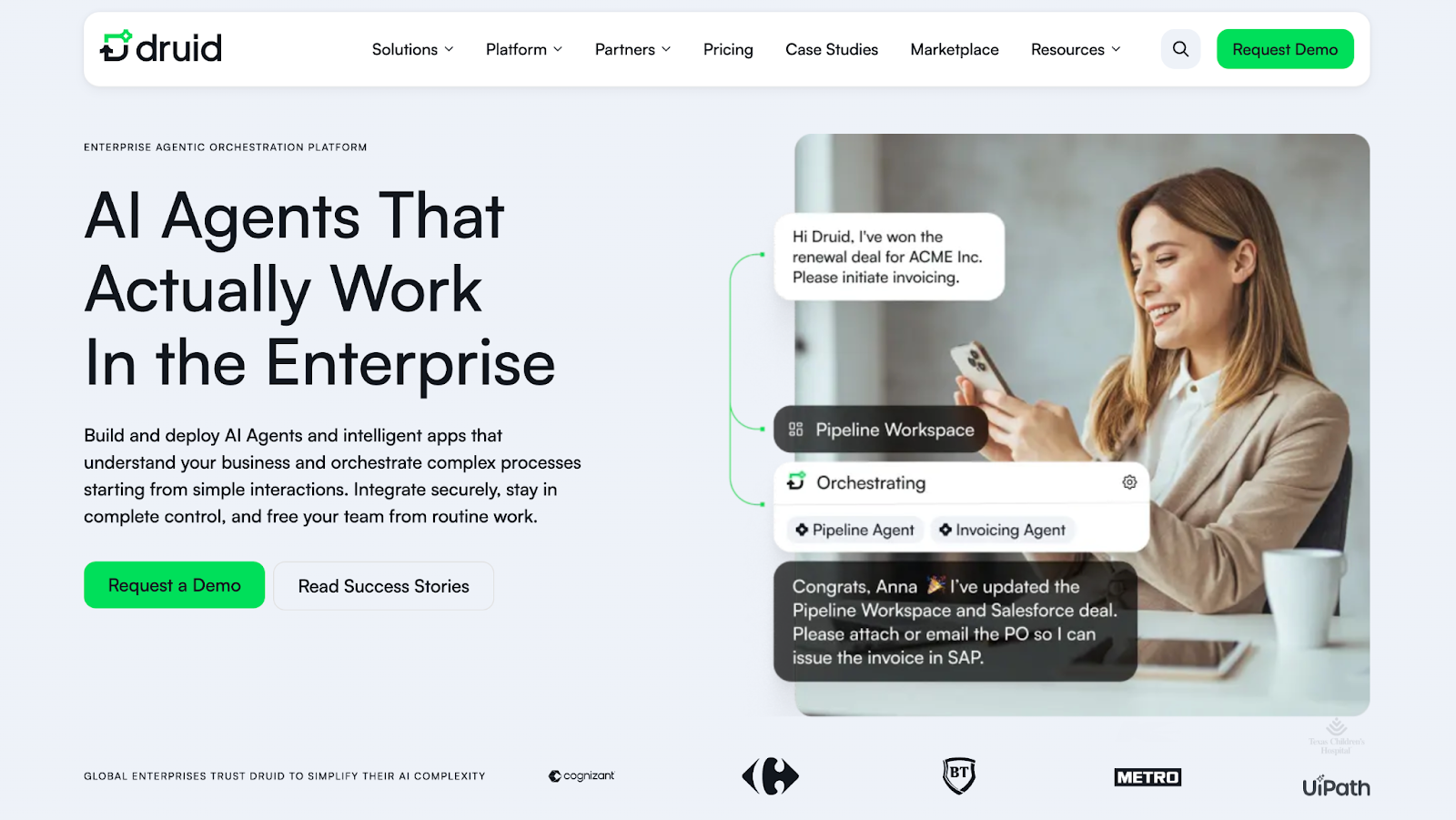
DRUID AI focuses on agentic AI for enterprises. It sits on top of existing systems and RPA, so AI agents can talk with people, pull data, and trigger workflows in tools like UiPath, CRMs, and core business apps.
It suits companies that already invest in automation and want a conversational front end on top of it.
Testing notes
In my review, DRUID AI looked strongest where back office processes were already well defined.
The platform made it easier to expose those workflows through chat and voice without rebuilding every step. Industry templates helped shorten the first phase of design.
Where it underperforms vs others
Compared with Kore.ai or Yellow.ai, the digital CX story feels thinner.
DRUID AI is less about broad customer service across every channel and more about tying conversations to RPA and complex internal flows, which can limit appeal for simpler support use cases.
Who should avoid it
Teams that just need a basic customer support chatbot will likely feel overwhelmed.
Organizations without RPA or clear internal workflows in place will not get the full value from the platform.
Pros
Cons
Rating and user feedback
On Gartner Peer Insights, DRUID AI holds a rating in the high 4s. Reviewers usually praise the natural language engine and ease of integration, with some describing the learning curve on more advanced features.
“DRUID AI is a robust conversational AI solution with easy integration with other applications, a good natural language engine and strong support.”
– Reviewer in Services Industry on Gartner Peer Insights
Pricing
DRUID AI runs on custom enterprise pricing. One public listing mentions a model with a platform license and a virtual assistant license, but most buyers work through partners or direct sales to scope costs around use cases, volumes, and number of assistants.
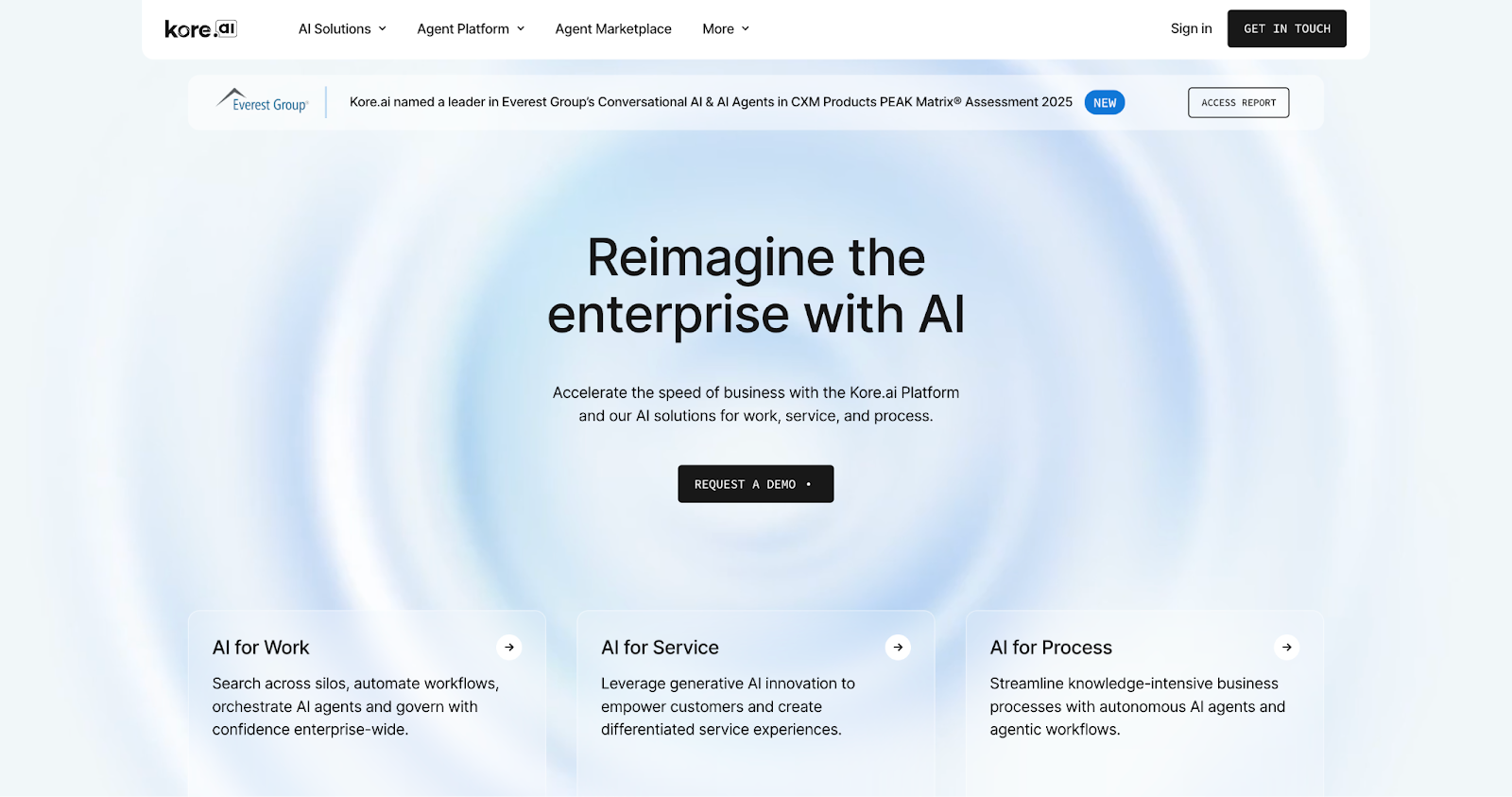
Kore.ai sits in the “all in one” category of conversational AI platforms. It gives you AI agents for customer service, employee support, and operations on the same stack.
You can use it for contact centers, website and app chat, messaging channels, and internal assistants in tools like Teams and Slack.
Testing notes
In my review, Kore.ai felt strongest when one team wanted a single platform for many AI agents.
The visual builder was flexible once you got used to it, and the platform had enough depth to support both self service and agent assist use cases in contact centers.
Where it underperforms vs others
Kore.ai feels heavier at the start than focused tools like Retell AI or Moveworks.
The XO Platform has a learning curve, and setup can be slower than builder style tools like Dialogflow when you only want a narrow bot or one use case.
Who should avoid it
Very small teams, or anyone looking for a quick, plug and play chatbot, will likely find Kore.ai more complex than they need.
If you do not have someone to own the platform, adoption will stall.
Pros
Cons
G2 rating and user feedback
G2 rating sits in the mid 4s with hundreds of reviews. Users praise the flexibility and integration depth, while calling out complexity as the main trade off.
“Integration with other apps and simple UI. It has a straightforward approach to developing and deploying bots.”
– Kodeeswaran C., Senior IVA developer, enterprise user on G2
Pricing
Kore.ai does not publish a simple “starts from” price. It is sold on a custom enterprise model, sometimes through channels like cloud marketplaces, with contracts scoped around channels, usage, and AI agent use cases.
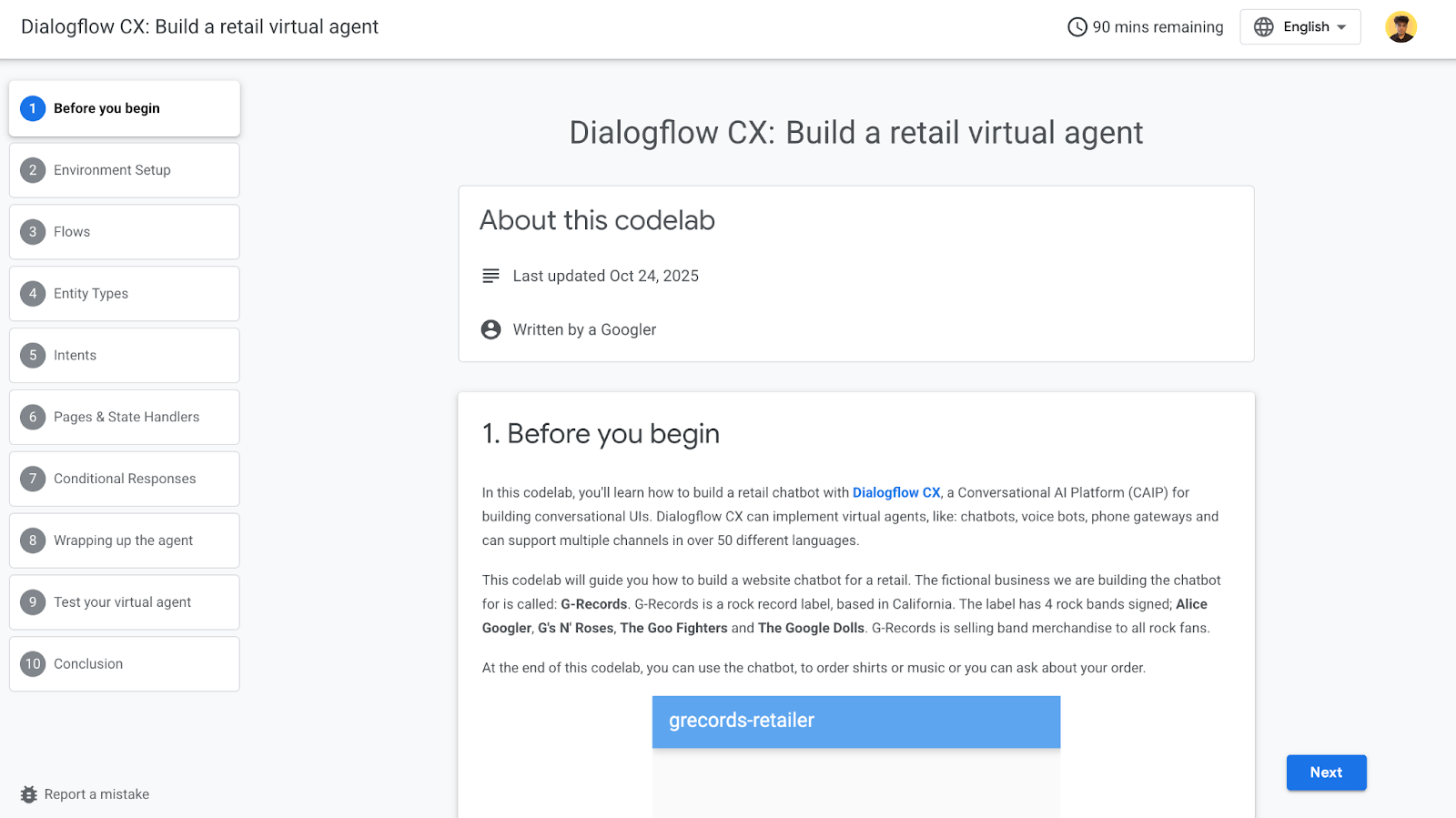
Dialogflow CX is Google Cloud’s builder style conversational AI platform. Product and engineering teams use it to design chat and voice bots, wire them into apps and contact centers, and run everything on Google’s stack.
You design conversations in a visual flow builder with states, routes, and intents. It gives fine control over how a user moves through the flow, then you plug in NLU and connect channels like web chat, mobile, phone, or custom integrations through APIs and partners.
Testing notes
Dialogflow CX felt strongest in teams already on Google Cloud. Engineers treated it like part of the app, not a separate tool, and the flow view made complex conversations easier to reason about.
Where it underperforms vs others
It is not built for non technical teams. Compared with no code platforms like Yellow.ai or Kore.ai, Dialogflow CX needs engineering time for design, integrations, and QA. Reporting also feels lighter than full CX suites such as Sprinklr.
Who should avoid it
Teams without engineering support, or orgs that do not use Google Cloud, will hit friction fast. If you want a business owned bot with minimal setup, a different platform will be easier.
Pros
Cons
G2 rating and user feedback
G2 ratings sit in the mid 4s. Users like the graphical flow builder and NLU quality, while calling out complexity and debugging effort as common trade offs.
“Easy to create flow charts for different intents and the graphical interface makes it much easier for non developer people to understand the logic.”
– G2 reviewer in Information Technology
Pricing
Dialogflow CX runs on pay as you go pricing. You pay per text request and per second of audio, with different tiers for standard and advanced features. New Google Cloud accounts usually get free credits that are enough for early testing.
Amazon Lex is AWS’s conversational AI service.
Teams use it to add chat and voice bots into apps, websites, and Amazon Connect contact centers, while keeping everything inside the AWS ecosystem.
You define intents and slots, set up flows, then connect them to Lambda and other AWS services. The same bot can handle text and speech, which keeps logic in one place for both chat and voice experiences.
Testing notes
In my review, Lex felt strongest for teams already deep in AWS. Devs could wire bots into existing microservices with Lambda and ship contact center flows inside Amazon Connect without introducing new vendors.
Where it underperforms vs others
Lex is less friendly for non technical teams than tools like Kore.ai or Yellow.ai. It also lacks the out of the box CX reporting and workforce tools you get from full contact center suites or broader CX platforms.
Who should avoid it
Orgs that do not use AWS, or teams without developer support, will struggle to get real value from Lex. If you want a mostly no code chatbot, this is not the best fit.
Pros
Cons
G2 rating and user feedback
G2 ratings sit in the low to mid 4s. Users like the native AWS integrations and NLP quality, with common complaints about setup complexity and documentation gaps.
“We can directly integrate AWS services and support both text and voice with strong NLP.”
– Rakesh R., Software Engineer, mid market user on G2
Pricing
Amazon Lex uses pure usage based pricing. You pay per text and speech request, with a limited free tier available for new or low volume projects. It stays affordable for pilots, but you still need to model expected traffic once bots move into production.
When I choose a conversational AI platform, I start with the stack, not the demo. The tools that performed best here were the ones that plugged cleanly into CRMs, help desks, data sources, and contact center tools without months of custom work.
Use this as a quick filter:
The right conversational AI platform fits your stack, your team, and the conversations that matter most, even if the demo feels less flashy than some of the others.
When you pick a conversational AI platform, focus less on the shiny demo and more on how well it fits your stack, your team, and the moments that matter in every customer conversation.
Treat this list as a starting shortlist. Run a small pilot, plug a platform into real workflows, and watch how it handles live customer queries.
The right conversational AI platform is the one your customers barely notice because their problems get solved quickly.
You got this!
Also read: AI Voice Agents in 2025 (and What You Need to Know)
Conversational AI platforms are software tools that let you build, deploy, and manage AI agents that talk with people through text or voice. They combine natural language processing, large language models, and integrations so agents can answer questions and complete tasks across multiple channels.
Leadership shifts by segment. Cloud providers like Google, Microsoft, and Amazon dominate core AI infrastructure. Specialized vendors such as Retell AI, Moveworks, and Kore.ai lead in applied conversational AI for contact centers, IT support, and industry specific use cases.
Yes. Many conversational AI tools offer free tiers or trials. You usually get limited usage, fewer AI agents, or basic support, which is enough to test fit and build a proof of concept before moving to a paid, enterprise grade plan.
Watch for low “starting from” prices that hide per-conversation, telephony, or add-on model fees. Ask vendors to model your monthly volume, channels, and AI agents so you see a realistic total cost of ownership, not just the base platform fee.
Most platforms claim no code, but real projects still need someone who understands workflows, APIs, and data sources. Plan for at least one technical owner plus an operations or CX lead who can maintain intents, knowledge sources, and reporting over time.
Most enterprise-grade conversational AI platforms integrate with your existing communication stack through APIs, native connectors, and webhooks. That lets a custom chatbot read and write to your CRM, help desk, and telephony instead of living in a silo.
Retell AI connects to CRMs, help desks, and calendars, and plugs into existing phone systems through SIP trunking or telephony APIs such as Twilio, Vonage, Telnyx, or your own carrier. Voice and chat agents run inside the tools you already use.
Other platforms that integrate custom AI agents with existing customer communication software include Kore.ai, Sprinklr, Cognigy, Yellow.ai, Salesforce (Agentforce), Zendesk AI, and Intercom (Fin).
The right choice depends on where your conversations happen. Phone-heavy operations get the most value from voice-first platforms like Retell AI, while omnichannel CX suites suit teams unifying social, email, and web chat.
Yes. Every platform in this guide integrates with at least the major CRMs. Retell AI connects to HubSpot, Salesforce, GoHighLevel, Zapier, and n8n, and its webhooks push call events into those systems in real time. Ask two questions during evaluation: does the platform write structured fields back to the record, and does it read from the record before the conversation starts?
Voice-capable platforms connect over SIP trunking, which means you keep your current numbers and carrier. Retell AI supports SIP trunking with no trunking charge, so a contact center points its trunk at the platform rather than migrating telephony. Chat-first platforms such as Moveworks or DRUID AI need a separate voice layer if phone calls matter to you, so confirm voice support before shortlisting.
A chatbot answers questions from a fixed set of intents and hands anything unfamiliar to a human. A conversational AI platform uses large language models to hold multi-turn conversations, keeps context when the customer changes topic, retrieves answers from your own knowledge base, and completes tasks inside your backend systems. The practical test: can it finish the job, or does it only route the request?
Retell AI leads this list for voice. It runs at roughly 600 milliseconds end to end, supports SIP trunking, batch calling, branded caller ID, warm transfer, and IVR navigation, and holds SOC 2 Type I and Type II, HIPAA, and GDPR compliance. Broad CX suites such as Sprinklr and Kore.ai cover more digital channels, though their voice quality and telephony control sit behind a voice-first platform.
A single-purpose voice or chat agent goes live in hours to days on platforms with a visual builder and native CRM connectors. Teams in this guide reached a working deflection agent on Retell AI in about three hours and a full scheduling workflow in one to three days. Enterprise contact center rollouts with custom backend integrations and compliance review typically take weeks to months.
See how much your business could save by switching to AI-powered voice agents.
Total Human Agent Cost
AI Agent Cost
Estimated Savings
A Demo Phone Number From Retell Clinic Office