Best Inbound Call Center Software (2026)
26
MIN READ
October 12, 2026
Today's customer service professionals are spread thin.
High ticket volume, information load, and repetitive tasks drain their time and energy. In fact, 77% of agents report increased and more complex workloads compared to just one year ago.
That's where having the right inbound call center makes all the difference. It answers repetitive questions, routes customers to the right agent, gives reps the context they need and helps managers track performance without forcing everyone to jump between disconnected tools.
This guide is dedicated to CX leaders and IT decision-makers actively looking for an inbound call center solution that moves FCR and AHT, including AI capabilities that aren't gated behind premium plans with a buyer checklist tied directly to operational outcomes.
An inbound call center handles all incoming customer communication, i.e., inbound contact center employees typically answer rather than make calls.
But simply choosing an inbound call center software that allows you to only take calls isn't enough. Most enterprise buyers look for a more omnichannel solution that includes Voice plus chat, SMS, email, and social channels running through a single routing engine.
Instead of having agents on separate phone lines, call center solutions provide a unified dashboard for tracking calls, sms, emails and other channels, tracking customer history, and automatically routing callers to the right person.
Inbound call center software manages every stage of a customer interaction, from the moment a call comes in to the reporting and analysis that happen afterward. Here's how the process typically works:
The process begins when a customer dials a company's support, sales, or service number. The inbound call center platform receives the call and logs important information such as the caller's number, location, and time of contact. This creates the starting point for tracking the entire customer interaction.
Instead of immediately connecting the customer to an agent, the software first uses an Interactive Voice Response (IVR) system or an AI voice agent to understand why the customer is calling. The caller may select options using their keypad or simply describe their issue in natural language.
This initial step helps gather information and directs customers toward the right support path, whether that's self-service, an automated resolution, or a live representative.
Once the customer's needs are identified, the system uses Automatic Call Distribution (ACD) and skill-based routing to send the call to the most suitable agent or department.
For example, a billing question may be routed to the finance team, while a technical issue goes to a support specialist. Intelligent routing reduces transfers, shortens wait times, and improves first-call resolution rates.
During busy periods, inbound call center software prevents customers from waiting on hold for extended periods. The system can place callers in a virtual queue, provide estimated wait times, or offer a callback option so customers can keep their place in line without remaining on the phone. These features help businesses manage high call volumes while creating a better customer experience.
When the call reaches an agent, Computer Telephony Integration (CTI) automatically displays a CRM screen pop containing relevant customer information. This can include previous conversations, support tickets, purchase history, and account details. Because agents already have context before saying hello, they can deliver more personalized and efficient service without asking customers to repeat information they've already shared.
After the interaction ends, the software automatically stores call recordings, notes, transcripts, and customer data in the CRM or help desk platform. Post call analysis tools then use this information to generate reports on key metrics such as call volume, average handle time, resolution rates, and customer satisfaction. These insights help businesses identify trends, improve agent performance, and continuously optimize their customer support operations.
In short, inbound call center software acts as the central hub that manages call routing, customer information, agent workflows, and performance reporting, enabling support teams to deliver faster, more organized, and more personalized service.
Inbound call center software handles incoming customer contacts, which often includes handling actions like:
Giving supervisors real-time visibility into ongoing interactions.
Capturing and organizing data once the interaction is complete.
Supporting agents with information and assistance during conversations.
Routing incoming calls to the most appropriate agent or team.
If you're searching for "call center software," though, you probably need more than just phone coverage. Here are a few features to look out for:
Everything starts with the Automatic Call Distributor (ACD). It receives each inbound call and makes the routing decision, matching the caller to the right agent based on:
Skill set – determining whether the agent has the right expertise to handle the issue.
Priority level – checking if the caller is a VIP customer or if the issue requires escalation.
Current workload – who's available without being overburdened?
The IVR collects information, and the ACD acts on it. With routing, the call lands on the right desk the first time. When it doesn't, customers have to repeat themselves, leading to FCR drops.
CRM integration connects your contact center to the systems where customer data already lives, such as HubSpot, Salesforce or Zoho.
Screen pops pull the customer's record before the agent even picks up the call. It includes account history, previous interactions and open tickets, cutting out the time spent on verifying information the system already has.
Native integrations and open APIs let agents personalize service immediately instead of switching tabs to find context.
Long hold times are one of the biggest reasons customers abandon calls. Queue callback features solve this problem by allowing callers to keep their place in line and receive a call back when an agent becomes available instead of waiting on hold.
Supervisor tools provide managers with real-time visibility into what's happening on the floor. Features such as live dashboards, wallboards, and queue monitoring show call volumes, wait times, service levels, and agent availability as they happen, enabling supervisors to spot issues before they escalate.
Warm transfers area customer support method in which a support agent connects the customer to another representative, typically with additional context and a personal handoff to ensure continuity, similar to anAI receptionist.
Unlike cold transfers, which leave customers to repeat themselves, warm transfer calls bridge the gap between the customer's initial inquiry and the resolution, making it clear that every step of their journey matters.
Call reporting capabilities help the customer support team make better decisions. It provides insight into what's happening on your phone lines: who's calling, why they're calling, how the conversation flows, and what the outcomes are.
In AI-powered systems, call analytics goes a step further. It can automatically classify intent, measure sentiment, detect issues, and even surface coaching opportunities, without requiring anyone to review calls manually.
A credible CCaaS provider should have strong security measures built into the platform and comply with major international standards and regulations, including:
HIPAA–PHI detection, BAA support, access controls
SOC 2 Type II
GDPR
ISO 27001
Businesses that handle phone conversations, especially in healthcare, legal, and finance industries, must ensure strong security measures to safeguard sensitive caller data.
We evaluated the best inbound call center software by assessing how effectively each platform handles real-world customer support scenarios, from routing callers to the right agent to managing high call volumes and providing actionable insights for supervisors.
Every recommendation is based on publicly available information, including feature documentation, published pricing pages, product demos, and verified third-party reviews from platforms such as G2 and Capterra.
Pricing & overall value: We looked beyond the advertised starting price to understand what's actually included. Platforms scored higher when essential features such as IVR, call recording, analytics, integrations, and advanced routing capabilities were available without requiring costly upgrades or add-ons.
Core functionality: We assessed the completeness of each platform's inbound capabilities, including automatic call distribution (ACD), IVR, call queuing, voicemail, callback options, reporting, omnichannel support, and workforce management tools.
Integrations & ecosystem: We considered how well each platform integrates with popular CRMs, help desk software, collaboration tools, and business applications. Strong integrations reduce manual work and give agents the context they need to deliver better support.
AI & automation features: We evaluated AI-powered capabilities such as virtual agents, automated call summaries, sentiment analysis, conversation intelligence, and workflow automation that help improve both agent productivity and customer experience.
Analytics & reporting: We assessed the quality of reporting tools, including real-time dashboards, historical analytics, performance tracking, and supervisor insights that help teams monitor service levels and optimize operations.
Human escalation & handoff: We assessed how effectively the AI transfers callers to a live agent when needed, includingwarm transfers,call routing options, context sharing, after-hours escalation, and the ability to seamlessly hand off complex or sensitive conversations without forcing customers to repeat information.
Setup & onboarding experience: We considered how quickly a business can get started, including account setup, AI training requirements, onboarding assistance, and the level of technical expertise needed to launch.
Our final recommendations include platforms that deliver the best balance of functionality, flexibility, and long-term value for businesses looking to improve their inbound customer service operations.
The market is flooded with inbound call centers, but the platforms listed below stand out for ease of use, reliability, and advanced call routing capabilities.
To make the decision easier, we've compiled a list of the 10 best inbound call centers in 2026 to help you find the perfect fit for your business needs.
Here's a quick walkthrough of all of the tools:
| Platform | Best For | AI Features | Integrations | Pricing |
|---|---|---|---|---|
| Retell AI | AI phone systems & voice agents | AI IVR, LLM-powered conversations, sentiment analysis | CRM, telephony, payments, ecommerce | $0.07/minute |
| RingCentral | Omnichannel inbound routing | AI transcription, agent assistance, call summaries | 500+ | $30/user/month |
| Zendesk | Existing Zendesk users | AI agents, intelligent triage, generative replies | 1000+ | $25/agent/month |
| Five9 | Large regulated contact centers | Genius AI, agent assist, transcription, summaries | 100+ | $159/user/month |
| Genesys Cloud CX | Enterprise omnichannel orchestration | Predictive engagement, AI orchestration, analytics | 600+ integrations, 3,000+ APIs | $75/user/month |
| Talkdesk | Healthcare & financial services | AI Agent, AI Trainer, AI Copilot | 60+ integrations, 90+ partner apps | $105/user/month |
| Dialpad | SMBs wanting native AI | Real-time transcription, sentiment analysis, coaching | Dozens of integrations | $95/user/month |
| NICE CXone | Regulated industries & deep WFM | Enlighten AI, Voice of Customer analytics | 170+ integrations | $110/agent/month |
| Nextiva | All-in-one communications platform | AI receptionist, transcriptions, summaries | 30+ integrations | $23/user/month (SMB), $75/user/month (Enterprise) |
| Aircall | SMB & mid-market sales teams | Transcription, sentiment analysis, summaries | 100+ | $40/license/month |
What does it do? Retell AI is an enterprise-ready AI voice agent platform that's a powerful mix of no-code and API infrastructure that lets everyone from enterprises to lean teams successfully build, deploy and monitor phone-based AI agents.
Who is it for? Retell works best for businesses that enjoy customisability without the technical headache. Anyone from sales to support teams across industries can automate outbound and inbound calls through its agents.
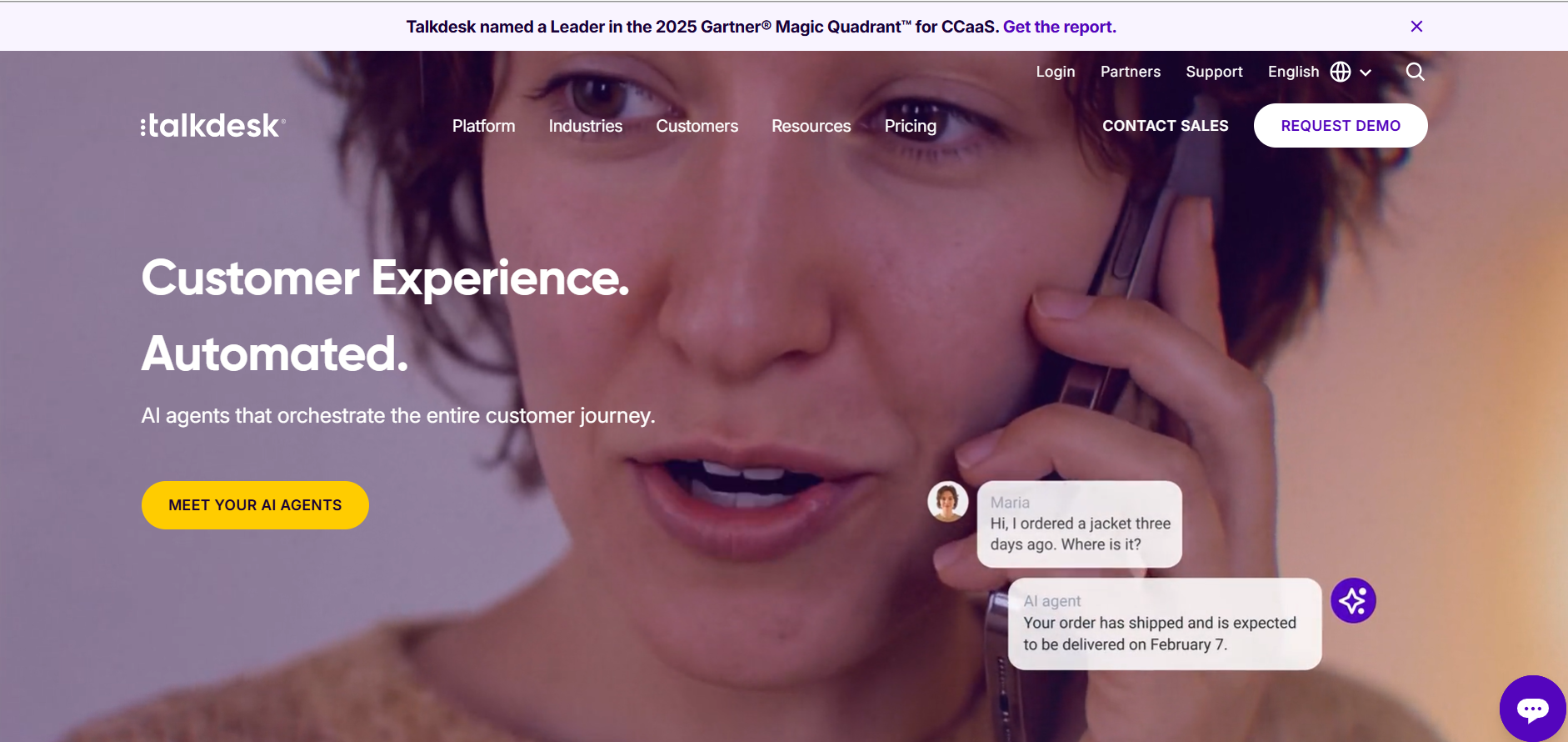

What sets Retell AI apart from all other IVR solutions on the list is its architecture. Retell AI allows you to build conversational flows with a drag-and-drop AI IVR framework that uses LLMs for real-time comprehension.
The platform supports call transfer with full context handoff, so when a caller does need a human, the agent already knows what was discussed. Its post-call analysis dashboard provides structured transcripts, sentiment scores, and custom extracted fields after each call, far more actionable than the basic logs most IVR platforms produce.
End-to-end latency of ~600ms, powered by proprietary turn-taking that smoothly handles interruptions and natural barge-ins.
Flexible pay-as-you-go pricing starting at $0.07/min, with no platform fees, seat minimums, or long-term contracts.
Full flexibility with bring-your-own LLMs (GPT-4o, Claude, Gemini) and voice engines (ElevenLabs v3, OpenAI, Cartesia), ensuring zero vendor lock-in.
Enterprise-ready compliance, including SOC 2 Type II, HIPAA (with a self-service BAA portal), GDPR, along with PII redaction and on-premise deployment options.
Comes with 20 free concurrent calls by default, with seamless scalability to enterprise-level concurrency.
Built-in actions and workflow automation, allowing AI agents to schedule appointments, capture and qualify leads, update CRMs, process payments, and trigger external systems via APIs and webhooks during live conversations.
Retell provides massive integration with your favorite CRM (Hubspot, Pipedrive, Zoho CRM, others), telephony (Twilio, Ring Central, others), payment (Stripe), ecommerce (Shopify) and others.
Retell AI offers transparent, usage-based pricing starting at $0.07/ minute with no platform licensing fees. You pay only for the resources and minutes consumed.
New users get $10 free credit and 60 minutes of call time to experiment without commitment.
Who does it do? RingCentral helps businesses manage inbound customer communications by routing calls efficiently, supporting agents with AI tools, and delivering seamless omnichannel customer service experiences.
Who is it for? RingCentral is ideal for businesses of all sizes that need a scalable cloud contact center solution to manage customer support, sales, and omnichannel communications. It's particularly well-suited for teams that require AI-powered routing, CRM integrations, and support for remote agents.

RingCentral excels in providing a comprehensive omnichannel support experience across phone, chat, SMS, and even social media, all in one place, crucial for modern inbound call centers. You can easily twin your IVR with automatic call distribution (ACD) with skill-based routing to help customers reach the right agents quickly.
It takes a bit of time to set up, but once done, you can see which agents are handling calls, how long customers are waiting and how efficiently the team is performing. AI transcription is another valuable feature. You can wave goodbye to the tedious process of manually creating notes from customer interactions—AI will handle this for you.
RingCentral allows you to connect 20+ digital and social channels to deliver the best experience wherever your customers are.
Its AI assistance enhances your team and helps to avoid the unfortunate situation of agents being unable to answer certain questions.
Agents can record calls with a single click, making it easier to review customer interactions and train teams.
AI-powered transcription automatically converts conversations into text, eliminating manual note-taking and providing valuable insights for reporting and analytics.
RingCentral offers 500+ pre-built integrations with popular business applications, including CRM, productivity, and collaboration tools like Salesforce, Microsoft Teams, HubSpot, Zendesk, and Google Workspace.
RingCentral pricing depends on the number of users across four paid plans. For 1-5 users, it costs:
Core: $30/user/month
Advanced:$35/user/month
Ultra:$45/user/month
Customer engagement bundle: Custom pricing
What does it do? Zendesk is a cloud-based customer service platform that helps businesses organize all their customer interactions in one sleek place. It includes a world-class ticketing system, robust live chat, a flexible help centre builder, and powerful reporting dashboards.
Who is it for? Zendesk is incredibly versatile. While it works excellently for external customer support, many teams also use it internally for IT help desks or HR requests. Also, it works just as well for a small team as it does for a global enterprise.

Zendesk is a comprehensive customer service platform that brings all your customer interactions in one place. It doesn't matter if a customer sends an email, pings you on calls, social media, or starts a live chat; it all ends up on a single, unified dashboard.
You can also merge tickets from the same user to avoid duplicate conversations with different agents. That feature helps keep communication organized and ensures customers aren't repeating themselves.
Because Zendesk is so powerful and feature-rich, the platform offers an incredible amount of enterprise-grade functionality. Its tool is built for experts; it provides extensive opportunities for custom workflows, triggers, and automations.
Zendesk's advantage is scale. If you're already using Zendesk, the AI features plug right into your existing setup. Conversation history stays unified. Agent handoff happens within the same workspace.
Zendesk's intelligent triage uses machine learning to look at incoming tickets and automatically sort, tag, and decide how important they are.
Suggest relevant responses that agents can use to handle common issues quickly.
Zendesk provides comprehensive reporting and analytics tools so you can keep track of how well its AI features are doing.
You can build structured conversation flows where the AI asks qualifying questions, collects information, and routes conversations based on the answers.
Zendesk offers an omnichannel experience that offers a single view of the entire customer journey.
The Zendesk Marketplace offers over 1000 integrations, making it easier to connect with tools you already use.
Zendesk AI makes the most sense for teams already invested in the Zendesk ecosystem who want to add AI capabilities without switching platforms.
Zendesk offers transparent, tiered pricing:
| Plan | Pricing | AI Features Included |
|---|---|---|
| Support Team | $25/agent/month | AI agents (Essential) |
| Suite Team | $69/agent/month | AI agents, Generative replies, Knowledge Builder |
| Suite Professional | $149/agent/month | Above + Copilot (5 uses/month), Up to 5 help centers |
| Suite Enterprise | $219/agent/month | Above + Up to 300 help centers |
What does it do? Five9 is a cloud contact center platform used for inbound calling, outbound dialing, digital engagement, and AI-powered analytics.
Who is it for? Five9 manages call routing, multichannel conversations, and outbound dialing well for large teams. It works best for inside sales teams with 50+ reps who need reliable dialing and are ready to commit to annual contracts.
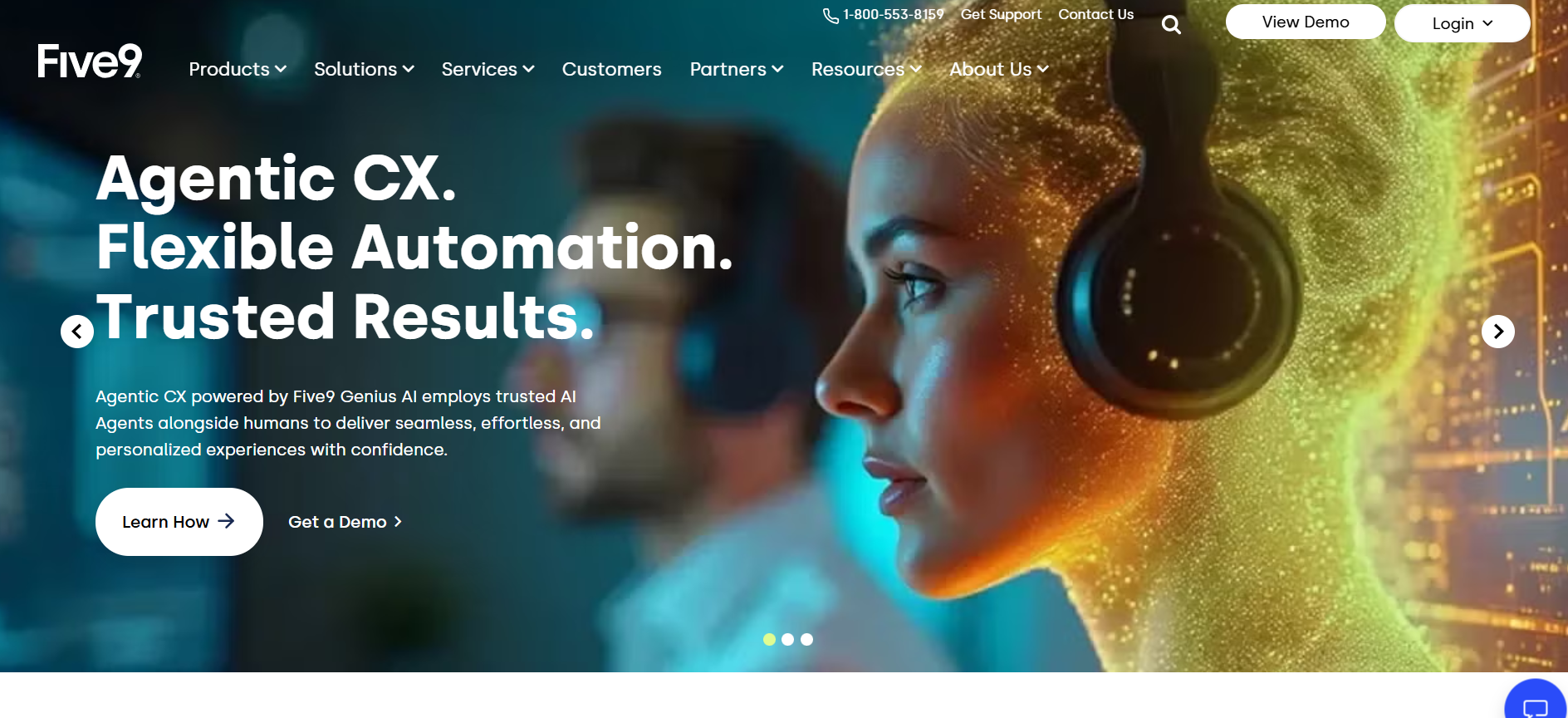
Five9 is a cloud contact center platform for outbound, inbound, and multichannel contact centers worldwide. Creating Prompts (pre-recorded messages or IVR options) is intuitive and flexible. These can be used in IVR flows, outbound campaigns, or voicemail setups.
Five9's strength is its compliance depth. The platform supports HIPAA, PCI DSS, and SOC 2 certifications, and its 99.999% uptime SLA (five nines, hence the name) is among the highest in the industry. The Genius AI suite provides agent assist, call summaries, and transcription.
Predictive dialer is the sharpest among legacy CCaaS platforms, ideal for outbound sales and collections.
99.999% voice uptime SLA across the test period.
Delivers live dashboards and performance metrics for supervisors. Managers can spot trends and make quick decisions during peak periods.
Comprehensive compliance: SOC 2, HIPAA, PCI DSS, GDPR.
Five9 provides comprehensive recording capabilities to ensure that agents are providing the best service without cutting costly corners.
Automatically directs voice, chat, email, and SMS interactions to the right agent. Teams can manage all channels from a single interface.
Five9 offers 100+ pre-built integrations with leading CRM and business applications, including Salesforce, Microsoft Dynamics 365, Zendesk, and ServiceNow. It also provides open APIs and SDKs, allowing businesses to build custom integrations and automate workflows across their tech stack.
The base pricing is a bit misleading at first glance. Digital Essentials starts at $119/user/month, but that covers email, chat, SMS, and social only. For Voice, Five9 pricing starts at:
Core: $159/month/user
Plus: custom pricing
Pro: custom pricing
Enterprise: custom pricing
What does it do? Genesys Cloud CX is a cloud-native CCaaS platform unifying Voice, digital channels, workforce engagement, and AI orchestration for large contact centers.
Who is it for? A general rule of thumb when it comes to Genesys is that companies with 500+ agents, multiple locations, or global operations are the best fit, since it's both a full call center solution and a workforce engagement platform. It's also too complex and costly for businesses that don't need considerable up-front planning and configuration.
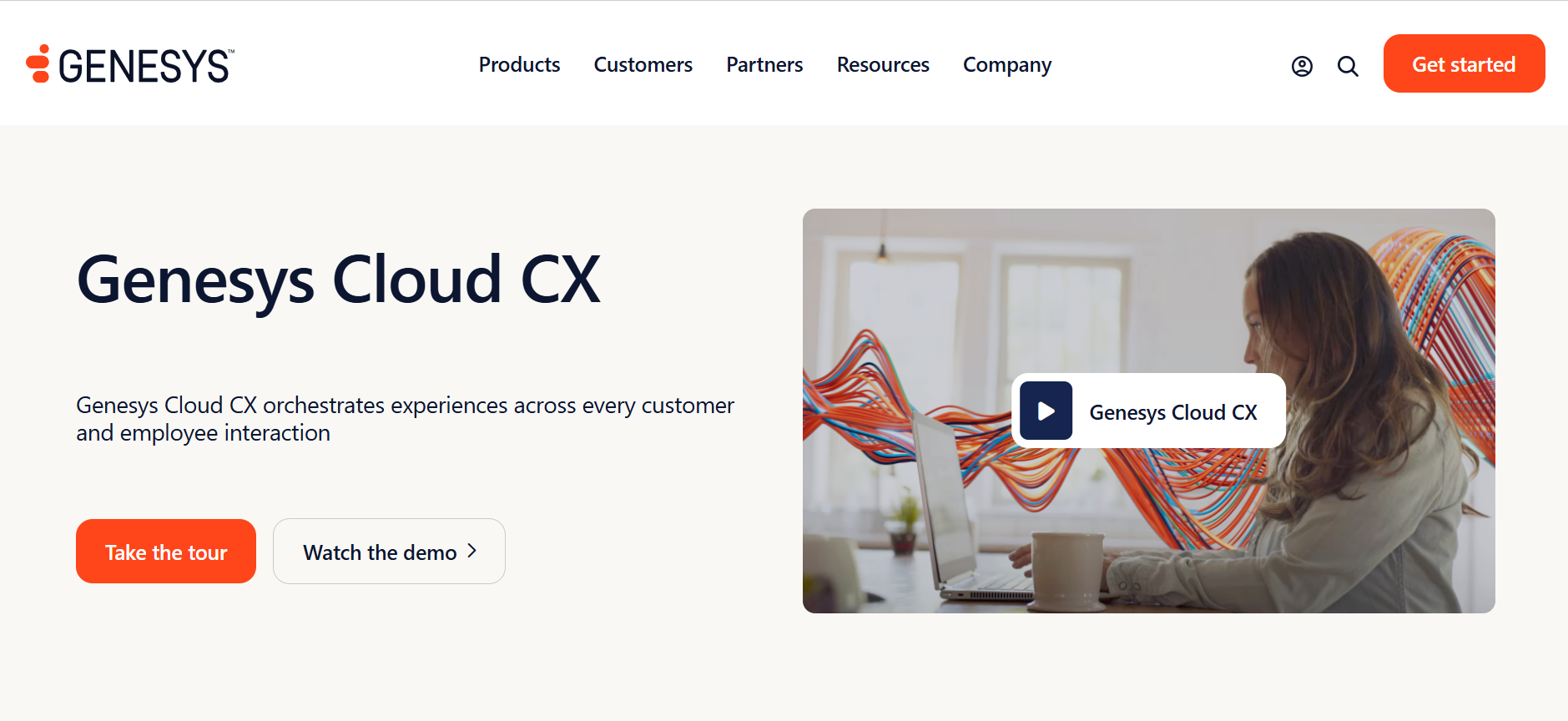
One of the most powerful features of Genesys is its architect, the drag-and-drop flow designer that puts sophisticated routing logic at your fingertips. You can integrate with external CRM APIs to validate customer information. Further, implemented intelligent skill-based routing and included real-time queue monitoring and overflow handling.
The speech-enabled IVR handled common phrases well, but I measured an average response latency of about 1.8 seconds, which can frustrate customers.
Deep WFM with forecasting, scheduling, and quality management bundled into CX 3 and CX 4 tiers.
Strong omnichannel: Voice, email, chat, SMS, and social all route through a single agent desktop.
AI Experience tokens included across all tiers, with predictive engagement driving documented 25% cost-per-contact reduction in mature deployments.
40+ languages with auto-detect for global enterprise rollouts.
Offers global data residency options, role-based access controls, and compliance certifications, including PCI DSS, GDPR, HIPAA, and SOC standards.
Provides customizable dashboards, historical reporting, speech and text analytics, and KPI monitoring for supervisors and executives.
Genesys Cloud AppFoundry offers over 600 pre-built integrations and 3,000+ public APIs, connecting with leading platforms such as Salesforce, Microsoft Dynamics 365, ServiceNow, Zendesk, Microsoft Teams, and Zoom. It also supports integrations with AI, analytics, and automation tools through open APIs and one-click marketplace installations.
Genesys Cloud CX offers 6 pricing plans from $75 to $240/user/month, including voice-only, digital-only, and mixed-channel options:
Cloud CX 1, Voice Only: $75 monthly
Cloud CX 2, Digital + Voice: $115 monthly
Cloud CX 3, Voice + Digital + Workforce Management: $155 monthly
Cloud CX 4, Voice + Digital + Workforce Management + AI-Powered Experience Orchestration: $240 monthly
What does it do? Talkdesk CX Cloud is an AI-powered cloud contact center built on a single platform for Voice, digital channels, automation, and analytics.
Who is it for? Talkdeskcaters to businesses across several industries, including healthcare and manufacturing, with specialized plans geared towards the financial sector.
What stands out most about Talkdesk is how seamlessly it combines automation, usability, and intelligence into a single platform without adding operational complexity. Its Experience Clouds come with pre-built EHR integrations for healthcare and banking workflows for financial services.
The call flow builder, in particular, is a major strength. Its intuitive drag-and-drop interface lets teams quickly create and adjust IVR workflows without extensive engineering support. This alone can save hours each week when updating routing logic or testing new customer journeys.
Industry Experience Clouds for healthcare, financial services, retail, and travel speed deployment significantly.
Studio builder is the most approachable in the legacy CCaaS tier for non-developers.
Native AI suite, including AI Agent, AI Trainer, and AI Copilot, automates customer interactions and provides real-time guidance to agents.
Omnichannel engagement across Voice, email, chat, SMS, and social messaging from a single agent workspace.
Built-in customer experience analytics and sentiment analysis help supervisors identify trends and improve service quality.
Enterprise-grade security and compliance, including PCI DSS, HIPAA, GDPR, and role-based access controls for regulated industries.
Talkdesk AppConnect Marketplace provides 60+ integrations and 90+ partner applications, including connectors for Salesforce, Microsoft Dynamics 365, Zendesk, ServiceNow, HubSpot, Slack, and Microsoft Teams. It also offers open APIs, webhooks, and low-code integrations through AppConnect, enabling businesses to build custom workflows and connect third-party applications quickly.
Talkdesk CX Cloud has 3 scalable plans:
Digital Essentials: $85/user/month (doesn't include Voice)
Voice Essentials: $105/user/month
Elite: $165/user/month (includes dedicated pre-built EHR for healthcare and banking)
What does it do? Dialpad AI Contact Center combines Voice, digital channels, and built-in AI for transcription, sentiment analysis, and live agent coaching in one platform.
Who is it for? Customer-facing teams under 200 seats that want native AI features without paying enterprise CCaaS rates.
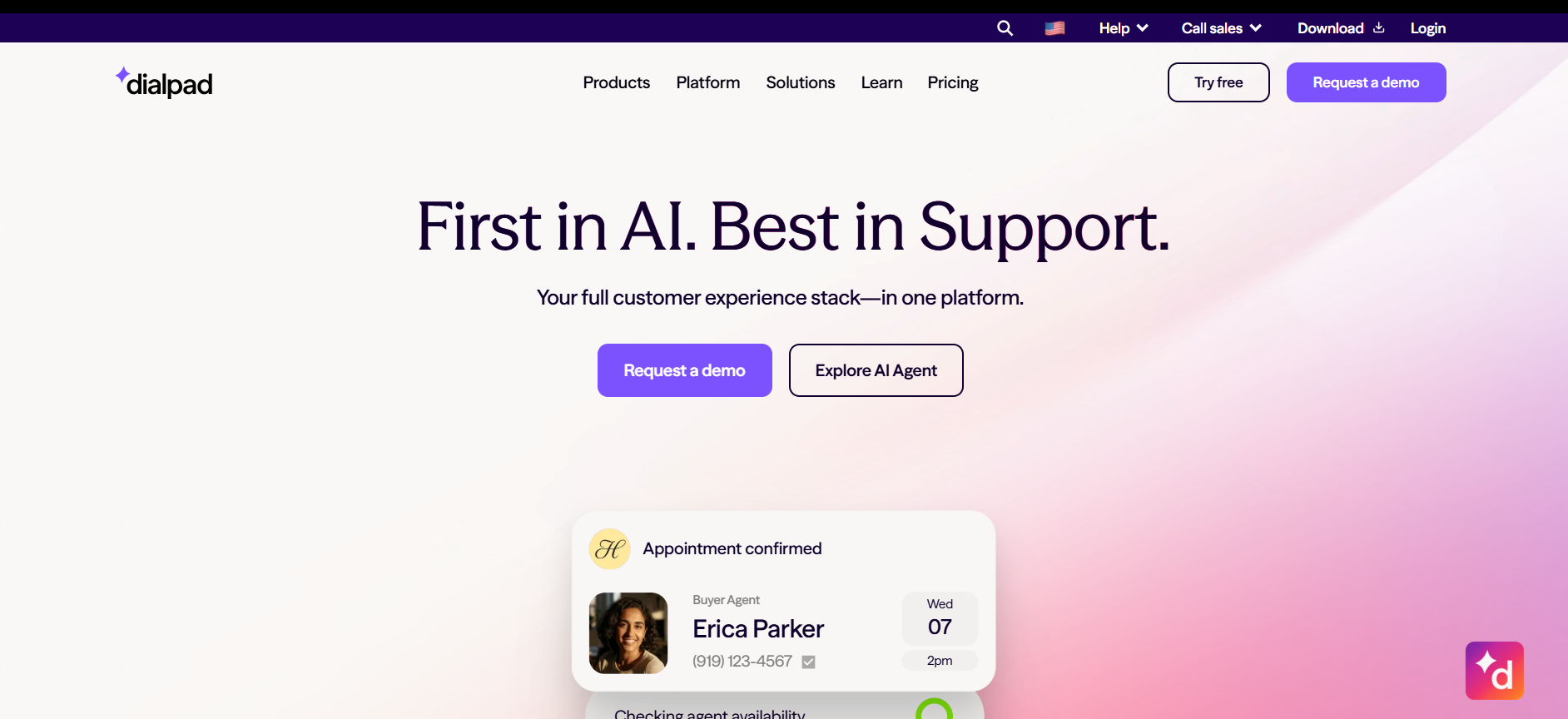
Dialpad Connect is a cloud communication platform that doubles as your business's IVR system and phone services.
The platform includes a basic IVR builder with time-based and skills-based routing, as well as call queues. Real-time transcription works well during testing, and the AI CSAT feature predicted customer satisfaction scores without requiring post-call surveys.
It combines essential inbound call center features like IVR, ACD and skill-based routing with advanced AI functionality like automated QA, real-time agent assistance and coaching, plus the ability for AI agents to automate many frontline requests to give support teams an edge in responsiveness and efficiency.
Dialpad's custom moment lets you build custom alerts for certain trigger words or phrases (e.g., "This is terrible") that'll notify you when those words get spoken by a customer on a call.
Dialpad AI can detect sentiment changes on a call, which gives you the power to see at a glance how your calls are going.
AI features (transcription, sentiment, real-time coaching, post-call summaries) ship in base plans, not as paid add-ons.
A strong UCaaS layer means Voice, video, and team chat live in one app.
Dialpad Integrations Marketplace offers dozens of native integrations with business tools such as Salesforce, Microsoft Teams, Zendesk, Google Workspace, Slack, and ServiceNow. It also provides open APIs, webhooks, and Zapier connectivity, enabling businesses to build custom workflows and automate communications across their tech stack.
Dialpad offers three paid plans, including:
Essentials:$95/user/month
Advanced:$135/user/month
Premium: $170/user/month
What does it do? NICE CXone Mpower is a cloud CCaaS platform combining ACD, IVR, omnichannel routing, workforce optimization, and Enlighten AI for analytics.
Who is it for? NICE CXone works best for enterprise contact centers in finance, healthcare, and insurance that need deep workforce management and quality assurance with strict compliance.
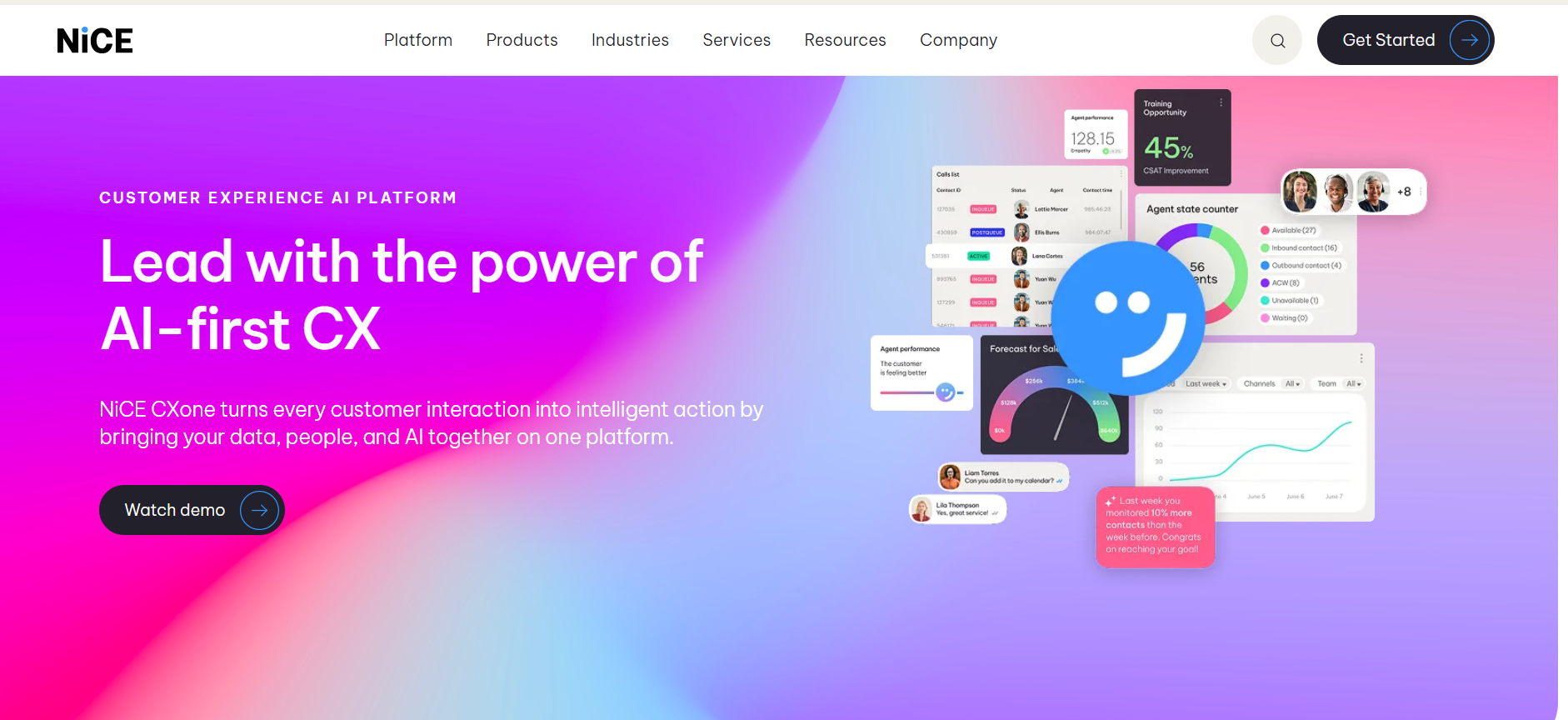
Nice CXone is a comprehensive inbound call center solution that unites over 40 communication channels, employee engagement and self-service tools. It can seamlessly handle inbound queries across digital and traditional channels, routing each interaction to the appropriate agent or department.
Its Voice of Customer (VoC) feature captures sentiment across interactions, self-service and IVR menu choices. NICE CXone IVR systems go beyond simple routing, offering self-service options such as bill payments and account updates.
CXone's Enlighten Autopilot feature lets you augment self-service tools like IVR and IVAs with knowledge base content.
55+ language support with native CRM integrations for Salesforce and ServiceNow.
Deepest WFM in the category: forecasting, scheduling, intraday management, quality management.
Strong compliance posture for healthcare and financial services with end-to-end encryption and audit trails.
NICE CXone CXexchange Marketplace offers 170+ pre-built integrations and hundreds of APIs and SDKs, connecting with leading platforms such as Salesforce, Microsoft Dynamics 365, ServiceNow, Zendesk, Oracle Service Cloud, and HubSpot. It also provides low-code Connection Hubs, open REST APIs, and developer tools for building custom workflows and third-party integrations.
NICE CXone offers five paid plans, including:
Omnichannel Suite: $110/ agent/ month
Essential Suite: $135/ agent/ month
Core Suite: $169/ agent/ month
Complete Suite: $209/ agent/ month
Ultimate Suite: $249/ agent/ month or $0.25 per session
What does it do? Nextiva is an AI-powered cloud contact center and business communications platform that unifies Voice, SMS, email, live chat, social messaging, and video into a single workspace.
Who is it for? Nextiva is ideal for small and mid-sized businesses and growing enterprises that want an all-in-one communications and contact center solution without the complexity of large enterprise CCaaS platforms.
Netiva is an all-in-one omnichannel inbound call center software across Voice, SMS, chat, email, social media, and messaging apps like WhatsApp. It combines contact center functionality with a full suite of business communication tools (VoIP, video, chat), providing a unified AI-powered call center environment for service, sales and team collaboration.
Each of Nextiva's plans includes an auto-dialer, a built-in CRM system and a workflow builder that automates routing and customer journey. Higher-tier plans include more interactive bots, custom omnichannel surveys, and customer experience analytics.
You can customize routing with omnichannel distribution styles like skills-based, longest-idle, or a custom order.
Nextiva's AI agent features offer real-time transcriptions and automated call summaries to increase productivity and get key customer insights. Plus, its AI receptionist XBert handles calls, texts, and chats 24/7, as well as books appointments and captures leads.
You can build multi-level IVR menus with speech recognition and self-service options that help customers resolve simple issues without needing an agent.
Supervisors get live performance metrics, customizable reports, and historical analytics to track service levels, agent productivity, and customer trends.
Nextiva Integrations Marketplace offers 30+ pre-built integrations across CRM, helpdesk, productivity, ERP, EHR, and POS platforms, including Salesforce, HubSpot, Microsoft Dynamics 365, Zendesk, Microsoft Teams, and Oracle NetSuite. It also provides APIs, browser extensions, and CTI integrations for custom workflows and real-time customer data synchronization.
Nextiva offers dedicated pricing for small businesses and enterprise plans starting at $23/user/mo and $75/user/mo, respectively.
What does it do? Aircall is a cloud-based business phone and contact center platform that helps teams manage inbound and outbound customer conversations across voice channels. It combines telephony, call routing, analytics, and CRM integrations in a simple, easy-to-deploy solution for sales and support teams.
Who is it for? Aircall is ideal for small and mid-sized businesses, startups, and growing customer support and sales teams that need a user-friendly cloud phone system with strong integrations and minimal IT complexity.
Aircall is primarily a voice-first inbound call center solution that enables businesses to manage customer calls through an intuitive cloud-based platform. It offers features such as smart call routing, IVR, call monitoring, analytics, and collaborative tools that help support and sales teams improve customer experiences.
The platform integrates deeply with popular CRM and helpdesk applications, allowing agents to access customer information and automate workflows directly from a single interface.
Intelligent call routing with skills-based distribution, ring groups, time-based routing, and customizable call queues to ensure customers reach the right team quickly.
Multi-level IVR menus and self-service options that help callers navigate to the appropriate department without agent intervention.
AI-powered features, including call transcription, conversation summaries, sentiment analysis, and keyword tracking, to improve productivity and coaching.
Real-time dashboards, live call monitoring, call whispering, and call barging capabilities for supervisors and team managers.
Detailed analytics and customizable reporting on call volumes, response times, agent performance, and customer service metrics.
Shared inboxes, warm transfers, and collaborative features that enable teams to work together efficiently on customer conversations.
Aircall offers 100+ pre-built integrations across CRM, helpdesk, productivity, and automation platforms, including Salesforce, HubSpot, Zendesk, Intercom, Pipedrive, Microsoft Teams, Slack, and Shopify. It also provides APIs and webhook capabilities that enable custom integrations and real-time synchronization of customer data and workflows.
Aircall offers three paid plans, including:
Essentials:$40 /license
Professionals:$70 /license
Custom: Custom pricing
The biggest mistake we see is teams choosing a platform based on the number of AI features or channels it supports rather than how well it fits their actual workflows. A sophisticated contact center means very little if agents struggle to use it, reporting is difficult to access, or integrations require months of implementation work.
A few practical ways to narrow it down:
If you want to build highly customizable AI voice agents and automate both inbound and outbound conversations,Retell AIis the platform to build on. Its flexible architecture, bring-your-own-LLM approach, and extensive integrations make it ideal for businesses that want complete control over their caller experience.
If omnichannel customer engagement is your priority,RingCentral delivers a strong mix of Voice, chat, SMS, and social channels, making it a great fit for businesses that need scalable inbound routing and collaboration tools.
If your company already runs on Zendesk, sticking with Zendesk AI is usually the smartest move. AI agents, ticketing, and customer conversations remain in the same workspace, reducing complexity and preserving your existing workflows.
If you're running a large contact center with strict compliance requirements,Five9 offers enterprise-grade reliability, powerful outbound capabilities, and one of the strongest compliance postures in the industry.
If you operate a global enterprise with complex routing and workforce management needs,Genesys Cloud CX provides some of the deepest customization, AI orchestration, and omnichannel capabilities available today.
If you're in healthcare, financial services, or another industry with specialized workflows,Talkdesk's industry-specific Experience Clouds can significantly reduce deployment time and accelerate your AI initiatives.
If workforce optimization and quality management are mission-critical, NICE CXone stands out with its industry-leading forecasting, scheduling, compliance tools, and analytics capabilities.
If you're a growing business that wants built-in AI without the complexity or cost of a large enterprise platform,Dialpad delivers transcription, sentiment analysis, coaching, and contact center capabilities in an easy-to-manage package.
If you're a small or mid-sized business looking for an all-in-one communications and contact center solution,Nextiva combines Voice, messaging, video, CRM, and AI capabilities into a single platform that's simple to deploy and scale.
If ease of use and deep CRM integrations matter most, Aircall offers one of the easiest cloud phone systems to implement, making it ideal for support and sales teams that need to get up and running quickly.
The best way to evaluate any of these platforms is to test them using your real customer scenarios. Simulate call spikes, transfers, self-service requests, and off-script conversations. The differences between platforms become obvious when you measure how quickly agents resolve issues, how easily supervisors can manage performance, and how well the software integrates with the tools your team already relies on.
There's no one-size-fits-all when it comes to inbound call center solutions. The right software depends on your team size, industry, and goals. Whether you're after smooth CRM integrations, advanced AI tools, or something that just works as you grow, the list above covers a range of strong contenders.
Among the platforms tested, Retell AI delivers the lowest measured latency, the most flexible cost model, and the only deployment that went from signup to live agent in under a single workday.
For operations drowning in missed calls, after-hours gaps, or rising BPO costs, Retell is your ultimate solution.
You can also check how our clients have automated 90% of their incoming calls and achieved 4x operational efficiency. Ready to experience it yourself? Start your free trial with Retell today.
Inbound call center software helps businesses manage incoming customer calls efficiently. It includes features like intelligent call routing, IVR menus, queue management, call recording, analytics, and agent dashboards. Modern platforms also support omnichannel communication through email, chat, SMS, and social media, enabling support teams to deliver faster, more personalized customer service from a single platform.
Inbound call center software is designed to handle incoming customer interactions such as support requests, billing questions, and service inquiries. Outbound call center software focuses on making calls for sales, lead generation, collections, and customer outreach. While inbound platforms prioritize routing and customer service efficiency, outbound solutions emphasize dialing automation, campaign management, and agent productivity.
Inbound call center software pricing varies widely based on features and business size. Basic cloud solutions typically start around $20–$50 per user per month, while advanced platforms with AI, workforce management, and omnichannel capabilities can range from $100–$200+ per user per month. Enterprise contact center platforms often require custom pricing based on usage, integrations, and support requirements.
The best inbound call center software should include intelligent call routing, IVR, call queues, omnichannel support, analytics, call recording, CRM integrations, and real-time reporting. Businesses should also look for AI-powered capabilities such as virtual agents, automated summaries, sentiment analysis, and workforce management tools that help improve customer experience and agent efficiency.
For small businesses, the best inbound call center software combines affordability, ease of use, and scalability. Platforms like Retell AI, Nextiva, RingCentral, and Aircall are popular choices because they offer cloud deployment, built-in automation, CRM integrations, and flexible pricing without the complexity of large enterprise contact center platforms.
Yes. AI can effectively handle many inbound calls, including answering FAQs, qualifying leads,scheduling appointments, routing callers, and providing basic customer support. Modern AI voice agents can understand natural language and operate 24/7, reducing wait times and agent workloads. However, complex or sensitive issues often still benefit from escalation to human agents.
For most businesses, cloud-based call center software is the better option because it offers faster deployment, lower upfront costs, automatic updates, and the flexibility to support remote teams. On-premise systems provide greater infrastructure control and may suit organizations with strict compliance requirements, but they generally require higher maintenance costs and dedicated IT resources.
See how much your business could save by switching to AI-powered voice agents.
Total Human Agent Cost
AI Agent Cost
Estimated Savings
A Demo Phone Number From Retell Clinic Office