Automated Answering Service: How It Works and How to Choose One
15
MIN READ
September 7, 2026
A missed call rarely feels like a lost sale. It feels like nothing, because you never find out it happened.
The phone rings while you're on a job, with a client, or closed for the night. Nobody's free to answer. The caller doesn't leave a voicemail and doesn't wait for a callback.
They just dial the next name on the list, and the sale quietly goes to someone else.
An automated answering service is meant to catch those calls for you. The problem is that most people picture the old "press 1 for sales" menu, the kind that loses callers almost as fast as no answer at all.
That version is dead. The one worth having in 2026 holds a real conversation, answers questions, and books the appointment while you're busy.
This guide covers what an automated answering service is now, the types worth knowing, what they cost, and how to choose one your customers won't hang up on.
An automated answering service is a phone system that answers your incoming calls without a live person on the line. It greets the caller, works out what they need, and then handles the request or routes it to the right place.
The term covers a wide range. On one end sits a recorded menu that reads out options. On the other sits an AI voice agent that talks with the caller like a member of your staff would.
What they share is the goal: pick up every call, at any hour, so a person calling your business always reaches something other than a ringing phone or voicemail.
A modern automated phone answering service can usually do most of the following:
Answer common questions like hours, location, pricing, and availability, without pulling a staff member away from their work.
Take messages and capture details so you have the caller's name, number, and reason for calling waiting for you.
Book, reschedule, or cancel appointments by connecting to your calendar during the call.
Qualify and route callers by sending a sales lead one way and a support issue another.
Transfer to a human when the call is complex or the caller asks for one.
Work around the clock, covering nights, weekends, and the lunchtime rush when your team is stretched.
The difference between a basic setup and a good one comes down to how much it can resolve on its own. A weak system just records a message for you to deal with later. A strong one finishes the job while the caller is still on the phone.
Shopping for one of these gets confusing fast, because the same idea goes by several names. Most of them overlap, and some are used loosely.
Auto attendant: The recorded "press 1 for sales" menu that routes calls to the right extension. Basic, but still common.
IVR (Interactive Voice Response): A more structured version of the same thing, often used for self-service tasks like checking a balance.
Automated call answering service: A general label for any system that answers and directs calls automatically.
Automated telephone answering service: An older phrasing for the same category, more common in legacy or enterprise settings.
Virtual receptionist or AI receptionist: A conversational agent that speaks naturally, understands intent, and can complete tasks rather than just point callers to a menu.
If you take one thing from the list, let it be this: the label matters far less than what the system can actually do on a call. Two products can both call themselves a virtual receptionist and behave nothing alike.
Every automated answering service follows the same basic arc. What separates a good one from a frustrating one is how well it handles each step.
Here's what happens when the phone rings:
The call is answered on the first ring or two, so the caller never hits voicemail.
The caller hears a greeting, usually branded to your business.
The system works out what they want, either by offering a menu or by listening to the caller explain in their own words.
It acts on the request: routing the call, answering the question, or booking the appointment then and there.
It hands off or wraps up, transferring anything complex to a person and logging the call details for you.
That last step is where the value sits. A system that captures the caller's name, number, and reason for calling means you follow up with context instead of a blank voicemail.
Step three is the real divide, and the gap between the two approaches is wide.
Menu-based (the old way). The caller is read a list and told to press a number. It works for simple routing, but breaks the moment their need doesn't fit a preset option. Everyone knows the feeling of mashing 0 to reach a human.
Conversational (the AI way). The caller just says why they're calling, in a normal sentence, and the system understands it. Rather than "press 2 for appointments," they say "I need to move my Thursday cleaning to next week," and the agent handles it.
This move from menus to conversation is the biggest change in the category, and it's why an automated answering service today can do things that weren't possible a few years ago.
Under the hood, a conversational system pairs speech recognition, a language model, and natural text-to-speech, then connects to your calendar or CRM so it can finish a task instead of just talking about it.
| Type | Handles Full Conversations? | Best For | Typical Cost |
|---|---|---|---|
| Auto Attendant | No | Basic call routing | Low |
| IVR | No | Repeat self-service tasks | Low to Medium |
| AI Voice Agent | Yes | 24/7 call resolution | Medium |
| Live Virtual Receptionist | Yes (human) | Low-volume, high-touch calls | High (per minute) |
| Hybrid Service | Partly | Coverage with human fallback | Medium to High |
| Smart Voicemail | No | Solo operators on a budget | Low |
| Missed-Call Text-Back | No | Keeping missed leads warm | Low |
| Call Screening | No | Filtering spam calls | Low |
| Medical / Industry-Specific | Yes | Regulated fields | Medium to High |
The types in that table aren't equal. The older ones all carry a hidden cost, and it usually shows up after you've already committed.
Human answering services work, but you pay by the minute. As your call volume grows, so does the bill. And you're still capped by how many people are actually staffing the phones at 2 a.m.
Phone menus are cheap, but they lose people. Every "press 1, press 2" step is another chance for someone to give up. Callers with a real problem don't want a maze. They want an answer.
These tools don't actually handle anything. They hand the job back to you to deal with later, usually once the caller has already moved on to someone else.
Put it together and the pattern is clear: the affordable options frustrate callers, and the ones that don't frustrate callers get expensive at scale. That gap, good experience without the per-minute cost, is exactly what conversational AI closes.
The right pick comes down to one question: do you want to build something you control, or hand your calls off entirely? These seven cover both ends, from modern AI voice platforms to full human services.
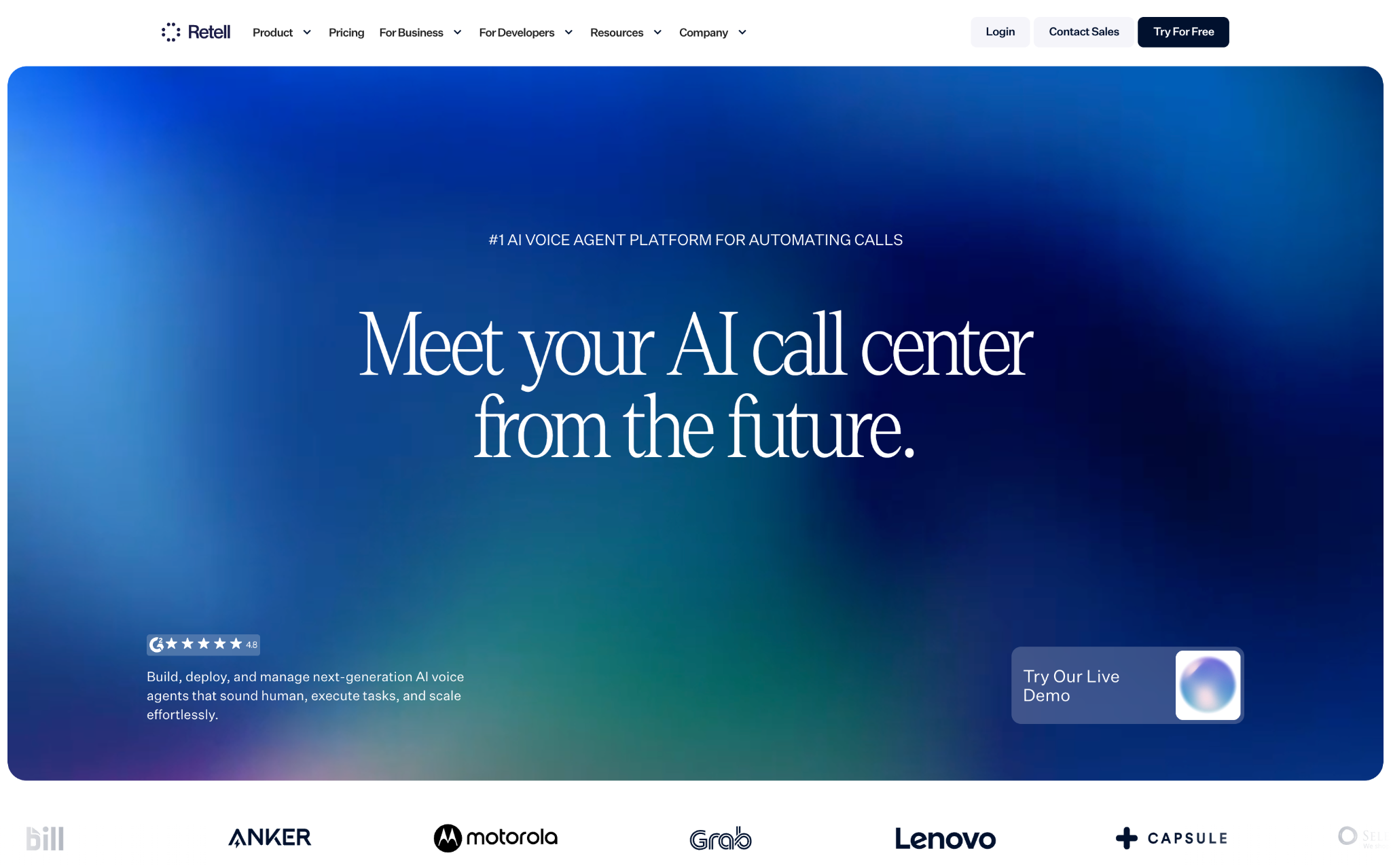
Retell AI is a voice AI platform for building your ownAI voice agent that answers calls, holds a real conversation, and completes the task instead of just taking a message. You build an agent that works the way your business does, then let it handle calls around the clock.
It tops this list because it closes the exact gap the old options leave open: it talks like a person, resolves calls on its own, and doesn't bill you per human minute.
What sets it apart:
Start the same day, no sales gate. Sign up, build, and go live yourself. No forced demo, no contract, no minimum spend.
Built for real volume. Companies run heavy production traffic on Retell, including HealthJoy at 1M+ calls a year.
Your choice of AI model. Pick from 22+ voice and 19+ language models (GPT, Claude, Gemini), or bring your own and swap anytime.
HIPAA-ready on every plan. Sign the BAA yourself in the dashboard, no enterprise contract, which makes it usable for smallhealthcare practices.
Easy to build and change. A visual builder plus full API lets youbook appointments andtransfer complex calls to a human without an engineer on standby.
Pricing: Usage-based from about $0.055/min for voice infrastructure, plus model and voice costs. Scales better than per-minute human services. (full pricing)
Best for: Teams that want a conversational agent they control, live fast and without a sales process.
Keep in mind: It's a platform you build on, not a done-for-you human service. If you want people answering your phone, a live service below fits better.
Start building on Retell for free.
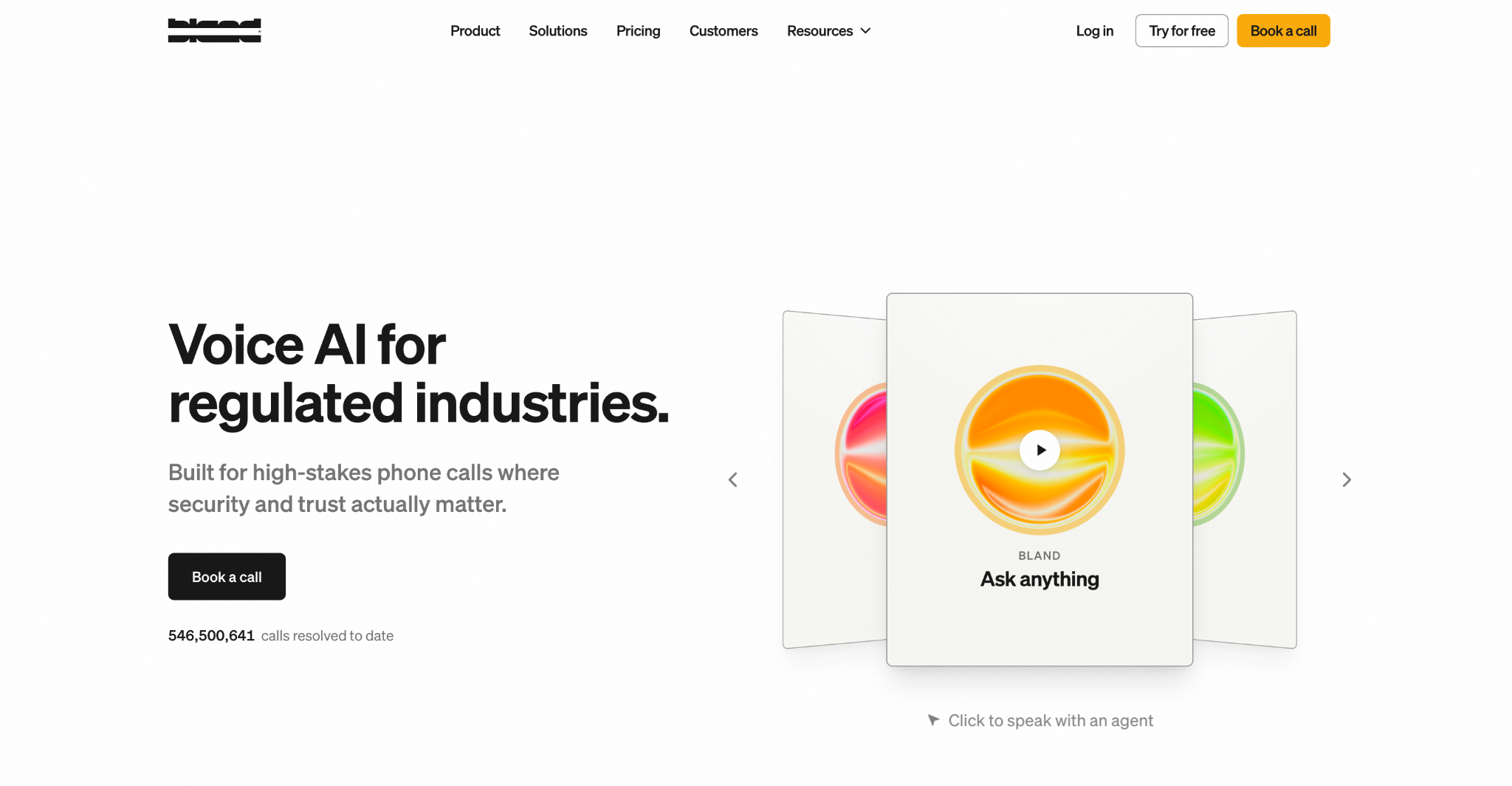
Bland AI is a programmable voice AI platform aimed at bigger, more technical teams. Like Retell, you build the agent yourself, but Bland leans harder into enterprise: self-hosting, high concurrency, and SOC 2, HIPAA, and GDPR compliance for regulated industries. It's API-first and known for low call latency, which is its most consistent praise from users.
The trade-off is that it's built for developers. Reviewers regularly note the setup takes real engineering, and it's not the fastest path to a live agent for a non-technical owner.
What sets it apart:
Enterprise compliance built in. SOC 2 Type II, HIPAA, and GDPR, with self-hosted deployment for teams that need full data control.
Low latency. Its most consistent praise from users is fast, responsive call handling that feels natural.
Built for high concurrency. Handles thousands of simultaneous calls, which suits large outbound campaigns and big call centers.
API-first control. Deep programmability over call flows for teams with engineers to build them.
Pricing: All-inclusive per-minute (STT, LLM, and TTS bundled into one rate), tied to plan tier: a free Start plan at $0.14/min, Build at $299/month and $0.12/min, and Scale at $499/month and $0.11/min, with custom Enterprise pricing. Telephony, transfers, and SMS are billed on top. (pricing)
Best for: Enterprises and technical teams running high call volume that need self-hosting and strict data control.
Keep in mind: The developer-heavy setup and stacked add-on fees (transfers, SMS, telephony) make it heavier and harder to forecast than a smaller business usually wants.
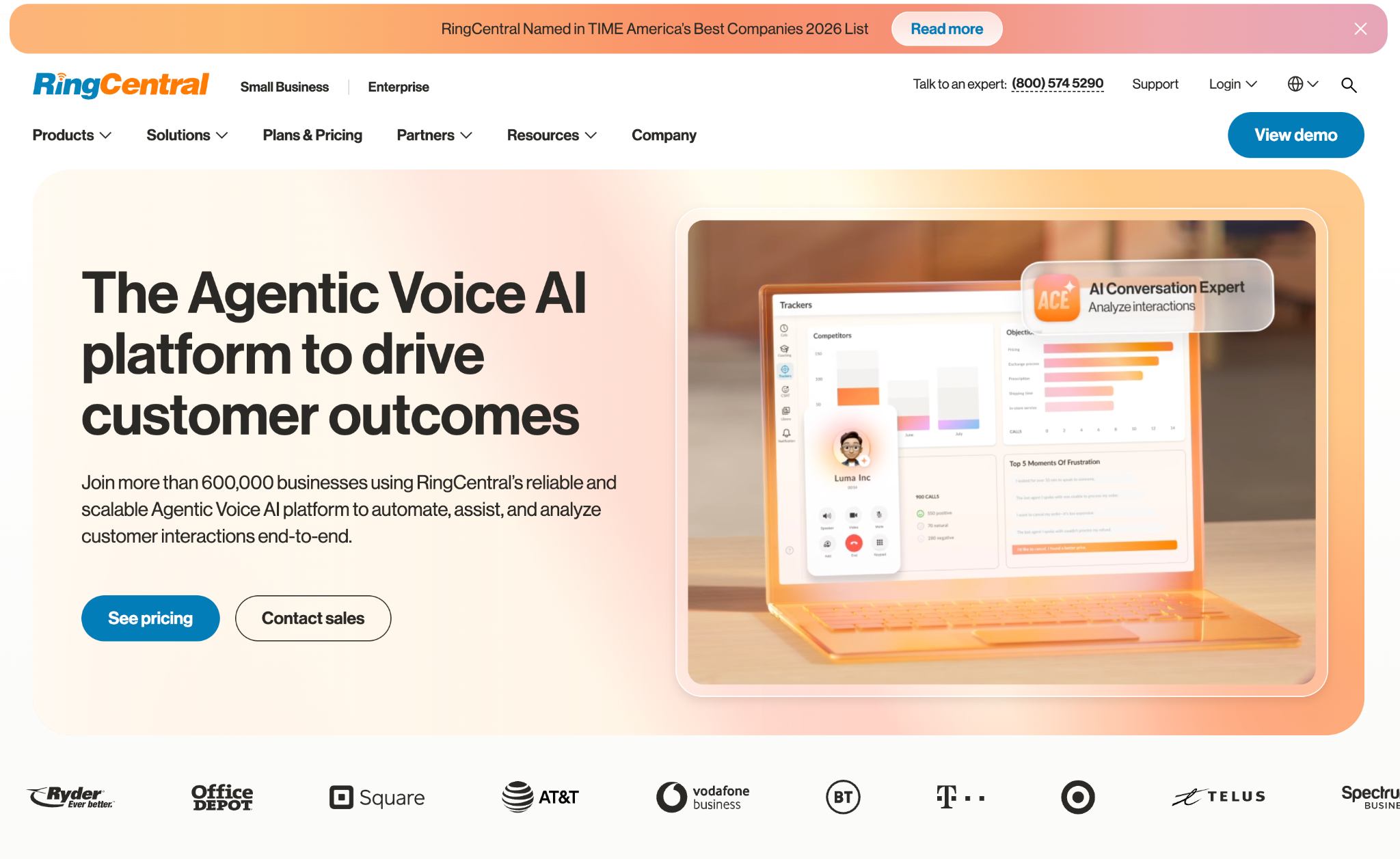
RingCentral is a full business phone system first, with AI answering added on top. Its AI Receptionist (AIR) launched in 2025 and handles calls with natural language, routes them, and books appointments. If you want a complete phone platform (voice, video, messaging) and AI call handling as part of the same stack, this is the all-in-one route.
What sets it apart:
A complete phone system, not just an answering layer. You get business lines, video, team messaging, and the AI receptionist under one roof.
No-code setup from your website. Point it at your site and it builds a basic receptionist by scraping your hours, services, and FAQs in a few minutes.
Native calendar and CRM sync. Books into Google Calendar and Outlook, and logs leads to Salesforce, HubSpot, or Zoho.
Transfers with context. When it hands off to a person, it passes a summary so the caller doesn't repeat themselves.
Pricing: The AI Receptionist starts around $39/month with about 100 minutes included, then $0.50/minute overage (billed in 30-second increments). It sits on top of a RingEX phone plan (Core $20, Advanced $25, Ultra $35 per user/month on annual billing). (pricing)
Best for: Businesses that want a full phone system and AI call handling bundled together, at low to moderate call volume.
Keep in mind: The AI only works on RingCentral lines, and the 100-minute cap plus $0.50/min overage can climb past the cost of a dedicated tool once call volume grows.
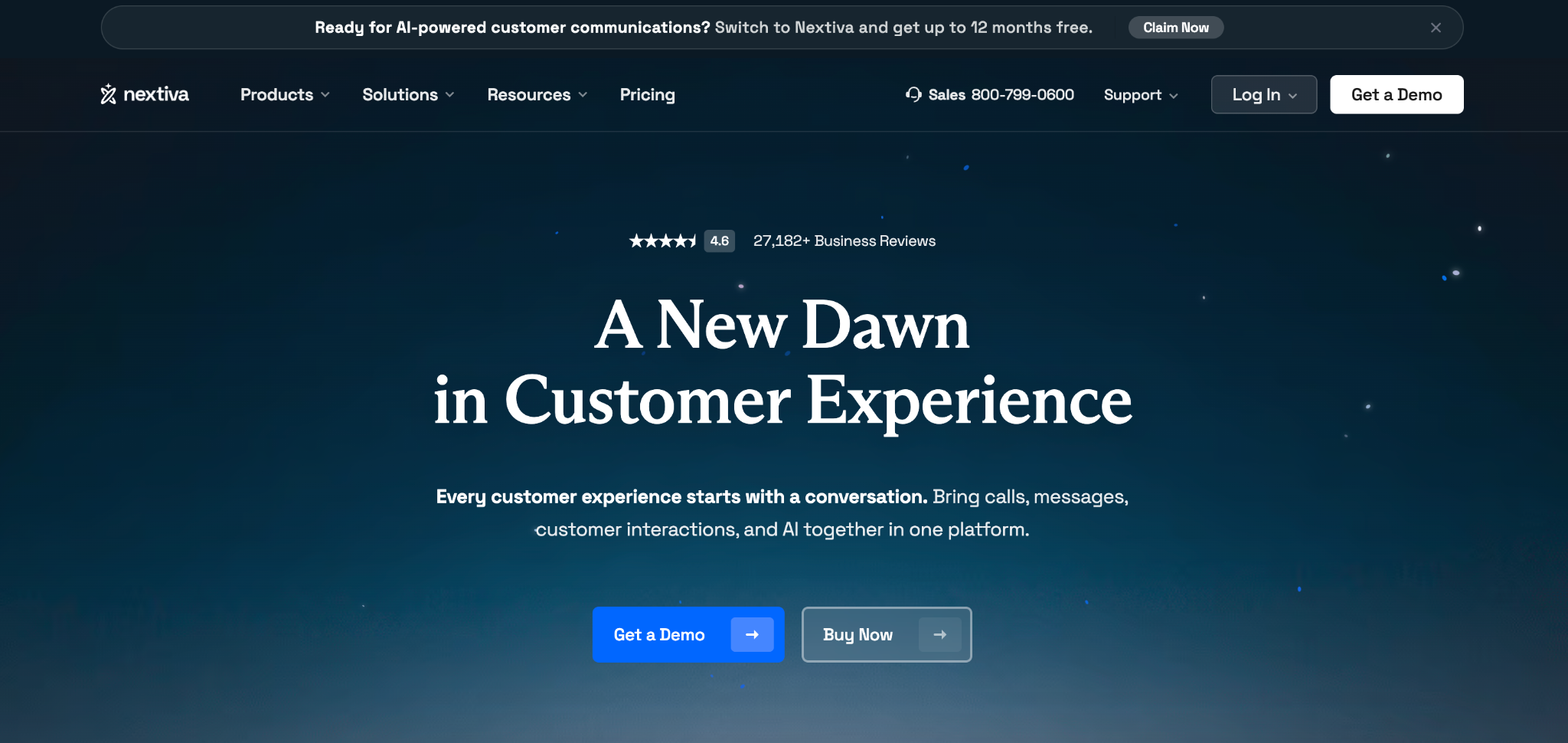
Nextiva is a unified communications platform, and its AI receptionist (branded XBert) sits inside that wider ecosystem of voice, SMS, chat, and video. It leans multichannel: the same AI layer answers calls, texts, and web chats, which suits teams that want customer conversations from every channel handled in one place.
What sets it apart:
One AI across voice, SMS, and chat. XBert handles all three channels through a single layer, not just phone calls.
Books and confirms in real time. It schedules appointments live on the call, then sends an SMS confirmation and reminders.
HIPAA BAA available. Nextiva executes BAAs for healthcare customers, with SOC 2 and ISO 27001 security across the platform.
Backed by a mature platform. Founded in 2006 and serving 100,000+ businesses, it's an established, stable option rather than a young tool.
Pricing: XBert starts at $99/month for 100 resolutions (calls, texts, or chats combined), then $0.99 per additional resolution. It layers on top of a Nextiva phone plan (small-business tiers roughly $15 to $75 per user/month). (pricing)
Best for: Businesses already on Nextiva that want one AI handling calls, texts, and chat together.
Keep in mind: The per-resolution pricing climbs fast at higher volume (500 conversations a month runs about $495), and language support is mainly English and Spanish.
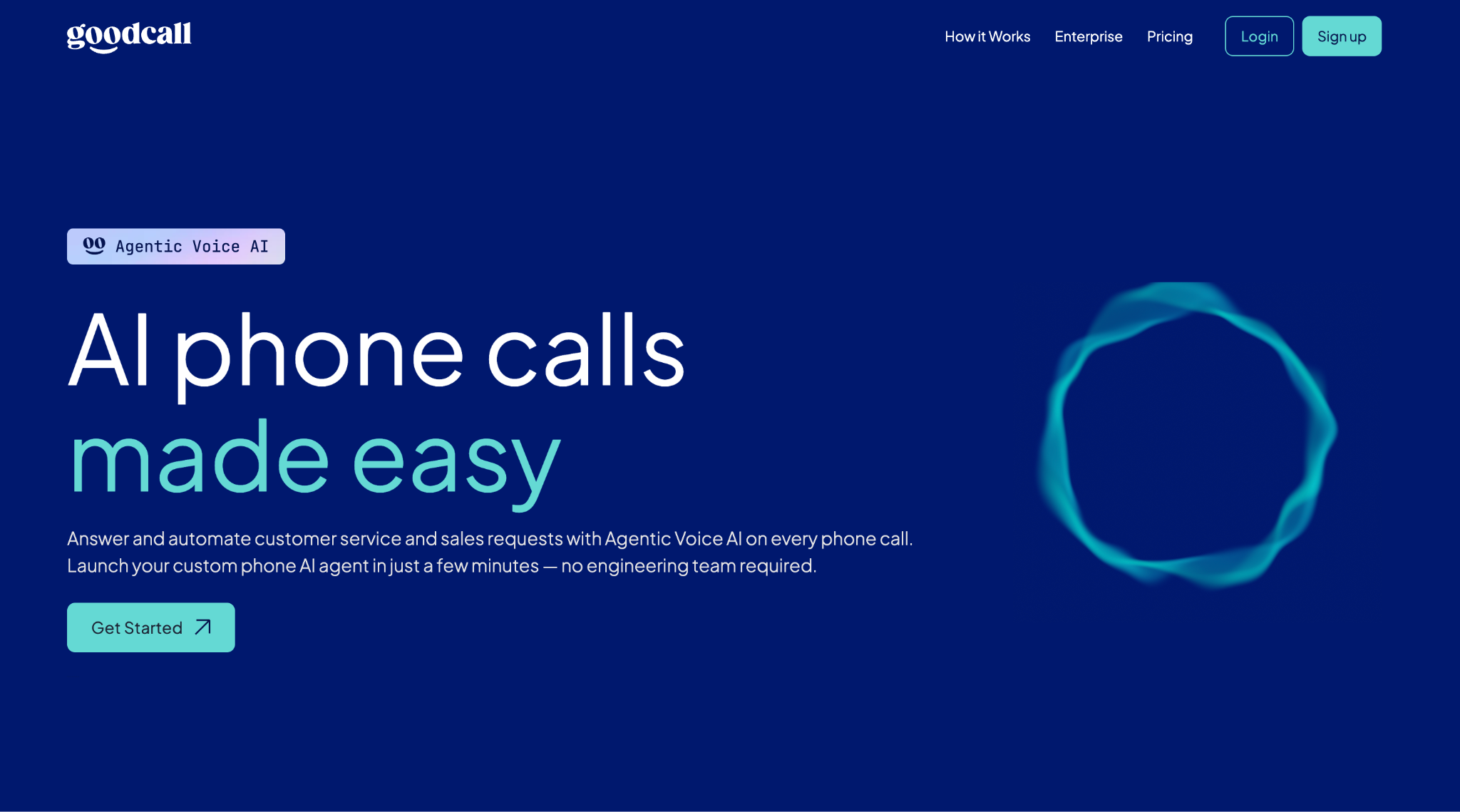
Goodcall is a plug-and-play AI receptionist aimed squarely at small local businesses. It started life as Google's "CallJoy" project and now runs independently. You point it at your Google Business Profile, set up a few rules, and it answers calls the same day, no technical setup required.
What sets it apart:
Priced per caller, not per minute. Each plan covers a set number of unique callers with unlimited talk time, so long calls don't cost extra. Good for businesses with repeat customers.
Same-day, no-code setup. It pulls your hours, services, and FAQs from your Google profile, so you're live fast without an engineer.
Compliance credentials. Goodcall states SOC 2 Type II, HIPAA, and ISO 27001 support, which is rare at this price (confirm the BAA directly before sending patient data).
Pricing: Starter at $79/month for 100 unique callers, Growth at $129, and Scale at $249, all with unlimited minutes and $0.50 per extra caller. (pricing)
Best for: Small service businesses with steady, repeat callers that want predictable pricing and a fast, DIY setup.
Keep in mind: Reviewers note noticeable response lag (around 600ms) and that it handles simple, linear calls well but strains on complex, multi-part conversations. You also can't port your existing number; it works by call forwarding.
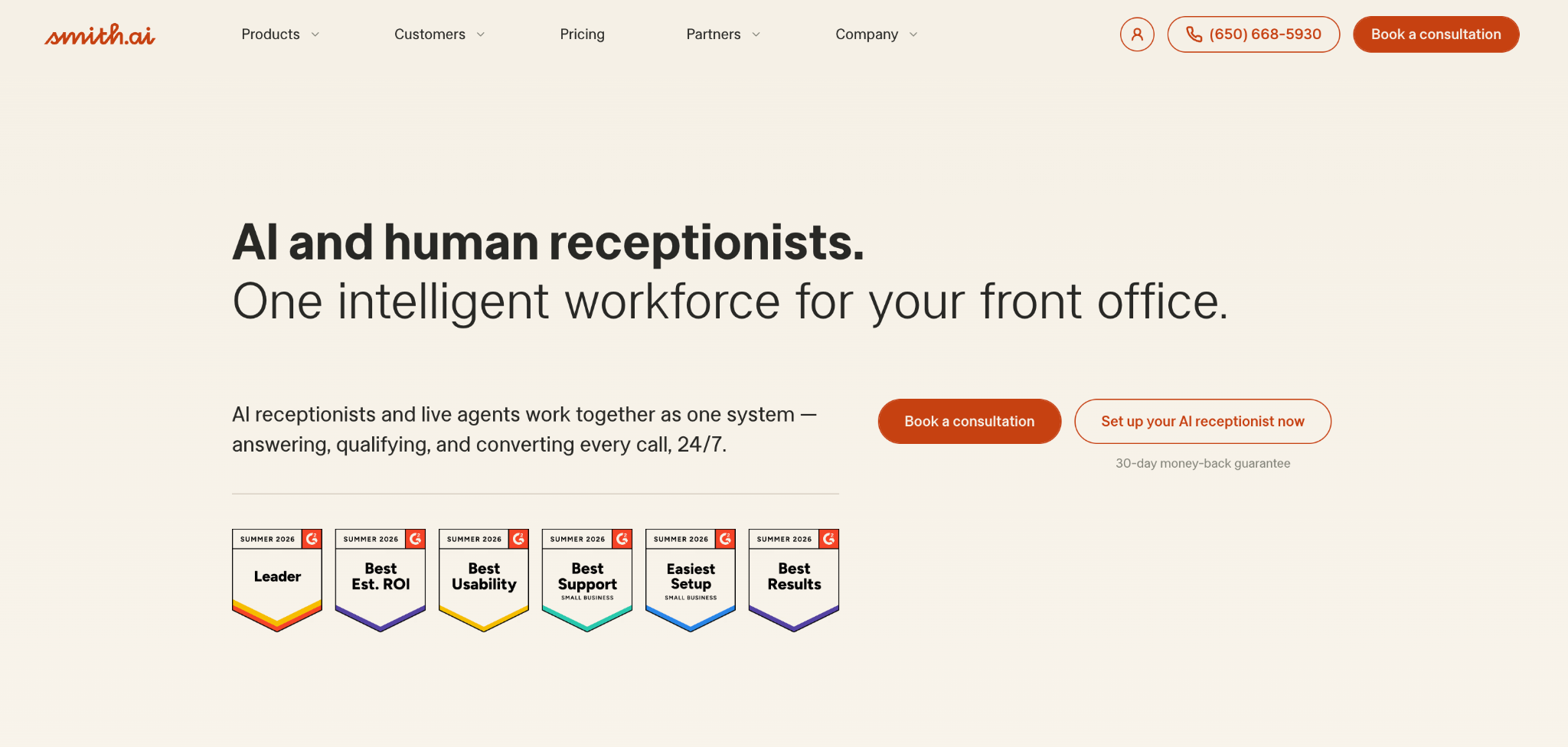
Smith.ai is the hybrid option: AI answers first, and when a call needs a human touch, it hands off to a live, North America-based receptionist. Founded in 2015, it's built for businesses where a real person on the hard calls matters, which is why law firms and professional services make up most of its customer base.
What sets it apart:
Real human backup. Its 500+ live agents can take over any call the AI can't handle, so callers never hit a dead end. This is the main reason to pick it over pure AI.
Priced per call, not per minute. A 2-minute call and a 20-minute call cost the same, which suits long intake conversations like legal or medical.
Strong lead qualification and intake. Built around screening callers, qualifying leads, and booking, with native CRM integrations (Clio, HubSpot, Salesforce, and 7,000+ via Zapier).
Pricing: The AI Receptionist starts around $95/month (roughly 50 to 60 calls). The human-led Virtual Receptionist starts at $292.50/month for 30 calls, with per-call overage from about $7.50 to $10.50. (pricing)
Best for: Law firms and professional services that want a human on high-stakes calls and have the budget for it.
Keep in mind: It's among the pricier options, and costs climb fast at volume (100+ calls a month can run past $1,000). Smith.ai also states it operates outside HIPAA-compliant PHI handling, so healthcare practices needing a signed BAA should rule it out.
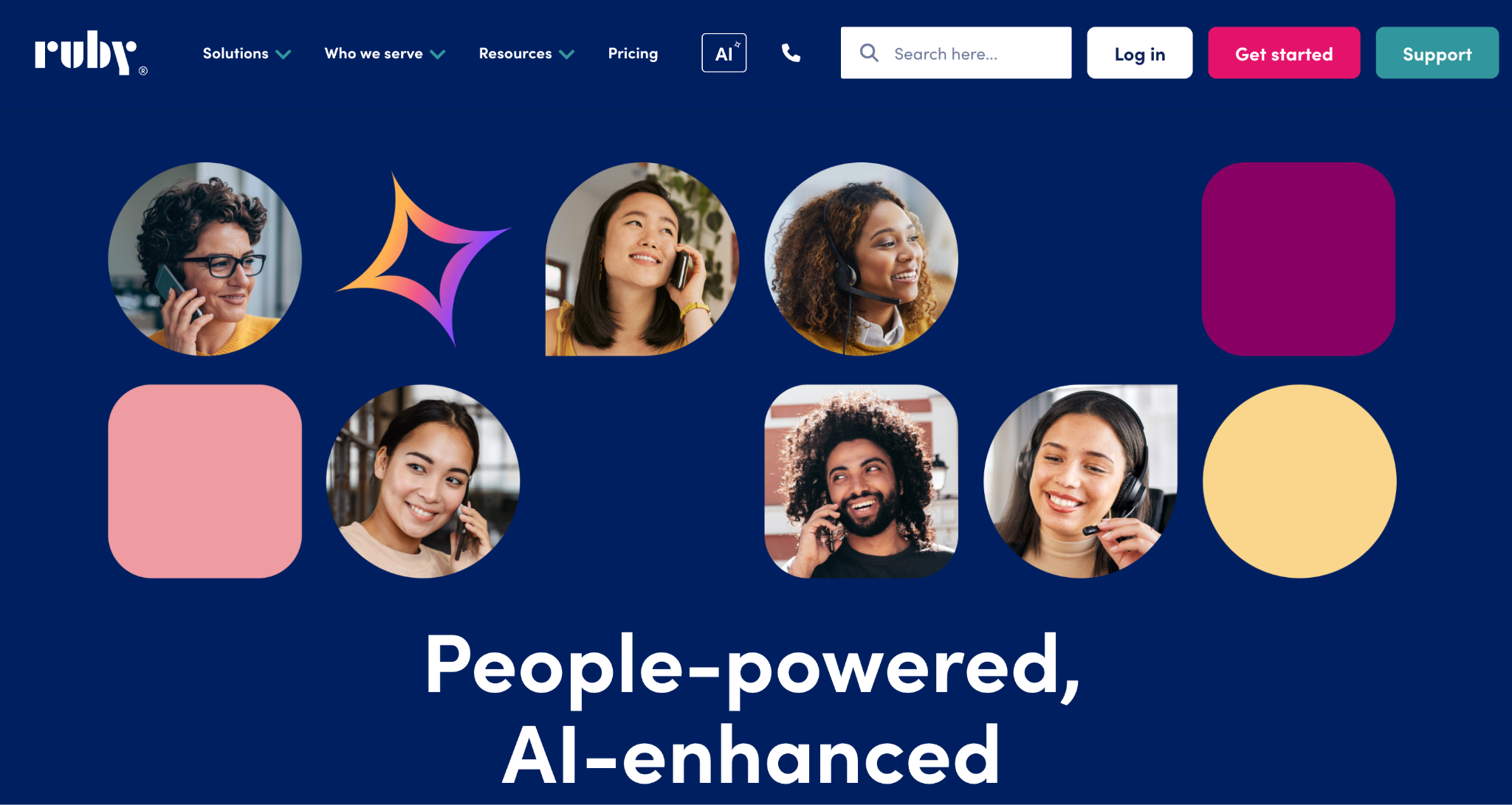
Ruby is the all-human option, and the most established name on this list. Founded in 2003, it staffs 100% US-based live receptionists who answer in your business name and are trained to sound like part of your team. There's no AI in the call. If a warm, genuinely human first impression is central to your brand, Ruby is the benchmark.
What sets it apart:
Real, trained human receptionists on every call. Two decades of refinement and 15,000+ customers behind a service known for warmth and professionalism.
24/7 human coverage on all plans. Nights, weekends, and holidays included, with no extra surcharge, plus bilingual English/Spanish answering.
All-inclusive features. Message-taking, scheduling, call routing, intake, and even outbound calls, with no hidden setup or onboarding fees.
Pricing: Per-minute, tiered by receptionist time: roughly $245/month for 50 minutes, $385 for 100, and $705 for 200, with higher tiers above that. Overage runs a few dollars per minute. (pricing)
Best for: Professional services and businesses where a human voice is part of the brand, at lower call volumes.
Keep in mind: It's the most expensive route and the hardest to predict. Because every call uses a human minute, costs climb quickly as you grow (50 minutes covers only about 17 average calls), and reviewers frequently flag overage charges and price increases.
The best pick comes down to how your business actually handles calls. Run through these five questions before you commit.
Per-minute and per-call pricing (Ruby, Smith.ai, RingCentral overage) looks cheap at low volume but climbs fast. If your volume is high or growing, flat or usage-based infrastructure pricing scales better.
A message-taker only defers the work. If you want appointments booked and questions actually handled on the call, you need a conversational AI agent, not a basic menu or voicemail tool.
Decide how much human touch the calls need. High-stakes or emotional calls (legal intake, sensitive cases) may justify a human service like Ruby or Smith.ai. Routine, repetitive calls are exactly what AI handles best, at a fraction of the cost.
An agent that can't reach your calendar or CRM can talk but can't book. Check the integrations you actually use before signing anything.
If you handle health information, this is a filter, not a feature. Confirm a signed BAA is available (Retell, Goodcall, Nextiva, Ruby) and rule out anything that can't meet the standard.
A quick red-flag list, whatever you choose: rigid menus with no path to a human, no CRM or calendar integration, no call analytics, and any provider that hides pricing behind a long sales process.
A missed call is the quietest way to lose a customer. It rarely feels like anything, which is exactly what makes it dangerous. The right automated answering service turns that silent loss into a booked job, a captured lead, or a handled question, at any hour of the day.
Which one fits really depends on your calls. If you want real people answering the phone, a human service brings that personal touch. If you're already running a full phone system, an all-in-one platform keeps everything under one roof. And if you want a conversational agent that resolves calls on its own, scales without a per-minute penalty, and stays fully in your control, that's where Retell leads.
You canbuild an AI voice agent on Retell for free and have it answering calls the same day, no sales call required. For a larger or regulated rollout,talk to the Retell team about the right setup.
However you go, the point is simple. Stop letting the phone ring out. Every call you answer is one your competitor doesn't.
It goes by several names: auto attendant, IVR, virtual receptionist, or AI receptionist. They sit at different levels of the same idea, from a basic recorded menu to a conversational AI agent that handles the whole call.
It depends on the type. Basic auto attendants and voicemail tools are cheap. AI voice agents are usually usage-based (often around $0.05 to $0.15 per minute all in). Human services cost the most, from roughly $95 to $700+ a month, since you pay per call or per minute.
Yes, if it connects to your calendar. Conversational AI agents can book, reschedule, and cancel live on the call. Basic menus and voicemail can't; they only take a message.
Not quite. IVR is one type of automated answering service, the older menu-based kind. Newer conversational systems replace the menu with natural speech.
Some tools offer free voicemail-to-text or basic call forwarding, and a few AI platforms have limited free tiers for testing. Anything that holds a real conversation or books appointments generally costs money, though it's usually a small monthly or usage-based fee.
Yes, as long as it's HIPAA compliant and can sign a BAA. An automated medical answering service should also handle appointment scheduling and after-hours triage. Confirm the compliance scope directly before sending any patient information.
See how much your business could save by switching to AI-powered voice agents.
Total Human Agent Cost
AI Agent Cost
Estimated Savings
A Demo Phone Number From Retell Clinic Office