7 Best AI Agent Builders in 2026: Complete Guide (With Pricing & Tradeoffs)
11
MIN READ
September 20, 2026

AI agent builders have moved from experimentation to production. I'm seeing teams use them to build internal copilots, automate multi-step workflows, and ship customer-facing AI systems that directly impact revenue, operations, and call center automation.
But once you move beyond controlled demos, the gaps become obvious.
Some frameworks give full flexibility but introduce engineering overhead that slows teams down. Others abstract everything into no-code layers but break as soon as workflows become complex or require deeper integrations. In many cases, systems that work well in isolated tests fail under production constraints like latency, concurrency, and cost.
What matters is not how quickly you can build an agent, but whether that system holds up when:
This guide evaluates AI agent builders based on how they actually perform in production environments.
This is the fastest way to understand where each platform fits and what tradeoff you're making.
| Platform | Best For | Key Strength | Limitation | G2 Rating | Pricing (Actual) |
|---|---|---|---|---|---|
| Retell AI | Voice AI agents | Real-time conversations with low latency | Requires setup and tuning | 4.6 | Component rate card, varies by model and voice |
| LangChain | Custom AI agents | Maximum flexibility and control | High complexity and maintenance overhead | 4.4 | Free + infra costs |
| AutoGen | Multi-agent systems | Strong agent coordination capabilities | Still evolving, less production maturity | 4.3 | Free (API costs) |
| CrewAI | Structured workflows | Simple orchestration for multi-step agents | Limited scalability for complex systems | 4.5 | Free (API costs) |
| Dust | Internal AI tools | Clean UX and fast deployment | Less flexible for custom architectures | 4.6 | ~$29+/user/month |
| Relevance AI | No-code agents | Fast setup for business workflows | Limited depth in logic and integrations | 4.4 | ~$19+/month |
| Flowise | Visual builder | Easy-to-use interface for prototyping | Not reliable for production systems | 4.3 | Free (self-hosted) |
Note: Pricing varies significantly based on API usage, infrastructure, and scale. Base pricing rarely reflects total cost in production.
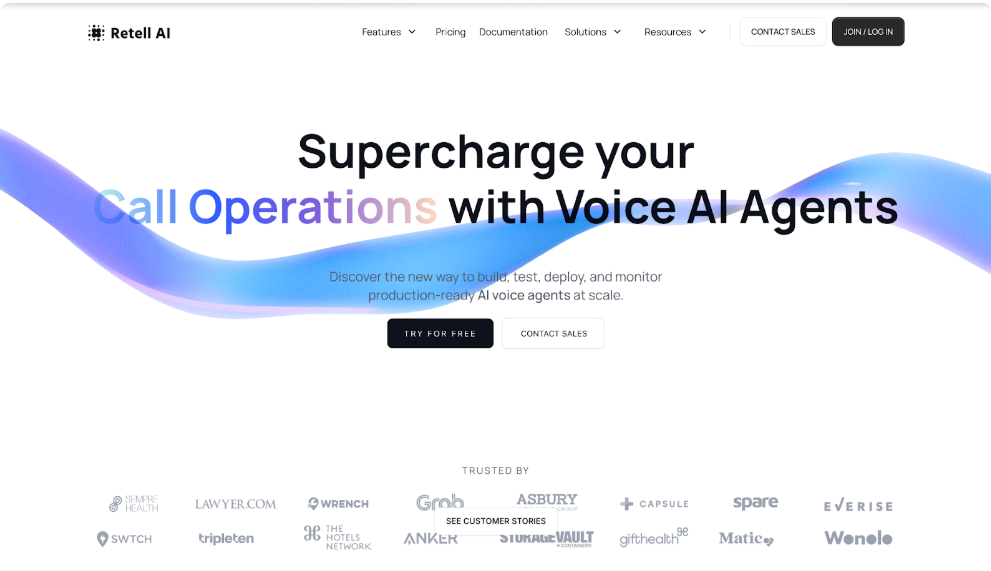
Retell AI is a specialized AI agent builder focused on real-time voice interactions and functions as a purpose-built conversational AI platform. In practice, it operates very differently from general-purpose agent frameworks. Instead of abstracting agents as chains or workflows, it is designed around live conversational execution, where latency, turn-taking, and interruption handling are core system concerns. This makes it particularly suited for building production-grade voice agents for outbound sales, inbound support, and operational workflows where conversation quality directly impacts outcomes.
What stands out is that Retell is not just orchestrating LLM calls. It manages streaming, response timing, and conversation state in real time, which is where most general agent builders struggle when extended to voice use cases.
In testing across outbound and inbound scenarios, this was one of the only platforms that maintained conversation continuity beyond initial turns. It handled interruptions, resumed context correctly, and avoided the reset behavior seen in most systems when conversations deviated from expected flows.
4.6/5 — consistently rated high for conversation realism and performance, with feedback noting setup complexity for new teams
Retell publishes a component rate card, so the rate depends on the model and voice you choose. Price the configuration you intend to run.
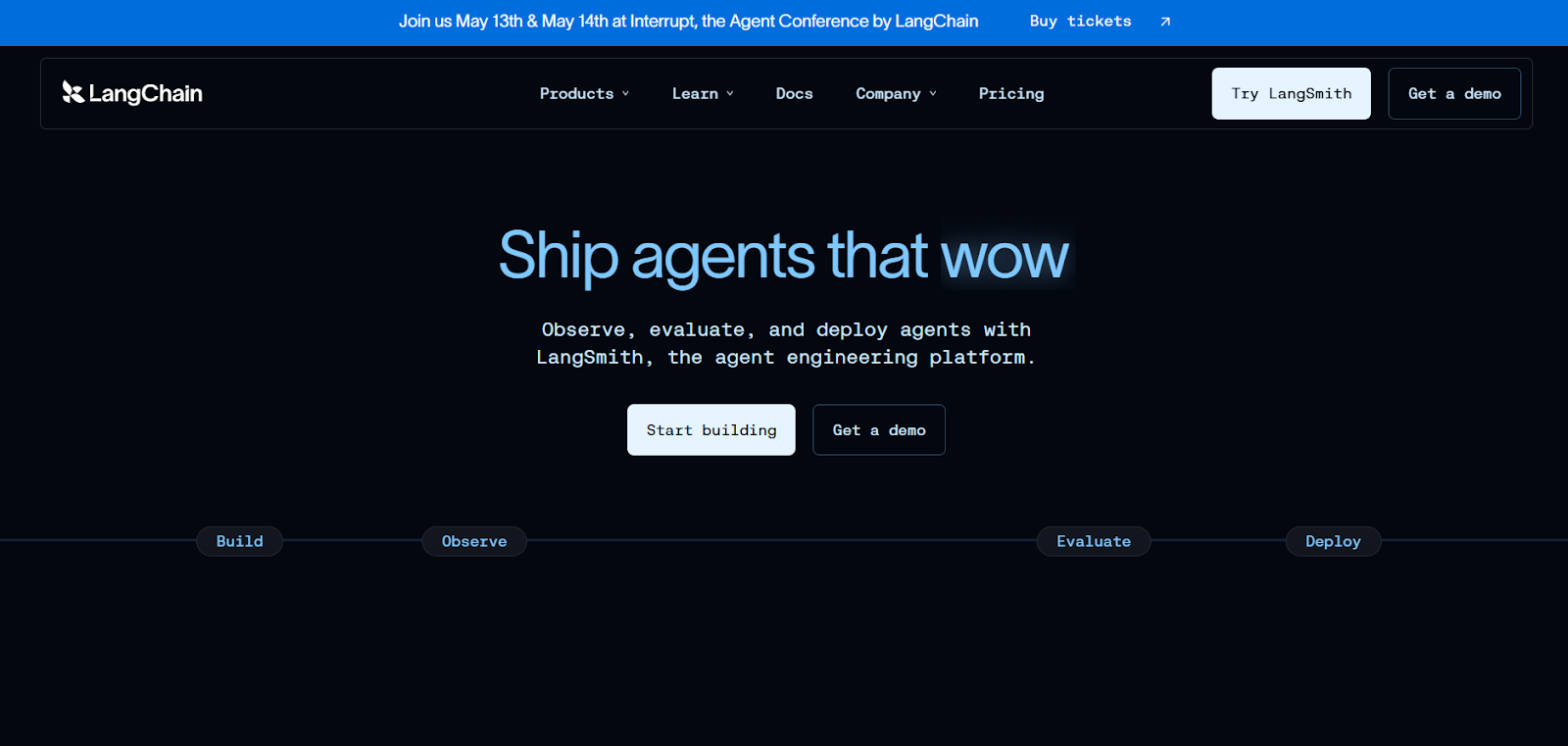
LangChain is one of the most widely adopted frameworks for building custom AI agents and LLM-powered systems, offering maximum flexibility in how agents are structured, how tools are integrated, and how workflows are executed. It acts as a foundational layer rather than a complete product, allowing teams to design everything from simple chains to complex agent architectures with memory, tool usage, and retrieval.
In production environments, LangChain is often used as a composition framework, but it requires significant engineering effort to stabilize and scale.
LangChain performs well when carefully engineered, but default implementations often struggle with reliability in multi-step workflows. Debugging agent behavior and managing edge cases becomes increasingly complex as systems scale.
4.4/5 — widely adopted, with strong feedback on flexibility but consistent concerns around complexity and maintainability
Free to use as a framework, but real costs come from infrastructure, LLM usage, and engineering overhead. Costs increase significantly as workflows scale and become more complex.
AutoGen is designed for building multi-agent systems, where multiple agents collaborate, communicate, and coordinate to complete tasks. It introduces structured patterns for agent interaction, making it easier to model complex workflows that involve reasoning, delegation, and iterative problem-solving.
It is particularly useful for experimental systems and advanced use cases where a single agent is not sufficient.
In testing, AutoGen shows strong potential for complex orchestration but requires significant effort to stabilize. Multi-agent setups can become unpredictable without clear constraints and control mechanisms.
4.3/5 — strong interest from advanced users, but feedback highlights early-stage limitations
Free framework, but costs depend on API usage and computation. Multi-agent systems can increase token usage significantly, making cost harder to control at scale.
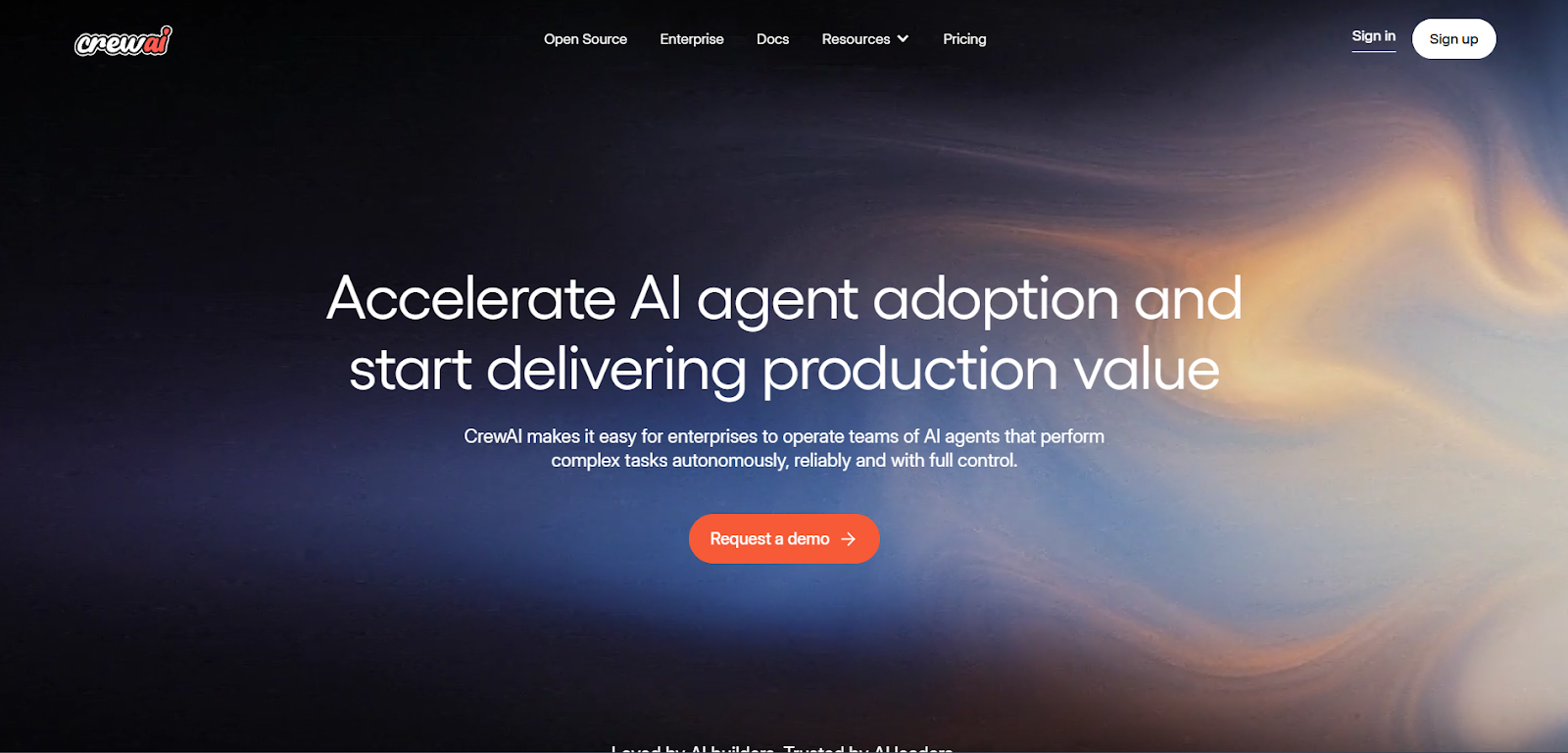
CrewAI is built to simplify multi-agent orchestration through structured workflows, offering a more controlled and opinionated approach compared to AutoGen. Instead of fully dynamic agent collaboration, it introduces clearer roles and task delegation, making it easier to design predictable systems.
It is often used for building workflow-driven agents where steps are defined and coordination is structured.
CrewAI performs well in structured environments where workflows are predefined. However, as systems become more dynamic, limitations in flexibility and adaptability become more apparent.
4.5/5 — appreciated for simplicity and structure, with feedback noting scalability limitations
Free to use, with costs driven by API usage and infrastructure. Cost efficiency depends on how workflows are designed and executed.
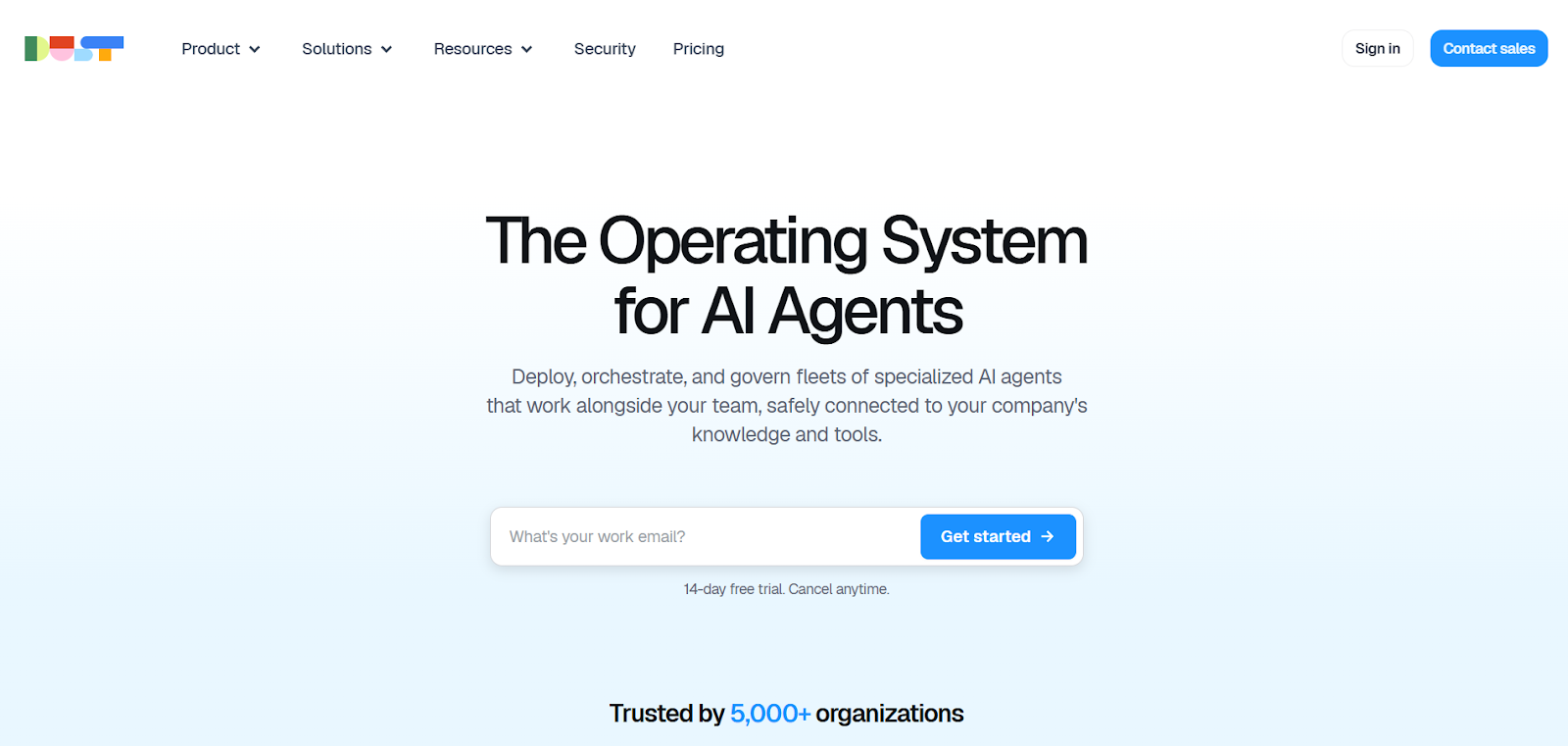
Dust is positioned as a platform for building internal AI tools and copilots, with a strong focus on usability, deployment speed, and integration into team workflows. Unlike developer-heavy frameworks, Dust abstracts much of the complexity behind a clean interface, making it easier to create agents that interact with company data, documents, and internal systems.
In practice, Dust performs well in environments where the goal is to enable teams quickly, rather than build deeply customized agent architectures. It prioritizes accessibility and deployment over low-level control.
In testing, Dust performs reliably for internal workflows such as document querying, knowledge retrieval, and basic automation. However, when workflows require deeper logic, external integrations, or multi-step reasoning, the abstraction starts to limit what can be achieved.
4.6/5 — strong feedback on usability and deployment speed, with some concerns around flexibility
Starts at ~$29 per user per month. Costs scale with team usage rather than system complexity, but lack of control can limit cost optimization in advanced scenarios.
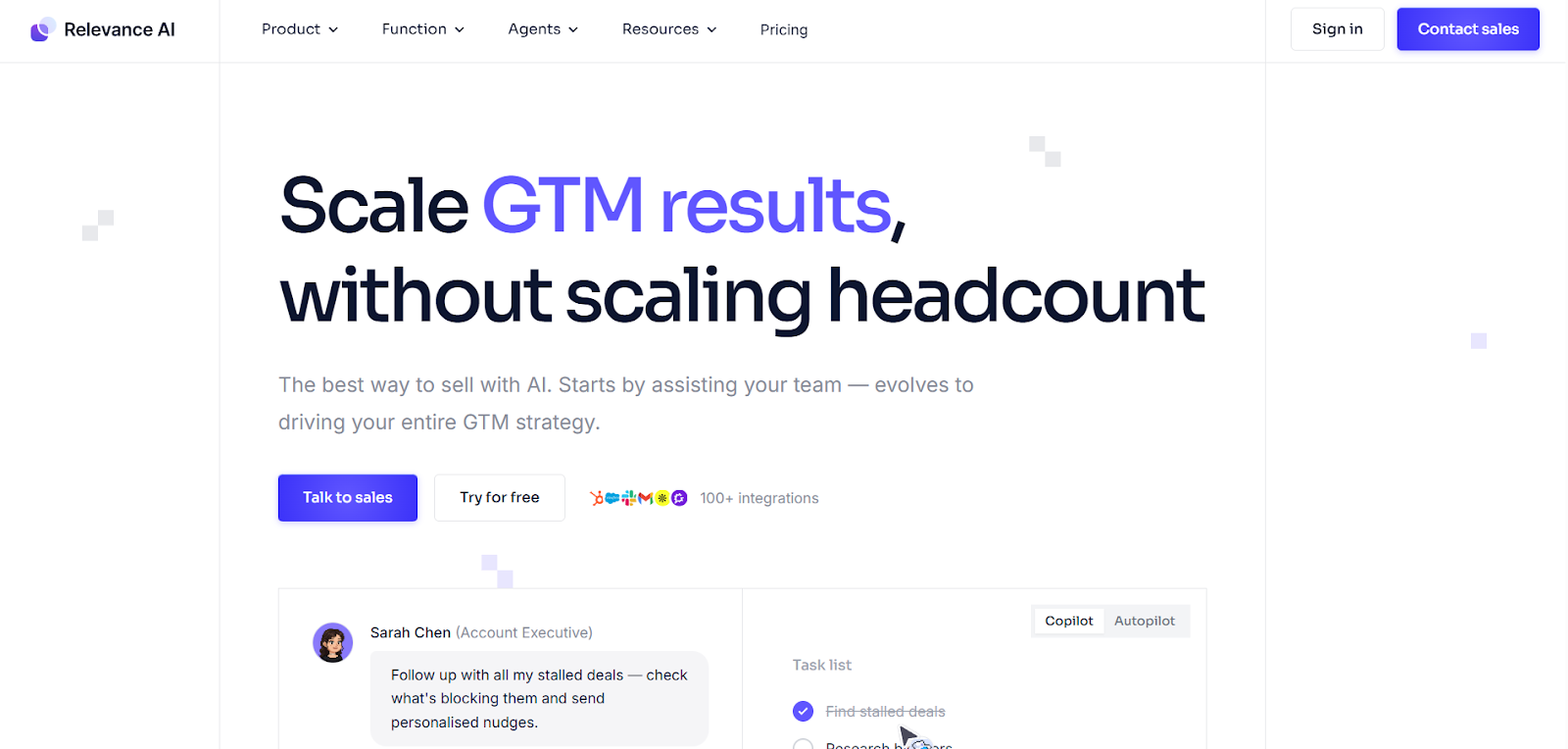
Relevance AI is a no-code platform designed for building AI agents and workflows quickly, particularly for business and operational use cases. It provides pre-built components and abstractions that allow teams to create agents without writing code, making it accessible for non-technical users.
It is best suited for scenarios where speed of deployment is more important than deep customization, such as internal tools, lightweight automation, and early-stage AI workflows.
Relevance AI performs well for straightforward workflows and quick deployments. However, as soon as workflows require more complex branching, external integrations, or optimization, limitations in flexibility become apparent.
4.4/5 — positive feedback on ease of use, with consistent mentions of limitations at scale
Starts at ~$19 per month, but real cost depends on usage and API consumption. Cost efficiency decreases as workflows become more complex and require workarounds.
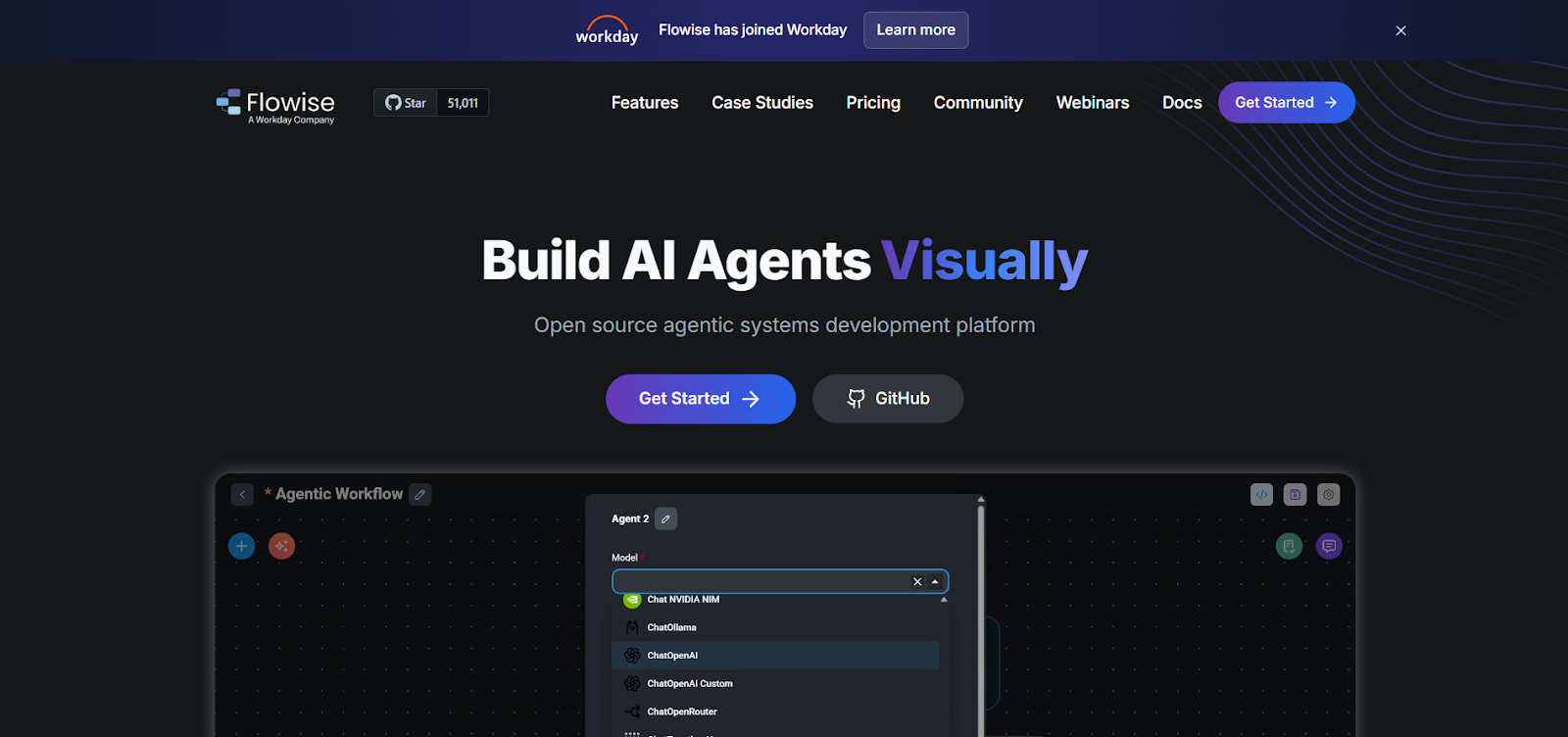
Flowise is an open-source, visual builder for creating LLM-powered workflows and agents, offering a node-based interface that simplifies the process of connecting models, tools, and logic. It is widely used for prototyping and experimentation due to its accessibility and self-hosted nature.
While it provides a quick way to visualize and build agent flows, it is not designed as a fully production-ready system for complex or large-scale deployments.
Flowise is effective for building and testing ideas quickly, especially in early stages. However, as workflows grow in complexity or need to handle real-world constraints, limitations in stability and scalability become clear.
4.3/5 — appreciated for simplicity and open-source flexibility, with concerns around production readiness
Free and self-hosted, but infrastructure, maintenance, and scaling costs fall entirely on the team. Total cost increases significantly as systems move toward production.
Choosing an AI agent builder is not about comparing features. It is about selecting a system that fits your architecture, your team's capability, and how your use case behaves at scale.
Define whether you are building internal copilots, autonomous workflows, or customer-facing agents. Each category has different requirements for control, latency, and reliability, and tools that perform well in one often underperform in others.
Developer-first frameworks like LangChain offer maximum control but require engineering effort, while no-code platforms enable faster deployment but limit how far you can push the system as complexity grows.
Look beyond basic API connections and assess how reliably the platform interacts with CRMs, databases, and external systems during execution. Weak integrations are one of the most common failure points in production.
Assess how the system behaves under real conditions, including latency under load, failure handling, and multi-step execution. Many tools perform well in demos but break when workflows become more complex.
Do not rely on starting prices. Factor in API usage, infrastructure, and concurrency. Costs typically increase significantly as agents handle longer workflows and higher volumes.
Evaluate whether the platform requires continuous engineering support or can be managed by non-technical teams. This directly impacts long-term scalability and operational efficiency.
If the goal is flexibility and deep customization, frameworks like LangChain are strong choices. For faster internal deployments, tools like Dust or Relevance AI work well. However, for real-time, customer-facing agents where performance and reliability matter, Retell AI stands out as the most dependable option due to its consistent execution, low latency, and ability to handle complex interactions in production environments.
An AI agent builder is a platform or framework used to create systems that can reason, take actions, and complete tasks by combining LLMs with external tools, APIs, and workflows.
The best choice depends on the use case. Retell AI performs best for real-time voice agents, LangChain for custom systems, and AutoGen for multi-agent workflows.
Cost increases primarily due to API usage, infrastructure, and concurrent execution. As workflows become more complex, token usage and system overhead grow significantly.
No-code platforms work well for simple workflows but struggle as complexity increases. Limitations typically appear when logic becomes multi-step, integrations expand, and usage scales.
See how much your business could save by switching to AI-powered voice agents.
Total Human Agent Cost
AI Agent Cost
Estimated Savings
A Demo Phone Number From Retell Clinic Office