Best Voice AI Platforms for Business in 2026
25
MIN READ
September 7, 2026
Search for voice AI platforms once and you’ll see the problem immediately. There are dozens of tools claiming to automate calls, replace IVRs, or handle customer conversations, but very few of them actually work well in real business environments. Support teams are still dealing with long queues, sales teams are stuck dialing manually, and most IVR systems feel outdated the moment a customer presses the wrong key.
I ran into this exact issue while looking for voice AI platforms that could handle real phone calls, not demos or scripted flows. So I reviewed and tested a wide range of tools, looked past marketing pages, and focused on how these platforms perform in day-to-day business use.
In this guide, I walk you through the voice AI platforms that are actually worth considering if you run support, sales, or operations teams.
A voice AI platform is software that helps businesses build, deploy, and manage AI agents that handle phone conversations with real people. These agents can answer inbound calls, make outbound calls, understand spoken language, respond naturally, and complete tasks by connecting to backend systems. In a business setting, voice AI platforms sit between your callers, your agents, and your internal tools.
Voice AI platforms are often confused with chatbots, but the two are not the same. Chatbots are designed for text-based conversations and usually operate within narrow, scripted boundaries. When those same tools are extended to voice, they often struggle with interruptions, call flow changes, and natural speech patterns. Voice conversations are less predictable, and platforms built primarily for chat rarely handle that complexity well.
They are also different from traditional IVR systems. IVRs rely on fixed menus, keypad inputs, and rigid decision trees. While they can route calls, they break down when customers deviate from expected paths or need to explain a problem in their own words. Voice AI platforms replace these static menus with conversational logic that can adapt in real time.
Modern voice AI platforms combine large language models, speech recognition, text-to-speech, and telephony infrastructure into a single system. This allows businesses to design call flows that feel natural while still enforcing rules, compliance, and operational control.
Core capabilities typically include:
I treated this as a review, not a random list of tools pulled from search results. Every voice AI platform on this list was evaluated based on how well it performs in real business scenarios, not how impressive it looks in a demo.
I focused on call quality first, because poor audio or unnatural responses immediately break trust with customers. Latency was another major factor, especially for live conversations where delays make interactions feel robotic. I also looked at scalability, since tools that work for a few calls often struggle at higher volumes. Integration depth mattered as well, particularly how easily each platform connects to CRMs, data sources, and existing call infrastructure. Finally, I evaluated how well each platform supports real business use cases, not just simple FAQ handling.
To reach these conclusions, I combined hands-on testing with vendor documentation and third-party user feedback from sources like G2 and Gartner. This helped separate practical platforms from purely promotional ones.
| Platform | Rating* | Best For | Why It Made The List | Pricing Starts From |
|---|---|---|---|---|
| Retell AI | G2: 4.8 / 5 | Best overall for AI voice agents and call operations | Standout call quality, strong telephony stack, and compliance built for high-volume business voice use. | Pay-as-you-go from $0.07/min for voice and $0.002/msg for chat |
| Synthflow | G2: ~4.5 / 5 | No-code AI phone agents for SMBs | Visual builder for inbound and outbound AI calls without heavy engineering. | From ~$375/month with bundled minutes |
| Vapi AI | G2: ~4.4 / 5 | Developer-led teams building custom voice AI | API-first voice stack with granular control over models, logic, and telephony. | Platform fee from ~$0.05/min, effective $0.13–$0.33+/min |
| Cognigy AI | G2: ~4.6 / 5 | Large enterprises running AI-driven contact centers | Mature contact-center AI with strong voice, agent assist, and CCaaS integrations. | Enterprise contracts from ~$2k–$3k/month |
| Kore.ai | G2: ~4.5 / 5 | Enterprise CX and agent-assist use cases | All-in-one CX platform with strong governance and omnichannel support. | From ~$1.2k–$2k/month (enterprise plans) |
| Google Dialogflow CX | G2: 4.4 / 5 | Product and engineering teams on Google Cloud | Structured flow builder and solid NLU for predictable voice and chat bots. | Usage-based from ~$0.07–$0.20/min |
| Amazon Lex | G2: 4.2 / 5 | AWS teams adding voice to applications | Native AWS bot service tightly integrated with Amazon Connect and Lambda. | Pay-as-you-go from ~$0.004/request |
| Talkdesk | G2: 4.4 / 5 | AI-assisted voice inside cloud contact centers | Reliable voice automation layered into contact-center workflows. | From ~$85–$115/agent/month |
| NICE CXone | G2: ~4.3 / 5 | Regulated, large-scale contact centers | Enterprise-grade voice AI with strong compliance and workforce tooling. | From ~$100–$150/agent/month |
| Genesys Cloud CX | G2: ~4.3 / 5 | Global enterprises with complex CX operations | Highly reliable contact-center platform with integrated voice automation. | From ~$75–$150/agent/month |
| Five9 | G2: ~4.2 / 5 | Sales and support teams using AI-assisted calling | Stable voice automation with strong CRM integrations. | From ~$100–$175/agent/month |
| Twilio | G2: ~4.4 / 5 | Engineering teams building custom voice AI stacks | Programmable telephony with global reach and full API control. | From ~$0.013/min inbound, $0.024/min outbound |
After reviewing dozens of voice AI tools, I narrowed this list down to the platforms that consistently perform well in real business environments. These are not experimental demos or voice add-ons bolted onto chat tools. Each platform below was evaluated based on call quality, reliability, integrations, and how well it fits into day-to-day business operations at scale.
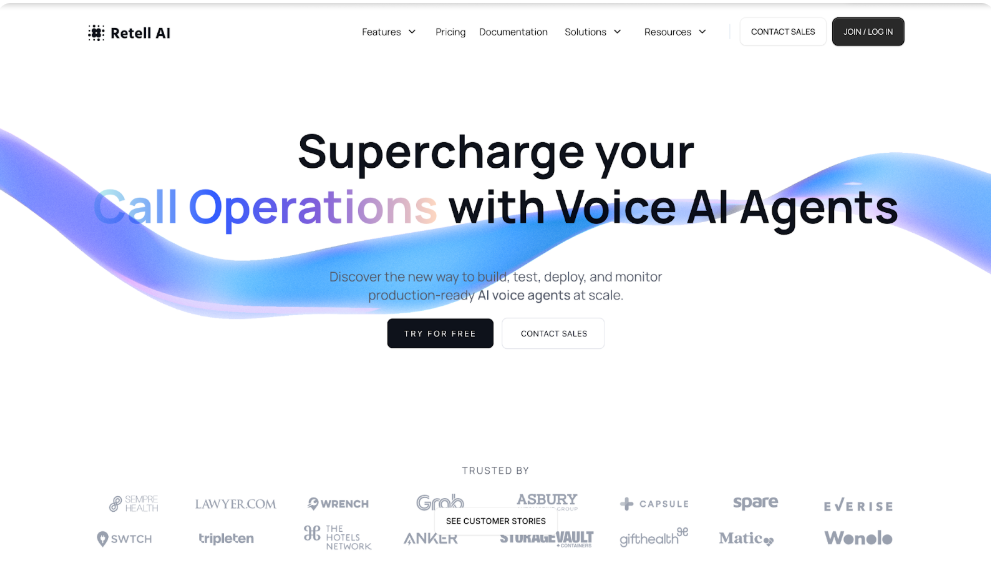
Retell AI sits at the top of my list for voice-led conversational AI platforms built specifically for business phone operations. It is powered by an AI voice agent that handles real calls and live conversations at scale, without losing the human tone that customers expect. The platform feels purpose-built for teams that live on the phone and want AI to take on a meaningful share of inbound and outbound calls.
You design agents inside a visual builder, connect your knowledge base, test edge cases using simulation tools, and then deploy agents across phone calls, web calls, SMS, and chat. A single call history and analytics dashboard covers everything, so there is no need to manage separate systems just to keep voice agents running in production.
The telephony layer is where Retell AI clearly pulls ahead. It supports AI IVR navigation to automate phone menus and routing, SIP trunking to keep existing phone numbers or VOIP providers, batch calling for outbound campaigns, branded caller ID, and verified phone numbers so calls are less likely to be flagged as spam. For contact centers and sales teams, this operational depth matters far more than a polished demo.
Security and reliability are treated as core requirements, not add-ons. Retell AI is SOC 2, HIPAA, and GDPR compliant, supports more than 18 languages, and is designed for high-volume traffic with consistently low latency. That makes it a strong fit for healthcare providers, financial services, and enterprise-scale contact centers.
In testing, Retell AI consistently scored highest on call quality, latency, and telephony control. It feels closer to an AI-powered call center automation backbone than a generic chatbot platform with voice added later. If phone queues are the primary operational bottleneck, this is where I would start.
Retell AI does not replace broad CX platforms like Sprinklr or Kore.ai that manage marketing journeys, social care, and every digital touchpoint in one system. For complex omnichannel reporting and deep web chat workflows, those platforms still go further.
Teams that only need a lightweight website chatbot or marketing assistant will likely find Retell AI more platform than they need. Its real value shows up in voice-heavy operations where call handling, reliability, and compliance matter most.
G2 Rating: 4.8 / 5
“Quite literally the best performant AI-voice agent on the market.”
– Richard L., Business user on G2
Retell AI uses usage-based pricing. AI voice agents start at $0.07 per minute, and AI chat agents start at $0.002 per message. New accounts receive $10 in free credits and 20 free concurrent calls at signup. Entry costs stay low for testing, but larger contact centers should model expected call minutes and concurrency before rolling it out across all queues.
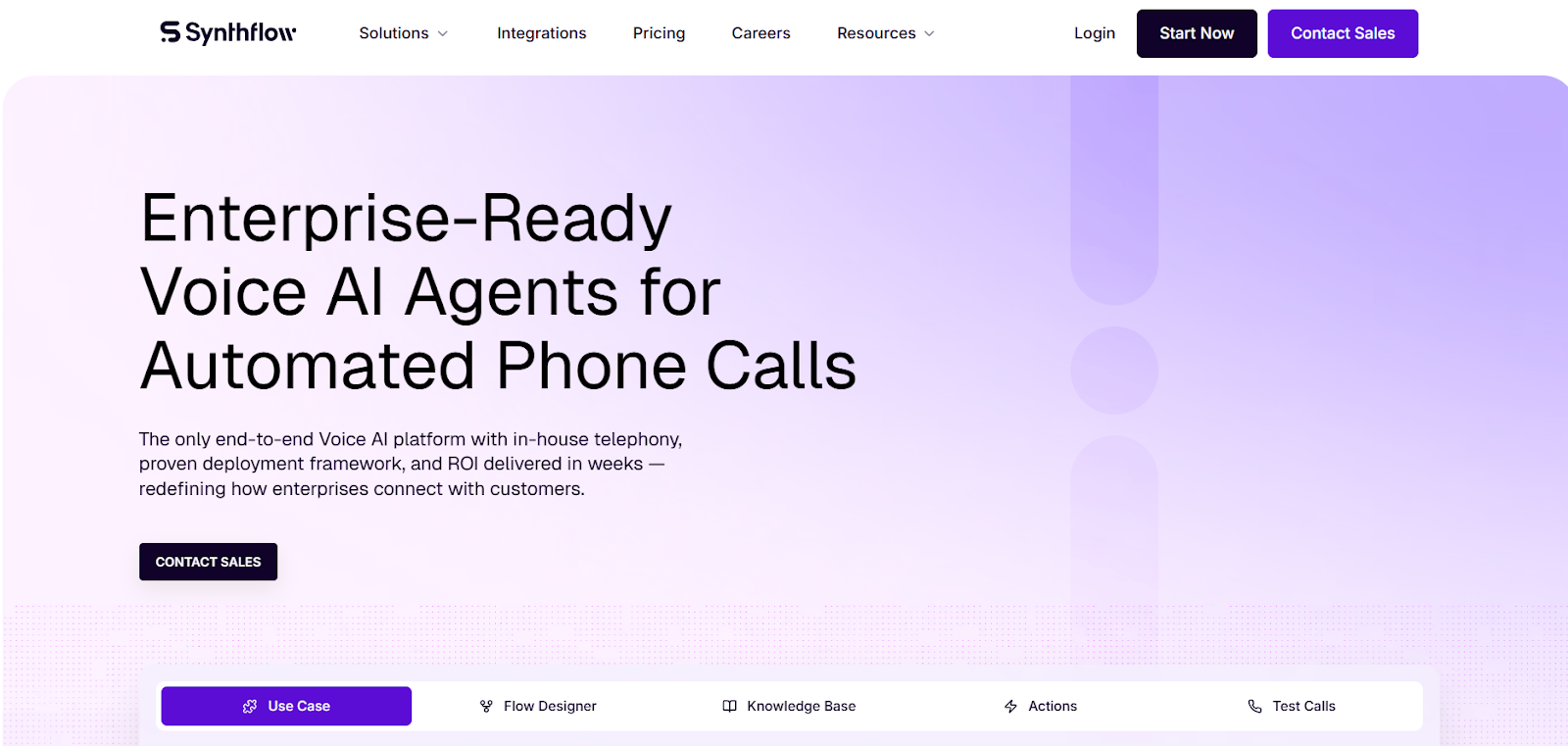
Synthflow is a voice-first AI platform that lets businesses automate phone calls and conversational interactions using AI voice agents without requiring extensive development support. It positions itself as a no-code solution, appealing to teams that want to quickly launch voice automation for customer support, appointment booking, lead qualification, and other use cases without building everything from scratch.
Inside Synthflow, you build AI agents using a visual flow designer, define the steps of your call logic, connect APIs or CRMs, and test workflows before going live. Its framework aims to make voice agent design intuitive so teams can scale from simple scripts to more advanced actions like transfers, bookings, and webhook integrations. Because the platform also handles telephony routing and monitoring, businesses don’t need to stitch together separate services just to automate calls with a single voice agent.
When I explored Synthflow, the no-code builder felt accessible, and basic agents were quick to assemble. Drag-and-drop flows helped define call logic visually, and agents could handle standard tasks like answer routing, appointment booking, and lead qualification with ease. Real-time monitoring and analytics made it easy to see agent performance during live calls.
However, when workflows became more complex, I noticed that some advanced actions required higher-tier plans or more manual configuration. A few users report intermittent glitches and support delays, so teams relying on rapid issue resolution may need to plan accordingly. Nonetheless, for many standard business use cases, the platform reliably automates initial call handling and integrates with key systems to keep data and actions in sync.
Synthflow does not always match platforms that go deeper into conversational context management or customization flexibility. In highly dynamic interactions where users deviate far from expected paths, Synthflow agents can revert to fallback prompts more often than some advanced models. It also doesn’t replace full omnichannel customer experience suites that manage web chat, mobile messaging, social touchpoints, and voice in one unified package.
Teams that need highly complex conversational logic, deep context retention, or seamless omnichannel orchestrations may find Synthflow’s focus on voice alone a limitation. Similarly, organizations that prefer transparent pay-as-you-go usage pricing rather than tiered monthly plans might want to explore alternative options that align better with their cost models.
G2 Rating: ~4.5 / 5 according to user reviews for Synthflow AI voice agents on G2, with many users praising ease of use and fast deployment.
Pricing and scale considerations
Synthflow uses a tiered subscription pricing model with different plans that include bundles of minutes and concurrent call limits each month:
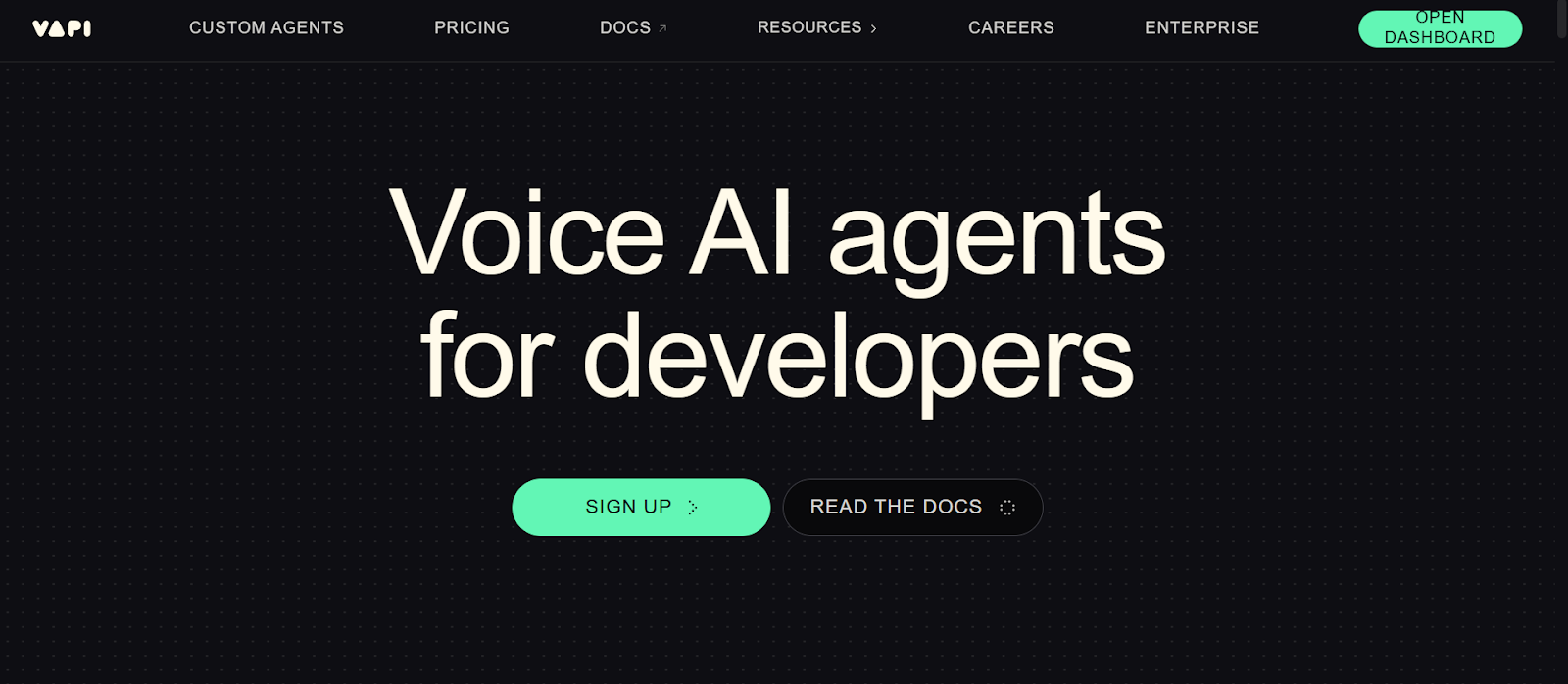
Vapi AI is a voice AI platform built for teams that want fine-grained control over how their AI voice agents are designed and deployed. Rather than positioning itself as a no-code tool, Vapi prioritizes flexibility for engineering-led teams that need to customize conversational logic, integrate deeply with internal systems, and choose their own underlying providers for speech, language models, and telephony.
In practice, you build voice agents using Vapi’s APIs and dashboards, connect telephony providers, and configure each layer of the stack separately — including speech-to-text, text-to-speech, and LLMs. This modular architecture allows teams to optimize for specific requirements, such as voice quality, latency, or compliance-ready routing, instead of being locked into a single vendor’s defaults.
Vapi works best in environments where technical teams actively manage and fine-tune call workflows. While this approach enables complex logic beyond simple scripts, it also means teams must handle multiple integrations and cost components. For businesses with strong engineering support, that trade-off can be worthwhile.
When I explored Vapi AI, the configurability was immediately apparent. You can plug in telephony providers, choose voice engines, and orchestrate calls in detailed ways that many no-code tools don’t offer. However, that flexibility also becomes management overhead: separate billing from STT, LLM, TTS, and telephony providers needs careful planning and monitoring. During live calls, latency and voice quality depend heavily on the external voice provider selected and the model powering conversation logic, making consistency a work-in-progress without fine-tuning. Setting up fallback logic and complex call flows was powerful but required hands-on tweaking and testing to ensure stability. Overall, Vapi feels capable but it leans toward technical teams who understand distributed voice stack billing and configuration.
In comparison with tools that bundle voice, telephony, and analytics into a single unified platform, Vapi’s modular approach can feel fragmented. Teams without engineering support may find the learning curve steep and the costs opaque. It also lacks the turnkey telephony defaults and built-in enterprise workflows that more product-oriented voice AI platforms offer.
Organizations that want a simple, no-code way to deploy voice AI agents quickly should avoid Vapi AI, as its strength lies in customization rather than rapid deployment. Small teams without developer resources or those looking for single-pane solutions (including built-in analytics, compliance, and billing) may find the complexity and billing structure harder to manage.
G2 Rating: ~4.4 / 5 (approximate based on aggregated user reviews for Vapi AI voice agent tools) — users praise flexibility and depth, but note cost and technical overhead as common tradeoffs. (Approximate summary from community feedback and review aggregation.)
Vapi AI uses a usage-based pricing model that starts with a platform fee of ~$0.05 per minute for core voice services, but this is only one piece of the total cost picture. Telephony fees, speech-to-text charges, LLM usage, and text-to-speech costs are all billed through separate providers and passed through without markup, leading to effective per-minute costs typically ranging from ~$0.13 to $0.33+ per minute depending on provider choice and usage patterns. New accounts often receive $10 in free credits to test voice workflows.
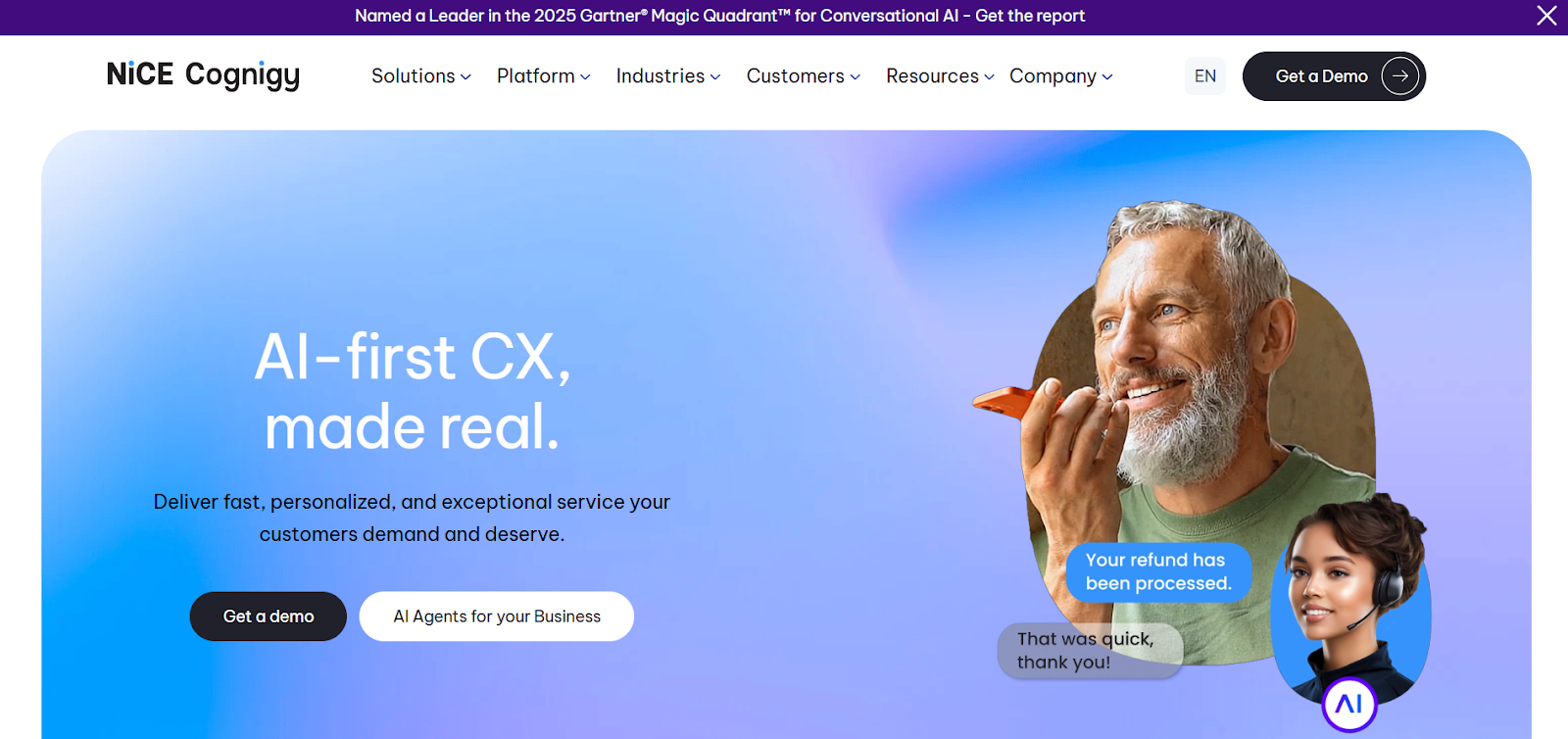
Cognigy AI is an enterprise-grade conversational AI platform designed for large organizations running complex customer service operations. It is built primarily for contact centers that need structured automation across voice and digital channels, with strong governance, analytics, and enterprise controls. Cognigy works best for businesses that already operate at scale and want to layer AI into existing CX workflows rather than replace them entirely.
You build voice agents using Cognigy’s visual flow builder, define intents and actions, and integrate with telephony systems, CRMs, and contact center software. The platform supports advanced dialog management and handoff scenarios, making it suitable for regulated industries and high-volume support environments. While it is not optimized for rapid experimentation, Cognigy excels in controlled, process-driven use cases where consistency and compliance matter more than speed.
In testing, Cognigy felt stable and predictable, with strong handling of structured call flows. It performs best when conversations follow defined processes rather than open-ended dialogue.
Cognigy is less suited for fast-moving teams that want quick deployment or experimentation. It can feel rigid compared to more developer-friendly or voice-first platforms.
Startups and small teams without enterprise CX infrastructure will likely find Cognigy too complex and resource-heavy.
G2 Rating: 4.6 / 5
Users frequently highlight stability, enterprise readiness, and contact center integrations.
Cognigy AI follows custom enterprise pricing based on usage, channels, and deployment scale. It is positioned for large organizations with dedicated CX budgets rather than pay-as-you-go experimentation.
Cognigy AI uses custom enterprise pricing based on channels, usage volume, and deployment scale. It is positioned for large organizations with dedicated CX and automation budgets rather than pay-as-you-go experimentation.
Cognigy AI uses enterprise contract-based pricing rather than pay-as-you-go rates. Pricing typically starts around $2,000–$3,000 per month for smaller deployments and scales into the $100,000+ per year range for full contact center implementations, depending on conversation volume, number of voice channels, and enabled modules such as Voice Gateway, advanced analytics, and agent assist features. Costs increase with higher concurrency, multilingual support, and premium enterprise support tiers.
Kore.ai is an enterprise conversational AI platform designed for organizations that need structured automation across voice and digital channels at scale. It is commonly used by large contact centers and IT-led teams that want to standardize conversational experiences across customer support, internal help desks, and transactional workflows. The platform is built for businesses that prioritize governance, analytics, and control over rapid experimentation.
You build voice agents using Kore.ai’s dialog builder, define intents and workflows, and connect them to telephony systems, CRMs, and backend services. The platform supports both voice bots and agent assist use cases, allowing AI to handle routine calls while supporting human agents during more complex interactions. Kore.ai fits best in environments where conversational AI is deployed as part of a broader enterprise CX or IT strategy rather than as a standalone voice tool.
Its strength lies in handling structured conversations reliably across large volumes, especially in regulated or process-heavy industries where consistency matters more than flexibility.
In testing, Kore.ai performed reliably for predefined and semi-structured call flows. Voice interactions stayed consistent, and escalation to human agents worked as expected. However, changes to live flows required careful planning, making the platform better suited for stable environments than rapid experimentation.
Kore.ai is less agile than voice-first platforms when it comes to real-time iteration and conversational flexibility. It can feel heavy compared to tools optimized specifically for phone-based automation.
Teams looking for quick deployment, lightweight voice automation, or minimal setup overhead may find Kore.ai too complex for their needs.
G2 Rating: 4.5 / 5
Users frequently mention enterprise reliability, strong integrations, and scalability as key strengths.
Kore.ai uses enterprise contract-based pricing. Entry plans are commonly reported to start around $1,200–$2,000 per month, while full enterprise deployments typically range from $50,000 to $200,000+ per year depending on conversation volume, number of voice channels, and enabled modules such as voice bots and agent assist. Pricing is best suited for large organizations with predefined CX or automation budgets rather than usage-based experimentation.
Google Dialogflow CX is a conversational AI platform built for enterprises that want structured, flow-based automation across voice and digital channels. It is commonly used by teams already operating inside the Google Cloud ecosystem and looking to standardize conversational experiences across customer support, internal help desks, and transactional workflows. The platform is designed for predictable, process-driven conversations rather than open-ended dialogue.
You design agents using a state-based visual flow builder, define intents and routes, and connect them to telephony providers, backend services, and CRMs through APIs. Dialogflow CX emphasizes control, versioning, and environment management, which makes it suitable for large teams managing multiple agents in production. It fits best when conversations follow clearly defined paths and are tightly integrated with backend systems rather than free-form conversational handling.
In testing and third-party reviews, Dialogflow CX performed best in structured environments with clearly defined intents and flows. Call routing, intent matching, and backend fulfillment were reliable once configured correctly.
However, building and maintaining these flows required careful planning and technical involvement. Changes to live agents often required testing across environments to avoid breaking production call paths.
Dialogflow CX struggles in highly conversational voice scenarios where callers interrupt, change direction, or speak unpredictably. Compared to voice-first platforms like Retell AI, it feels more rigid and less natural during live phone interactions.
Voice quality and latency also depend heavily on external telephony and speech providers, adding setup overhead.
Teams without strong technical resources or those looking for rapid, no-code deployment will likely find Dialogflow CX difficult to manage.
Businesses focused primarily on phone automation rather than structured digital workflows may be better served by voice-native platforms.
Dialogflow CX holds a G2 rating of around 4.4 out of 5, with users praising scalability and control while noting complexity.
Dialogflow CX uses usage-based pricing. Voice interactions are typically billed between $0.07 and $0.20 per minute, depending on region and configuration. Total annual costs commonly fall in the $10,000 to $100,000+ range once speech services, telephony, and backend usage are included.
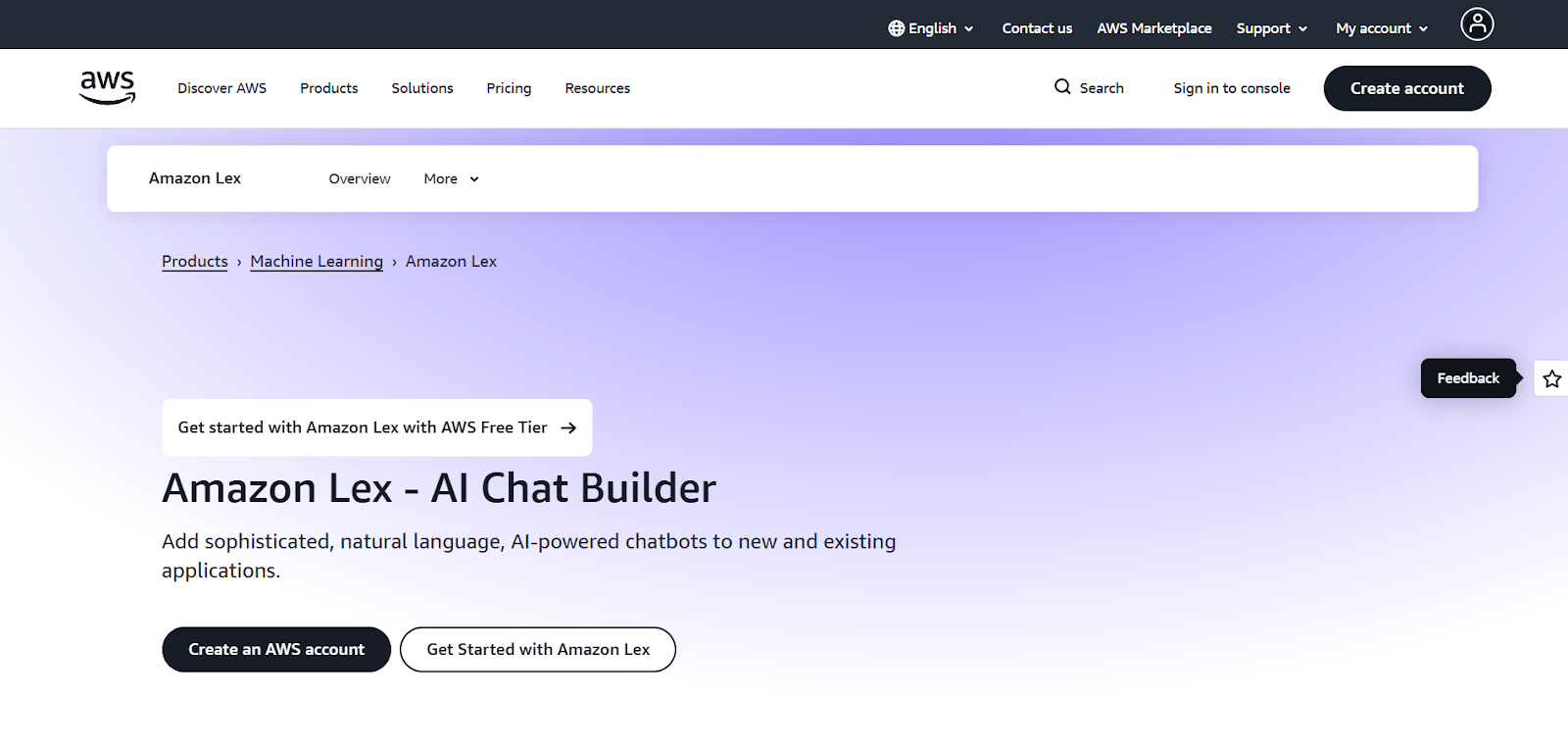
Amazon Lex is a conversational AI service designed for businesses building voice and chat interfaces on AWS. It is most often used by engineering-led teams that want tight integration with AWS services, strong security controls, and infrastructure-level flexibility. Lex is built around intent and slot-based interactions rather than free-form conversation, making it suitable for structured workflows.
You define intents, slots, and fulfillment logic, then connect Lex to telephony, AWS Lambda functions, and backend systems. The platform gives teams granular control over infrastructure but requires hands-on configuration to reach production quality. Lex works best when conversational AI is treated as a backend service rather than a product-led platform.
In testing and reviews, Amazon Lex showed strong intent recognition and backend orchestration when configured properly. It handled structured tasks well but required significant tuning to manage conversational edge cases.
Voice interactions felt functional rather than polished, and natural conversation flow depended heavily on custom logic and external services.
Lex feels more like a developer toolkit than a complete voice AI platform. Compared to voice-first tools, it lacks built-in telephony controls, analytics, and conversational refinement.
Teams often need to assemble multiple AWS services to match features that other platforms provide out of the box.
Teams without AWS expertise or those looking for turnkey voice automation will struggle with Lex. Non-technical teams will find the setup and ongoing maintenance burdensome.
Amazon Lex holds a G2 rating of approximately 4.2 out of 5, with feedback highlighting scalability but citing complexity.
Amazon Lex uses usage-based pricing starting at roughly $0.004 per voice request, but total costs increase with speech services, telephony, and AWS infrastructure. In production environments, annual spend often reaches $20,000 to $150,000+ depending on call volume and architecture.
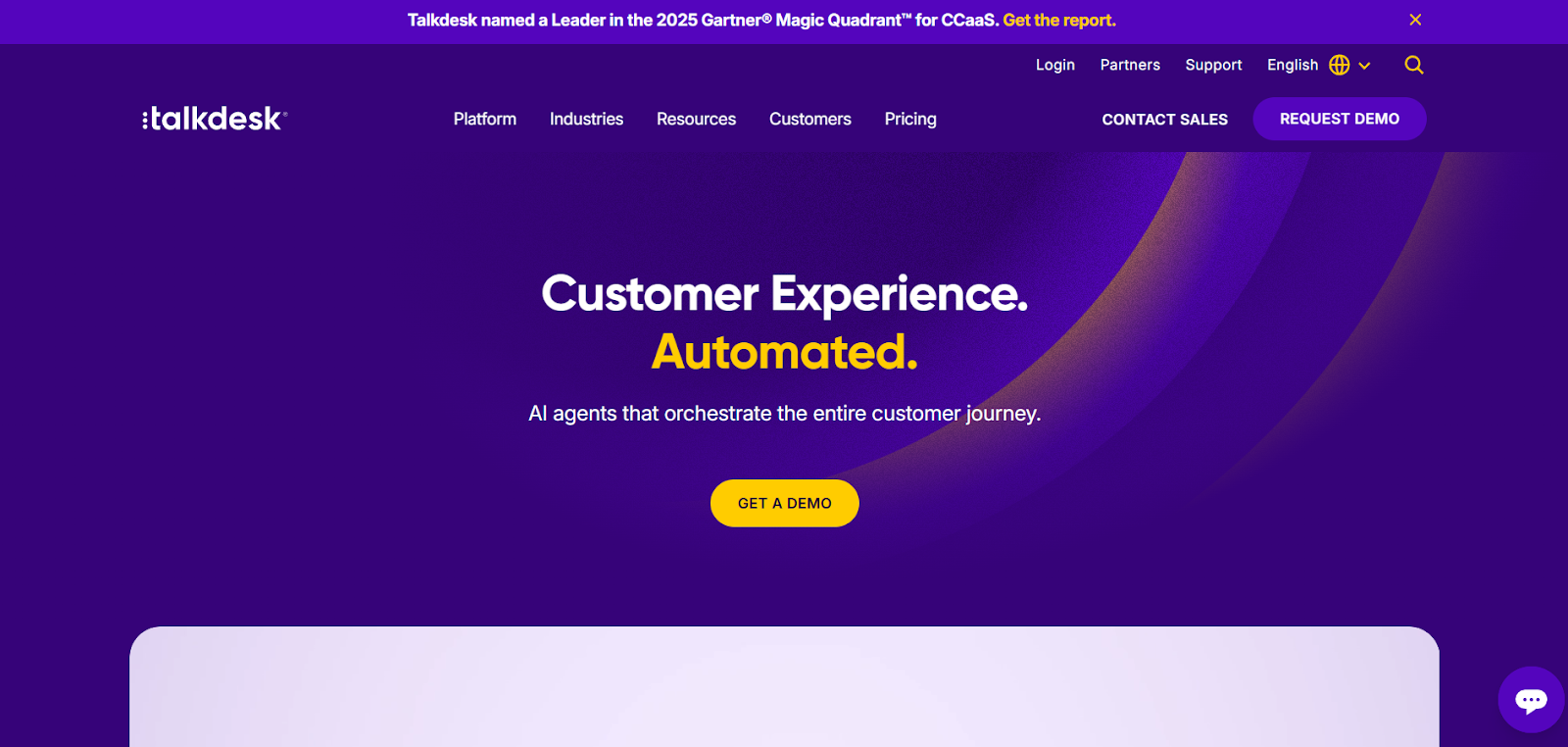
Talkdesk is a cloud contact center platform that includes AI-powered voice automation as part of a broader CX suite. It is designed for support organizations that want to enhance existing call center workflows with AI rather than deploy standalone voice agents. Talkdesk works best when human agents remain central, with AI assisting routing, deflection, and routine inquiries.
Voice bots are configured inside the Talkdesk ecosystem and integrated with IVR systems, CRM tools, and agent workflows. The platform emphasizes reliability, reporting, and agent handoff over deep conversational flexibility. It fits well in established contact centers that prioritize stability and operational visibility.
In testing and reviews, Talkdesk voice automation performed reliably for call routing and basic support use cases. Escalation to human agents was smooth, and reporting was strong.
However, conversational depth was limited, and more complex dialogue handling required workarounds or manual agent involvement.
Talkdesk is less suited for businesses looking to deploy fully autonomous voice agents. Compared to voice-native platforms, customization and conversational intelligence feel constrained.
Teams without an existing Talkdesk contact center setup may find the platform heavy and costly.
Startups or teams looking for standalone voice AI will likely find better-fit alternatives.
Talkdesk holds a G2 rating of around 4.4 out of 5, with users highlighting stability and CX tooling.
Talkdesk pricing typically starts around $85 to $115 per agent per month, with AI and voice automation pushing total costs into the $30,000 to $250,000+ per year range depending on scale and features.
NICE CXone is an enterprise contact center platform that includes voice AI as part of a comprehensive CX and workforce management suite. It is built for large organizations that need governance, compliance, and analytics across all customer touchpoints. Voice automation here is designed to support large-scale operations rather than act as a standalone AI agent.
You deploy voice bots within the CXone environment, integrate them with IVR systems and agent workflows, and manage performance through centralized dashboards. The platform emphasizes control, reliability, and compliance, making it common in regulated industries and global enterprises.
In testing and reviews, NICE CXone performed consistently for structured support flows and predictable call handling. Reliability and uptime were strong.
Conversational flexibility was limited, and changes to call logic required careful planning and coordination.
CXone lacks agility compared to voice-first AI platforms. Building or iterating on conversational logic is slower and more constrained.
Smaller teams and startups will likely find CXone too complex and expensive. Organizations seeking fast experimentation or standalone voice AI should look elsewhere.
NICE CXone holds a G2 rating of approximately 4.3 out of 5, with users emphasizing stability and enterprise support.
NICE CXone pricing typically starts around $100 to $150 per agent per month, with full enterprise deployments often reaching $100,000 to $500,000+ per year depending on scale and modules.
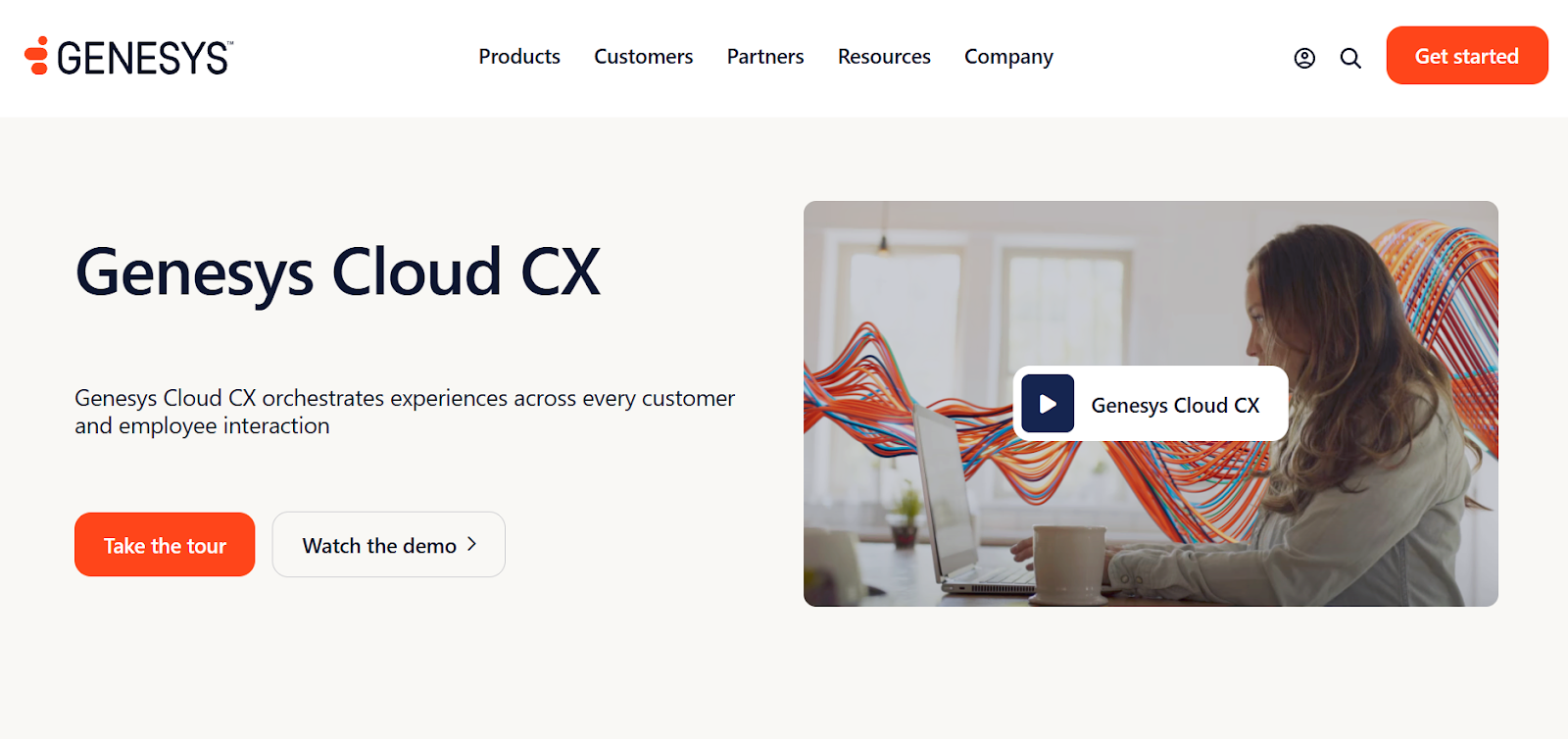
Genesys Cloud CX is a full-scale cloud contact center platform that includes voice AI as part of a broader customer experience and workforce management suite. It is designed for large organizations that already operate complex contact centers and want to layer automation into existing voice workflows rather than replace them with standalone AI agents. The platform is commonly used in regulated and high-volume environments where uptime, reporting, and governance are critical.
Voice bots in Genesys are configured alongside IVR systems, routing logic, and agent workflows, allowing AI to handle routine interactions before escalating to human agents. Genesys fits best when conversational AI is one component of a larger CX strategy, tightly coupled with analytics, quality management, and workforce planning. It prioritizes reliability and control over conversational experimentation or rapid iteration.
In testing and third-party reviews, Genesys Cloud CX performed reliably for structured call flows and predictable customer service interactions. Voice routing, escalation, and reporting worked consistently at scale.
However, conversational flexibility was limited, and creating or modifying voice bot logic required careful coordination with broader contact center configurations.
Genesys Cloud CX does not match voice-first AI platforms when it comes to natural conversation handling or rapid experimentation. Compared to tools like Retell AI, it feels heavier and slower to iterate on conversational logic.
Voice AI features are also more constrained by the broader contact center framework.
Teams looking for standalone AI voice agents or fast deployment without contact center complexity should avoid Genesys Cloud CX.
Smaller teams without existing contact center infrastructure will likely find it excessive.
Genesys Cloud CX holds a G2 rating of approximately 4.3 out of 5, with users citing reliability and enterprise depth as strengths.
Genesys Cloud CX pricing typically starts around $75 to $150 per agent per month, with voice AI and advanced modules pushing total annual costs into the $100,000 to $500,000+ range depending on scale and features.
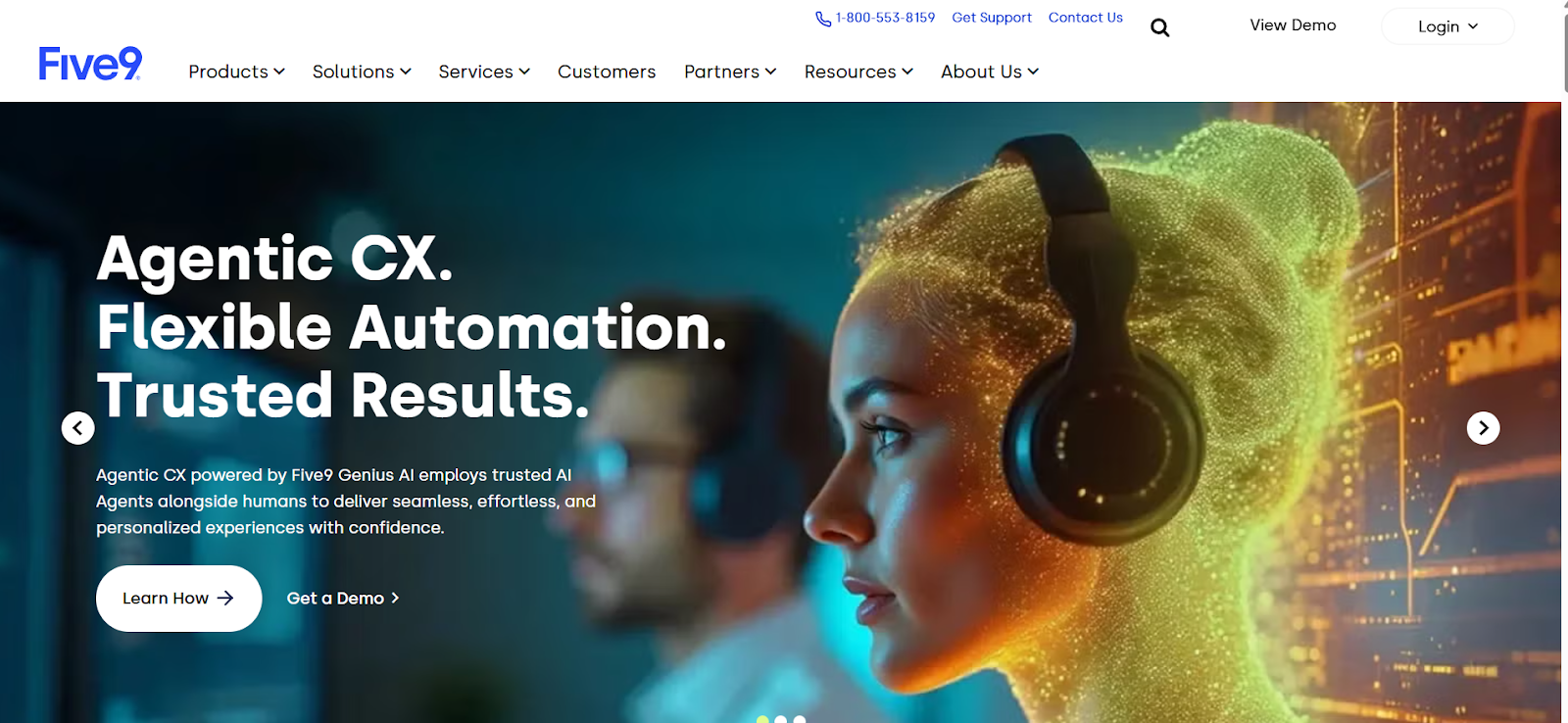
Five9 is a cloud contact center platform that offers voice AI and automation as part of a broader CX solution. It is designed for support and sales organizations that want to improve call handling efficiency while keeping human agents at the center of customer interactions. Five9 works best in environments where AI assists with routing, deflection, and basic interactions rather than fully autonomous voice agents.
Voice automation is configured alongside IVR systems, call routing, and agent workflows, allowing AI to handle routine requests before handing off to live agents. The platform emphasizes stability, reporting, and integration with CRM systems. Five9 fits best for mid-to-large enterprises running established contact centers rather than teams experimenting with AI-first voice automation.
In testing and reviews, Five9 showed consistent performance for call routing, IVR automation, and agent handoff. Voice quality and uptime were generally strong.
However, conversational depth was limited, and more advanced dialogue handling often required manual scripting or agent intervention.
Five9 lags behind voice-first AI platforms in handling open-ended conversations and interruptions. Compared to tools built specifically for AI voice agents, its automation feels more rule-based and less conversational.
Teams seeking fully autonomous AI voice agents or rapid conversational experimentation should avoid Five9.
Organizations without an existing contact center operation may find the platform unnecessarily complex.
Five9 holds a G2 rating of around 4.2 out of 5, with users highlighting reliability and ease of use for agents.
Five9 pricing generally starts around $100 to $175 per agent per month, with full deployments commonly reaching $50,000 to $300,000+ per year depending on seats, call volume, and enabled features.
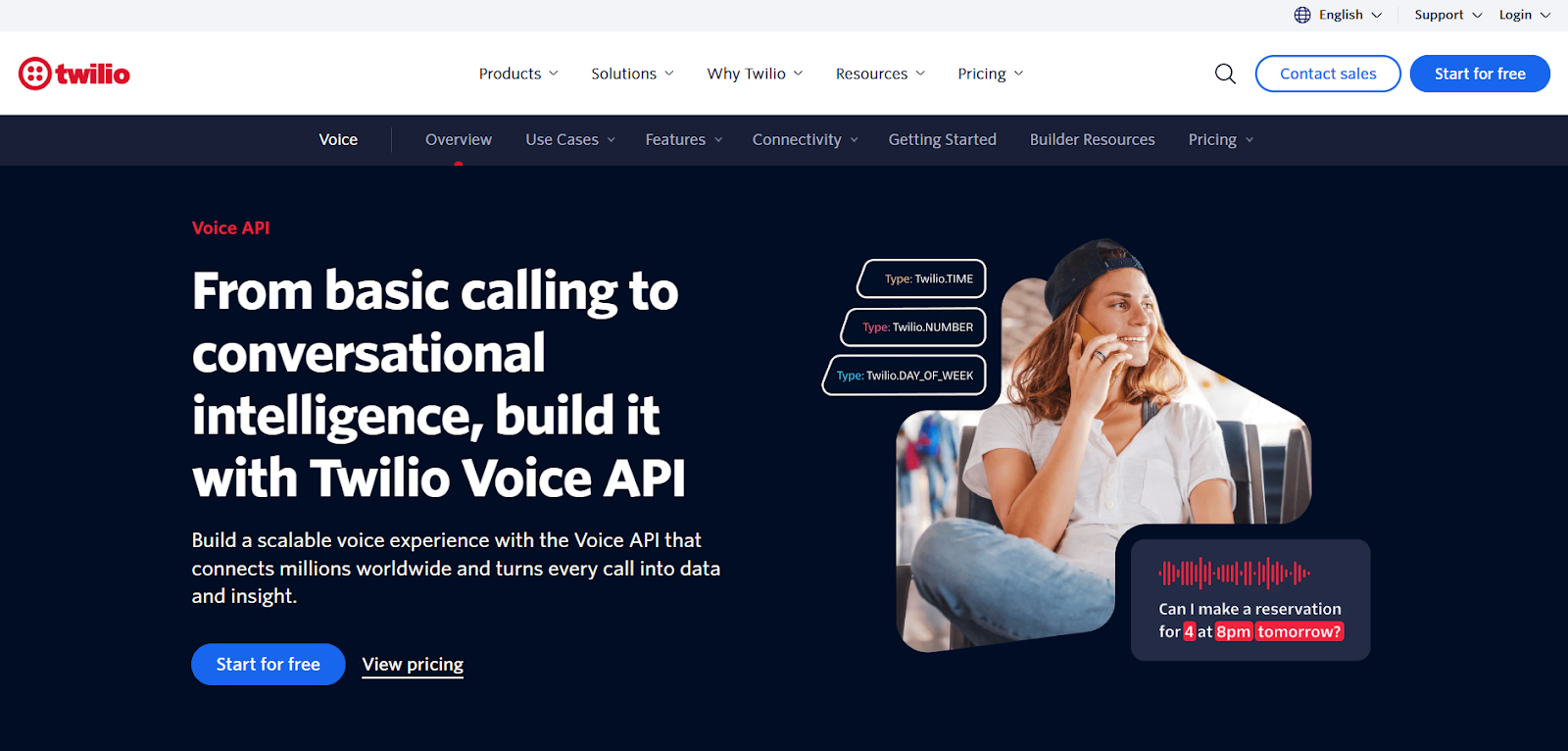
Twilio’s Voice and AI stack is a developer-focused option for building custom voice AI experiences using programmable telephony, speech services, and third-party language models. It is not a packaged voice AI platform, but rather a toolkit for teams that want full control over call flows, infrastructure, and integrations. Twilio works best for engineering-heavy teams building bespoke voice solutions.
You assemble voice experiences using Twilio Voice, connect speech-to-text and text-to-speech services, and integrate LLMs and backend systems through APIs. This approach offers maximum flexibility, but places responsibility for orchestration, reliability, and cost management entirely on the team. Twilio fits best when voice AI is treated as a custom product rather than a turnkey platform.
In testing and reviews, Twilio proved extremely flexible and reliable at the telephony layer. Call connectivity and global reach were strong.
However, building conversational intelligence required significant engineering effort, and maintaining consistent voice quality depended on careful provider selection and tuning.
Twilio does not provide a ready-made voice AI platform. Compared to solutions like Retell AI, teams must build and maintain far more infrastructure to reach production readiness.
Costs can also become difficult to predict as usage scales.
Teams without strong engineering resources or those looking for an out-of-the-box voice AI solution should avoid Twilio.
Non-technical teams will struggle with setup and ongoing maintenance.
Twilio Voice holds a G2 rating of approximately 4.4 out of 5, with users praising reliability and developer tooling.
Twilio Voice pricing typically starts around $0.013 per minute for inbound calls and $0.024 per minute for outbound calling, with additional costs for speech services and LLM usage. In production, total annual spend commonly ranges from $20,000 to $200,000+ per year depending on call volume and architecture.
When I choose a voice AI platform, I start with real phone calls, not demos. The platforms that worked best were the ones that handled live calls reliably, plugged cleanly into business systems, and stayed stable once call volume increased. Flashy demos mattered far less than what happened when real customers were on the line.
Use this as a quick filter:
The right voice AI platform fits your call types, your systems, and your operational reality — even if the demo feels less impressive than others.
Treat this list as a starting point. Run a small pilot, connect the platform to real workflows, and listen to how it performs on live calls.
The best voice AI platform is the one callers barely notice because their issue gets handled smoothly.
You’ve got this.
Voice AI is used to automate phone-based tasks like customer support, inbound call handling, outbound sales and collections, appointment booking, payment reminders, and internal help desks. Businesses use it to reduce wait times, handle high call volumes, and ensure consistent responses without adding headcount.
Not always. Some platforms use pay-as-you-go pricing based on minutes, while others offer enterprise contracts. For smaller teams, costs can start low and scale with usage. The real expense usually comes from poor call handling or downtime, not the platform itself.
Voice AI is best at handling repetitive, high-volume calls, not replacing humans entirely. In practice, it works alongside agents by resolving routine requests and escalating complex or sensitive issues to humans with full context.
Quality varies by platform. The best voice AI tools sound natural, respond quickly, and handle interruptions well. In real deployments, voice quality and latency matter more than which language model powers the agent.
Yes, if you choose the right platform. Enterprise-grade voice AI tools support SOC 2, GDPR, HIPAA, and other compliance standards. Always verify certifications, data handling policies, and call recording controls before deploying.
Deployment can range from a few days for simple use cases to several weeks for complex, integrated workflows. Platforms with strong tooling and integrations tend to go live faster and stay stable in production.
See how much your business could save by switching to AI-powered voice agents.
Total Human Agent Cost
AI Agent Cost
Estimated Savings
A Demo Phone Number From Retell Clinic Office