Best Enterprise AI Solutions in 2026: Tested and Ranked
29
MIN READ
September 24, 2026

Use of AI in enterprises is no longer an experiment; it's actively reshaping critical business functions across industries.
Research shows that 64% of AI agent adoption is centered around business process automation, enabling enterprises to optimize workflows and enhance efficiency. The highest adoption of enterprise AI solutions is for customer service, followed by sales and operations.
The takeaway? AI agents aren't just an emerging technology – they're becoming a necessity for modern enterprises looking to scale efficiently.
But most AI tools talk big. Few actually help you run a business more efficiently.
In this list, you'll find the best 10 enterprise AI solutions dedicated across various business verticals. Each one is solving real business problems like long wait times in customer support, doing repetitive tasks, having little data on how things are going or scaling operations.
Enterprise AI refers to the use of artificial intelligence technologies within organizations to improve business operations, decision-making, productivity, and customer experiences at scale.
Unlike consumer AI tools that prioritize accessibility and ease of use, enterprise AI operates at scale while maintaining compliance, security and contextual awareness.
Enterprise AI's real-world business impact is rising fast, with 25% of leaders now reporting that AI is having a transformative effect on their companies. More than double from 12% a year ago, including:
As AI capabilities continue to mature, enterprise AI is evolving from a productivity tool into a strategic business asset that drives efficiency, innovation, and competitive advantage across the organization.
Enterprise AI agents combine language understanding, reasoning, execution, and continuous learning to automate complex business processes. While technologies such as natural language processing (NLP), machine learning (ML), and large language models (LLMs) provide the foundation, their effectiveness depends on how they work together within a governed enterprise framework.
To address these limitations, enterprise AI agents operate within a structured architecture that includes knowledge retrieval, workflow orchestration, tool integrations, security controls, and governance guardrails. This framework allows agents to access business systems, execute tasks, follow compliance requirements, and deliver consistent outcomes while maintaining accuracy and reliability at scale.
Let's take a look at how these AI technologies are being used in the real world to transform operations, boost efficiency, and drive better outcomes.
Customer support has the highest adoption of enterprise AI solutions. Gartner predicts that by 2028, 80% of all customer support will use AI in one form or another to improve their productivity and performance.
The relevance of AI technology in customer service shouldn't be a surprise, considering how important it is for businesses to provide fast and reliable support to their customers. Here are just some of the things AI can offer for customer service:
According to Outreach's Prospecting 2025 report, 100% of sales teams report saving more than one hour per week, and nearly 40% saved 4–7 hours per week with an AI assist. Whether it's cleaner prospecting, faster research or more effective outreach, the upside is clear.
Here are some of the standout benefits:
Enterprises generate massive amounts of data every day, but turning that information into actionable insights remains a challenge. Enterprise AI solutions help businesses analyze large datasets faster, uncover hidden patterns, and make better decisions in real time.
Here are just some of the things AI can offer for data analytics:
IT departments carry out a number of essential business operations procedures every day. Problems pop up, systems slow down, and your teams scramble to keep everything running. IT teams have to maximize their efficiency to keep up with ongoing demands.
Artificial intelligence for operation is like having a lightning-fast assistant who can spot those issues before they escalate, and often even fix them automatically.
Here's a breakdown of how it works at a high level:
Enterprises receive thousands of calls every day, and answering all of them manually isn't cost-effective. AI-powered voice bots or voice assistants help businesses provide real-time support to customers around the clock. It uses Natural Language Processing (NLP) and machine learning (ML) to analyze and create human-like responses.
Here are some of the standout benefits:
The right enterprise AI solution can be deployed and managed across large, complex organizations while maintaining reliability, performance and control.
Solutions that are truly enterprise scale must have the following features:
As an enterprise, you may need to run thousands of end-to-end integration tests across web apps, mobile platforms, APIs, ERP systems, and emerging interfaces like voice. That's why it's important to select an enterprise AI solution that can handle distributed execution and scale performance in large volumes without collapsing.
AI can speed routine tasks, but in an enterprise setting, you cannot rely on decisions you can't explain. A black-box approach won't pass a compliance review, and it won't build trust with your developers or auditors.
In the end, you don't want to end up with an AI solution with a tool with fragile automation that can't adapt to evolving business workflows.
In an enterprise setting, automation must meet regulatory and security standards. Without strong compliance, you expose the business to compliance failures, IP disputes, and potential breaches. Therefore, ensure the tool you choose is compliant with standards like HIPAA, GDPR, and SOC2.
AI agents need to connect to enterprise applications to get work done. This is one of the top reasons why automation is so powerful in enabling action; embedding agents within automation enables the execution of cognitive tasks at scale.
Look for AI agent software that connects with any and every enterprise app. Evaluate solutions for integration flexibility via open architecture paired with dependable platform security and governance capabilities.
Enterprise workflows rarely rely on a single AI system. Modern organizations often require multiple AI agents to collaborate across departments, applications, and processes. Effective multi-agent orchestration enables specialized agents to share context, delegate tasks, and coordinate actions while maintaining oversight.
Look for solutions that support agent-to-agent communication, workflow routing, memory management, and centralized monitoring. A strong orchestration layer ensures that AI agents work together smoothly rather than operating in isolated silos, enabling enterprises to automate complex, end-to-end processes at scale.
The value of enterprise AI goes beyond basic task automation. Advanced solutions should combine generative AI, machine learning, natural language processing, and workflow automation to handle sophisticated business processes.
The best enterprise AI solutions continuously learn from interactions, adapt to changing business conditions, and improve performance over time while remaining aligned with organizational objectives.
While AI can automate many processes, human oversight remains essential in enterprise environments. Human-in-the-loop controls allow employees to review, approve, or intervene in AI-driven decisions when necessary.
This capability is particularly important for high-risk scenarios involving compliance, customer interactions, or sensitive data. Look for solutions that support approval workflows, escalation paths, feedback mechanisms, and manual overrides to ensure AI operates responsibly and aligns with business policies.
Finding the right AI solution for your business can feel overwhelming, but it doesn’t have to be. The right choice depends on your goals, infrastructure, and how much flexibility your teams need to scale effectively.
We’ve laid out the best enterprise AI solution for:
Here's a quick walkthrough of all of the tools:
| Tool | Best For | Key Features | Integrations | Pricing |
|---|---|---|---|---|
| Zendesk | AI-powered omnichannel support | AI ticket routing, intelligent triage, ticket summarization, omnichannel support | Salesforce, Slack, Shopify, Jira, HubSpot, Zoom | Starts at $19/agent/month |
| Salesforce Einstein | AI-powered CRM insights and forecasting | Lead scoring, revenue forecasting, conversation intelligence, automated data entry | Native Salesforce ecosystem | $50–$150+/user/month (plus Salesforce license) |
| Gong | Sales call analysis and forecasting | Call recording, AI insights, coaching, pipeline scoring | Salesforce, Zoom, Slack, HubSpot | Custom pricing (\~$5,000/year base fee) |
| Saleshandy | Outbound email automation | AI lead finder, multichannel outreach, deliverability tracking | HubSpot, Zapier, Make, CRM tools | Starts at $25/month |
| Zapier | No-code workflow automation | 9,000+ integrations, AI Copilot, MCP support, templates | 9,000+ apps | Free plan; paid from $19.99/month |
| Make | Complex workflow automation | Visual builder, branching logic, APIs, webhooks | Google Sheets, Airtable, Notion, Webflow | Free plan; paid from $9/month |
| Retell AI | Voice and call automation | AI voice agents, multilingual support, custom telephony, call flows | HubSpot, Twilio, Stripe, Shopify | Usage-based pricing |
| Synthflow AI | No-code AI agent building | Voice cloning, 90+ languages, white-labeling, CRM integrations | Salesforce, Zapier, Twilio, ElevenLabs | Starts at $375/month |
| Microsoft Power BI | Enterprise BI and reporting | Interactive dashboards, DAX, AI insights, Microsoft integration | Azure, Excel, Salesforce, SAP | Free; paid from $14/user/month |
| Tableau | Advanced visualization and self-service analytics | Tableau Pulse, geospatial analytics, AI insights, dashboards | Salesforce, Snowflake, Databricks | Starts at $35/user/month |
The best customer support platform combines ticketing, automation, AI-powered assistance, and omnichannel support tools to improve response times, enhance customer satisfaction, and reduce support workload.
These are the best customer support platforms:
What does it do? Zendesk is a comprehensive, AI-powered customer experience management software that helps businesses deliver efficient customer support.
Who is it for? Zendesk scales from SMBs to enterprises to provide omnichannel support. If you handle high ticket volume across multiple channels, Zendesk can be a great choice.
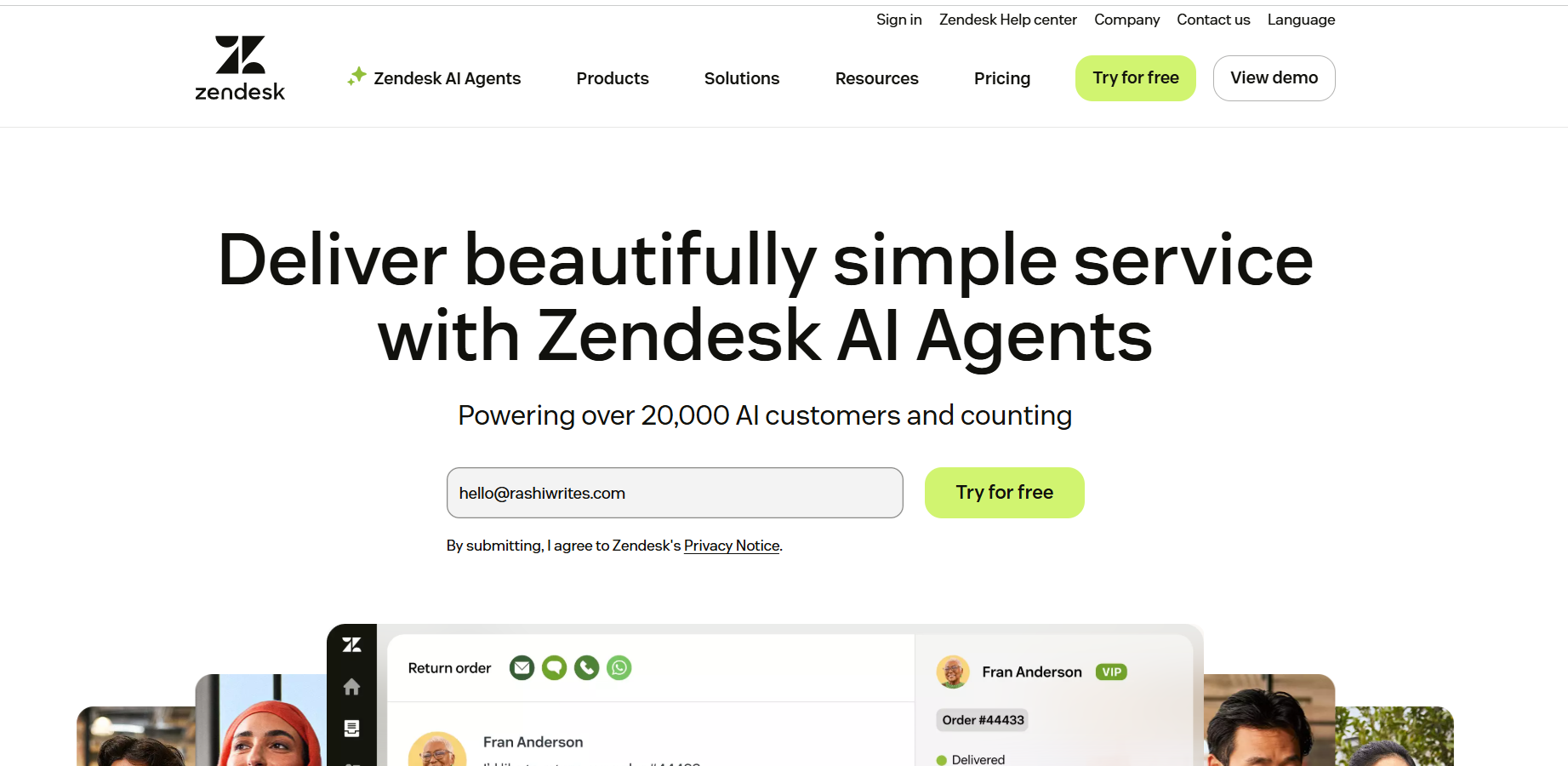
Zendesk is a comprehensive customer service platform that brings all your customer interactions in one place. It doesn't matter if a customer sends an email, pings you on calls, social media, or starts a live chat; it all ends up on a single, unified dashboard.
You can also merge tickets from the same user to avoid duplicate conversations with different agents. That feature helps keep communication organized and ensures customers aren't repeating themselves.
The Intelligent Triage feature in Zendesk is a game-changer, automatically identifying customer intent and sentiment so CX teams can prioritize urgent issues at a glance. It transforms support from being reactive to proactive, ensuring every customer feels valued through smarter, automated interactions.
Features such as AI-powered reply to suggestions, automatic ticket summarization, and AI-powered routing make ticket resolution faster.
Zendesk integrates smoothly with over 1,200 tools on the Zendesk Marketplace, including Asana, Google Workspace, HubSpot, Jira, Microsoft Dynamics, Salesforce, Shopify, Slack, Trello, and Zoom.
Zendesk offers four paid pricing plans, including:
What does it do? Salesforce Einstein is the artificial intelligence (AI) layer built into Salesforce that helps businesses use their CRM data to predict outcomes, automate tasks, and recommend actions.
Who is it for? Teams with 12+ months of clean CRM data and 500+ closed deals typically see meaningful signals with Salesforce Einstein. Small teams and early-stage companies rarely have enough data to train the model.
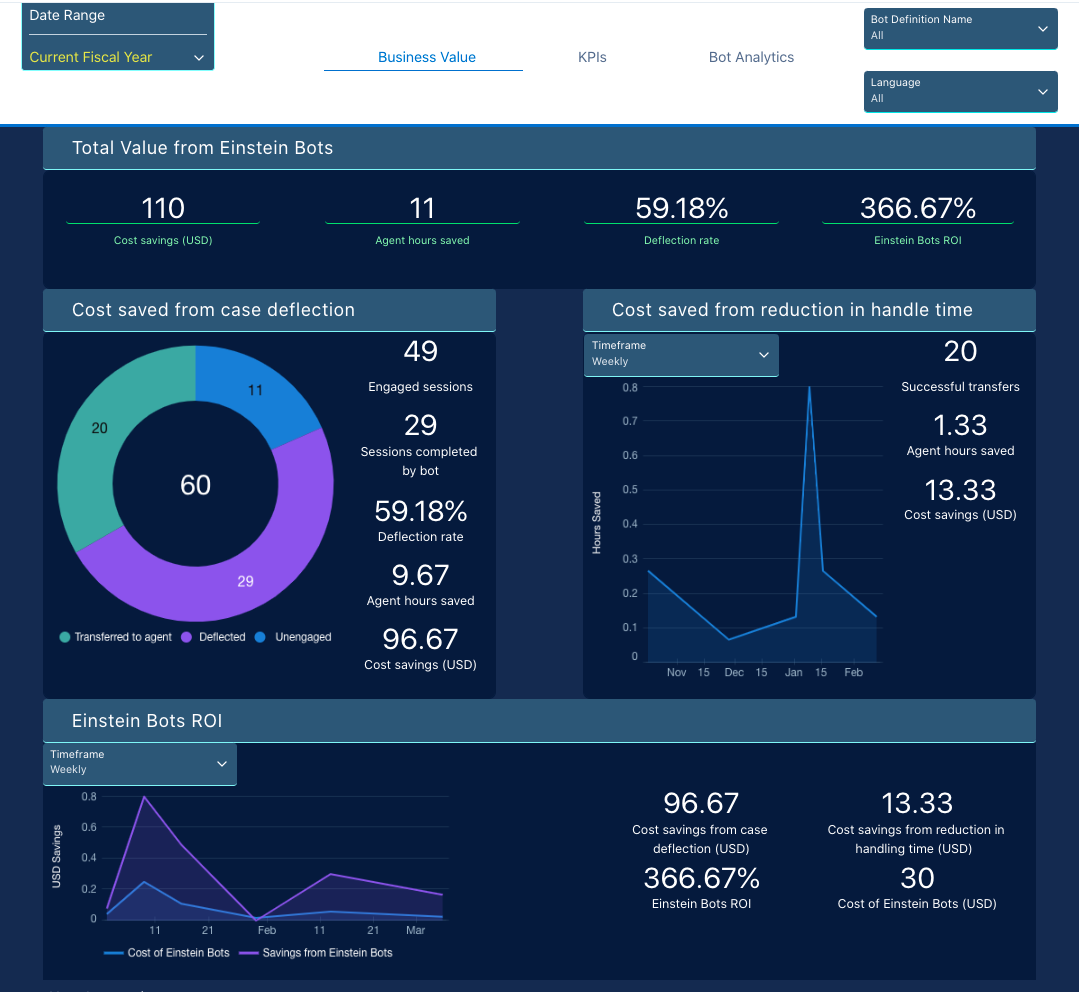
If your sales team lives in Salesforce, Einstein is the AI layer that makes CRM useful. Einstein learns from CRM data, scores leads based on their historical conversion patterns, and suggests which deals need attention.
Another major feature is Conversation Intelligence, which can flag calls where competitors were mentioned and add them to coaching queues. This is one of the clearest ROI-positive use cases for Salesforce AI. It requires the Unlimited Plus plan, or Einstein Conversation Intelligence as a standalone add-on, usually costs an additional $50–$75 per user per month on top of the base subscription.
Salesforce Einstein integrates into the broader Salesforce ecosystem as an AI layer that enhances CRM data, workflows, and decision-making across sales, service, and marketing.
Salesforce Einstein pricing isn't a single fixed subscription; it's a layered model built on top of Salesforce licenses, with a mix of per-user fees + add-ons + usage-based costs.
Advanced Sales/Service Einstein modules can range from $50 to $150+ per user/month, depending on features.
Sales automation platforms help businesses automate lead management, sales outreach, follow-ups, and pipeline tracking to improve efficiency and revenue generation.
These are the best sales automation platform to try:
What does it do? Gong is a revenue intelligence platform that records and dissects sales calls to help businesses reach a more practical revenue.
Who is it for? Gong is in no way an affordable intelligence platform; it's built for serious revenue teams that want accurate forecasting and need data to fix pipeline risk.
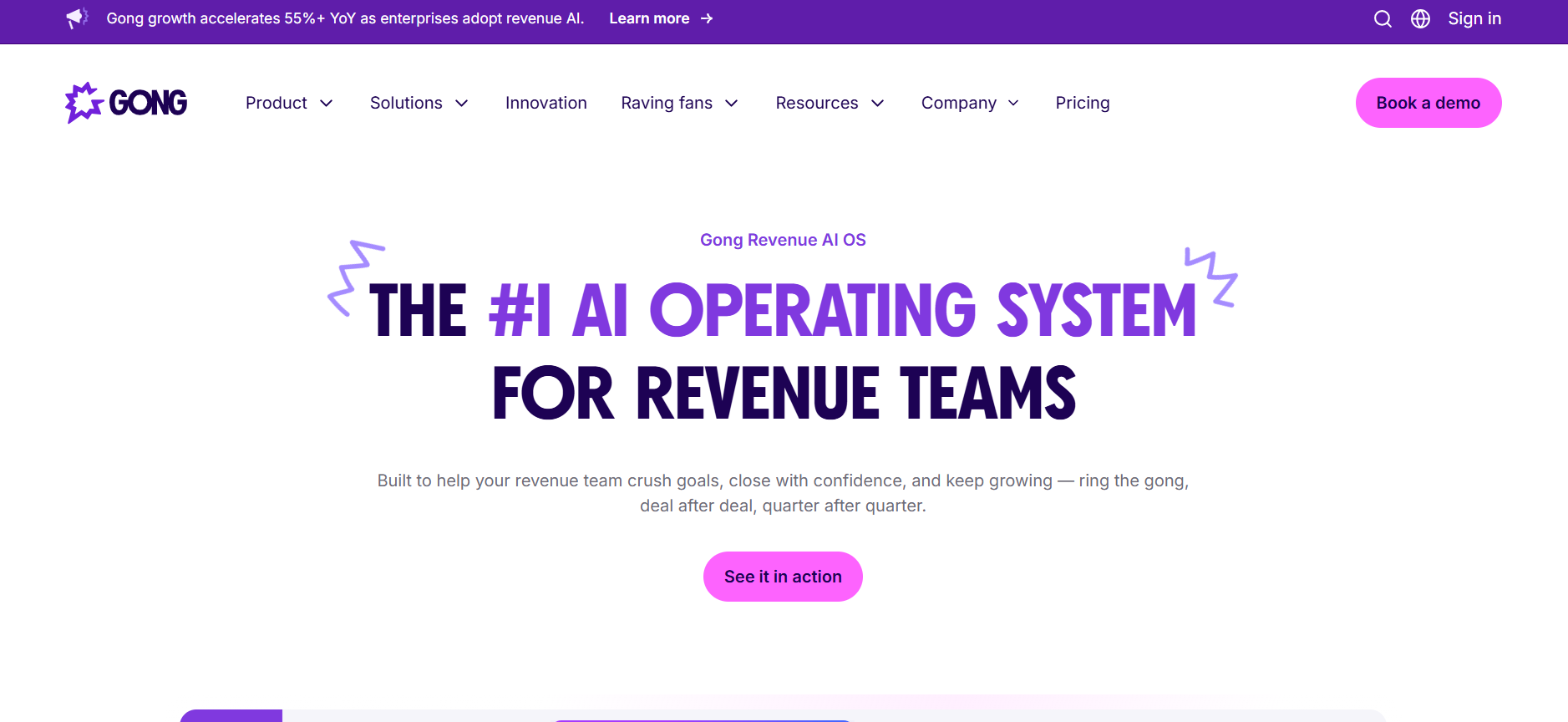
Gong.io markets itself as a revenue intelligence platform that records your sales calls and tells you what's going on. When Gong starts recording your meetings and sales calls, it goes beyond just transcribing them. It analyses every minute with AI to pull key insights that would usually take hours to find manually.
Here's the rough layout of what's on offer when you sign up on the platform:
So yes, Gong does more than record calls. Gong provides unprecedented visibility into what's actually happening in customer conversations, not just what reps entered in their CRMs.
Gong.io integrates with a wide range of CRM, conferencing, communication, automation, and revenue tools, including Salesforce, Hubspot, Zoom, Google Meet, Slack, Zapier, Zendesk and many more.
Gong doesn't make its pricing public. But, based on what users have paid, it's clear: this is a premium platform built for serious revenue teams.
| Component | Estimated Cost |
|---|---|
| Platform Base Fee | \~$5,000/year |
| Per-User License | $1,360 – $1,600 per user/year |
| Support & Training Add-on | \~$7,500 (one-time) |
What does it do? Saleshandy is an AI-powered cold outreach and sales engagement platform designed to help businesses automate cold emails, manage multichannel outreach, improve email deliverability, and book more meetings.
Who should use it? If you're an agency, founder or SDR who wants to scale outbound through cold emails, then Saleshandy is built for you. You get complete insight into deliverability, performance, and results of your outbound campaign.
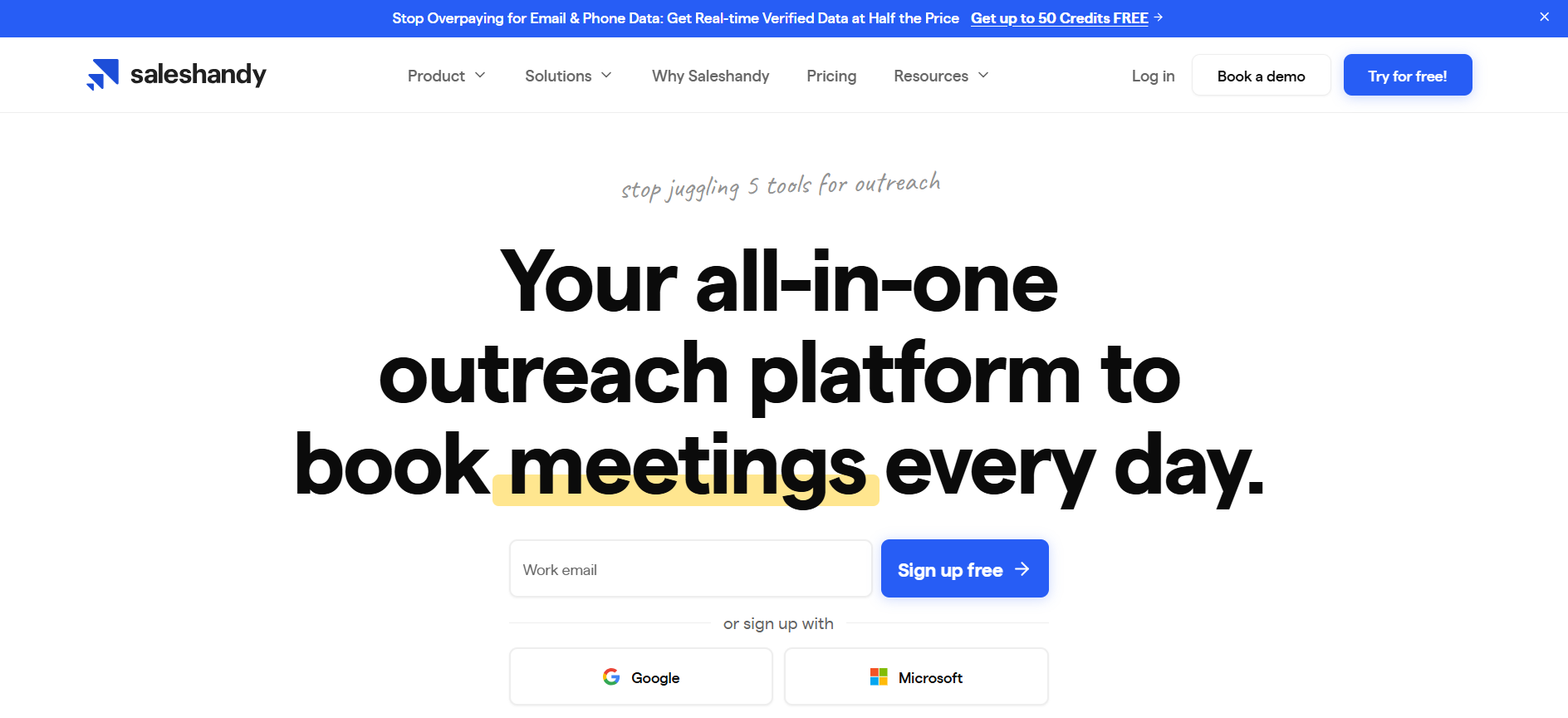
Saleshandy is an AI-powered cold email platform that helps you automate and scale your outbound outreach, from start to finish. It combines lead generation, email automation and deliverability tools into a single and easy-to-use platform.
Instead of blasting generic outreach campaigns, it lets you create automated sequences, track opens and clicks, and manage follow-ups, all from one place.
Here's what it's mainly used for:
In short, Saleshandy gives you an easy way to start cold outreach, track results, and grow your pipeline.
Saleshandy Integrations supports native integrations, automation tools, ESPs, CRM sync, and custom API connections for outreach workflows.
Saleshandy Pricing offers multiple plans for cold email outreach, lead generation, dialer, and deliverability tools. Its current pricing includes:
| Plan | **Pricing ** |
|---|---|
| Outreach Starter | $25/mo |
| Outreach Pro | $69/mo |
| Outreach Scale | $139/mo |
| Lead Starter | $49/mo |
| Lead Pro | $79/mo |
Operational automation software helps businesses streamline repetitive processes, connect applications, and reduce manual effort across teams. The leading platforms combine no-code workflow builders, AI-powered automation, and extensive integrations to improve efficiency and productivity.
Here are a few you can rely on:
What does it do? Zapier lets businesses to automate workflows and move data across 9,000+ apps.
Who is it for? Zapier is a no-code automation platform built for anyone who wants to connect their apps and automate tasks without writing code.
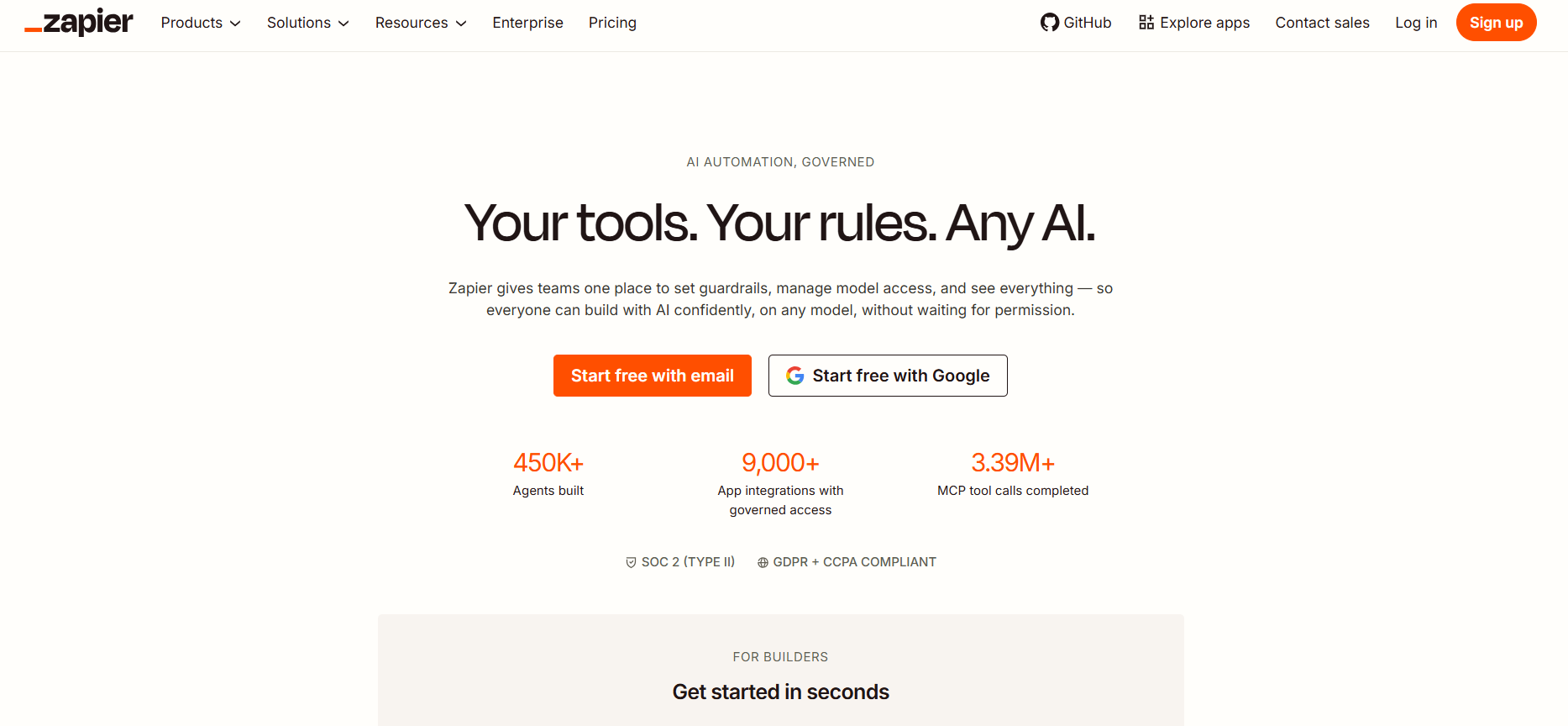
Zapier is the AI orchestration layer that will make your entire sales stack smarter. Most sales teams use multiple tools that leave team members doing too much manual work; that's where Zapier can step in and automate it all in the background.
With Zapier, you can connect with over 9,000+ apps, including CRMs, ad platforms, email tools, form builders, spreadsheets, and even build custom workflows that handle everything from pipeline management to post-sale handoffs.
The best thing is you don't have to rebuild your process from scratch or switch platforms; Zapier works with the tools you already use.
A Zapier integration connects to over 9000+ apps, which is more than double what most competing platforms offer.
The platform offers a free version, as well as three pricing tiers that cater to various user groups, including:
What does it do? Make com (formerly Integromat) is an advanced automation tool designed to connect your apps, automate tasks, and scale workflows within a single interface.
Who is it for? Make is ideal for teams that need complex, branching automations. Its filters, route, and visual builders allow workflows that many other tools can't match. The trade-off is a steeper learning curve.
Make is a low-code/ no-code automation platform that lets you automate workflows by connecting apps through a visual builder. It smoothly moves data between tools like CRMs, email platforms, and databases.
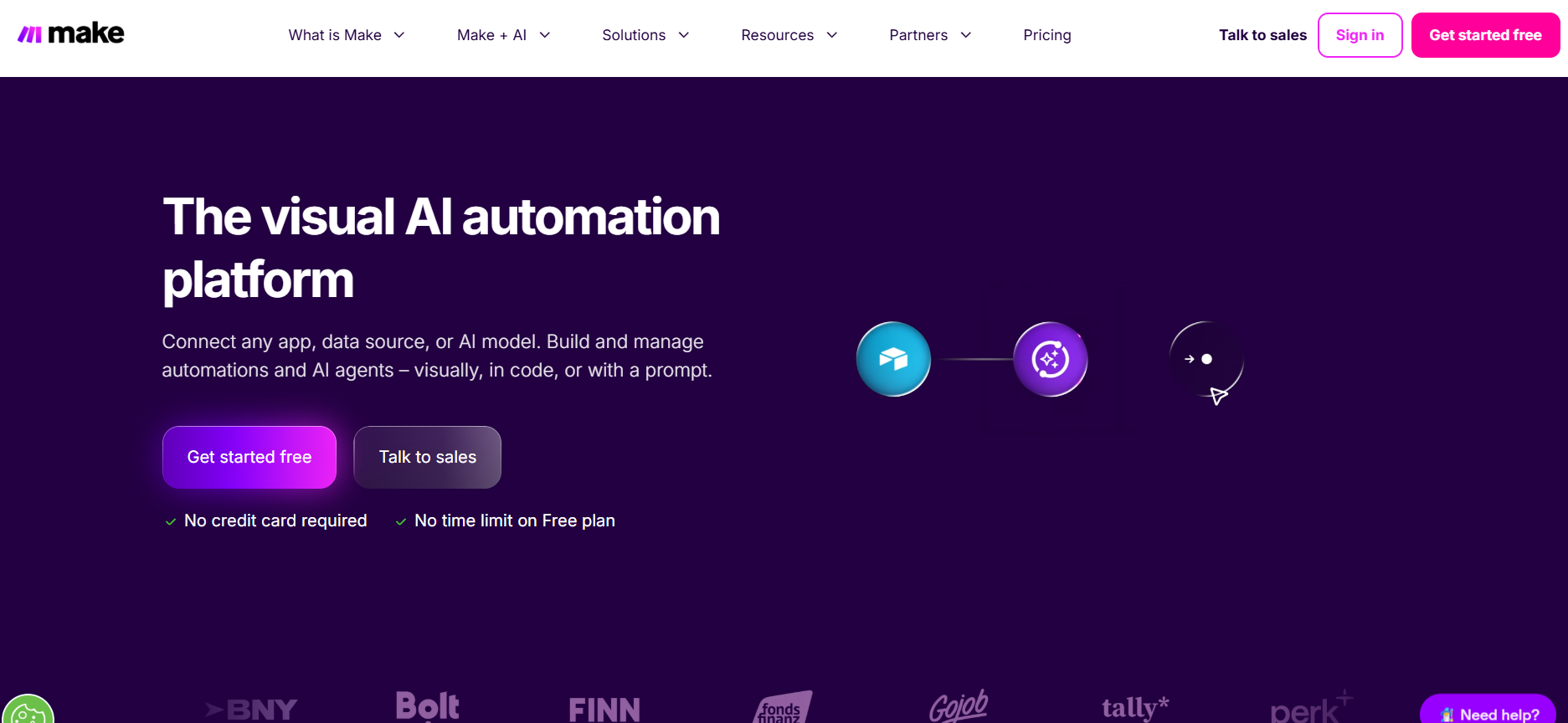
Zapier is the easiest option for quick, linear workflows. Make works great if you want extreme flexibility and control over your workflows. It's different from simpler automation tools as it gives you advanced options such as branching, scheduling, and error handling. That's what makes it apt to handle complex business workflows.
For instance, when someone submits a Google form, you can add their response in a Google spreadsheet, create a record with their information in your CRM, and further notify your team in Slack.
From Google Sheets, Airtable, Gmail, and Notion to WooCommerce, Webflow, and Facebook Ads, Make connects with nearly all major platforms.
Make's pricing is credit-based, not task-based. That means you pay based on how many credits you use.
The free Plan offers 1000 credits/ month. For 5000 credits, Make offers two paid plans:
Conversational AI software enables businesses to automate customer interactions through intelligent chatbots and virtual assistants across web, mobile, social media, and messaging channels.
These are the best conversational AI software to choose:
What does it do? Retell AI is an enterprise-ready AI voice agent platform that's a powerful mix of no-code and API infrastructure that lets everyone from enterprises to lean teams successfully build, deploy, and monitor phone-based AI agents.
Who is it for? Retell works best for businesses that enjoy customisability without the technical headache. Anyone from sales to support teams across industries can automate outbound and inbound calls through its agents.
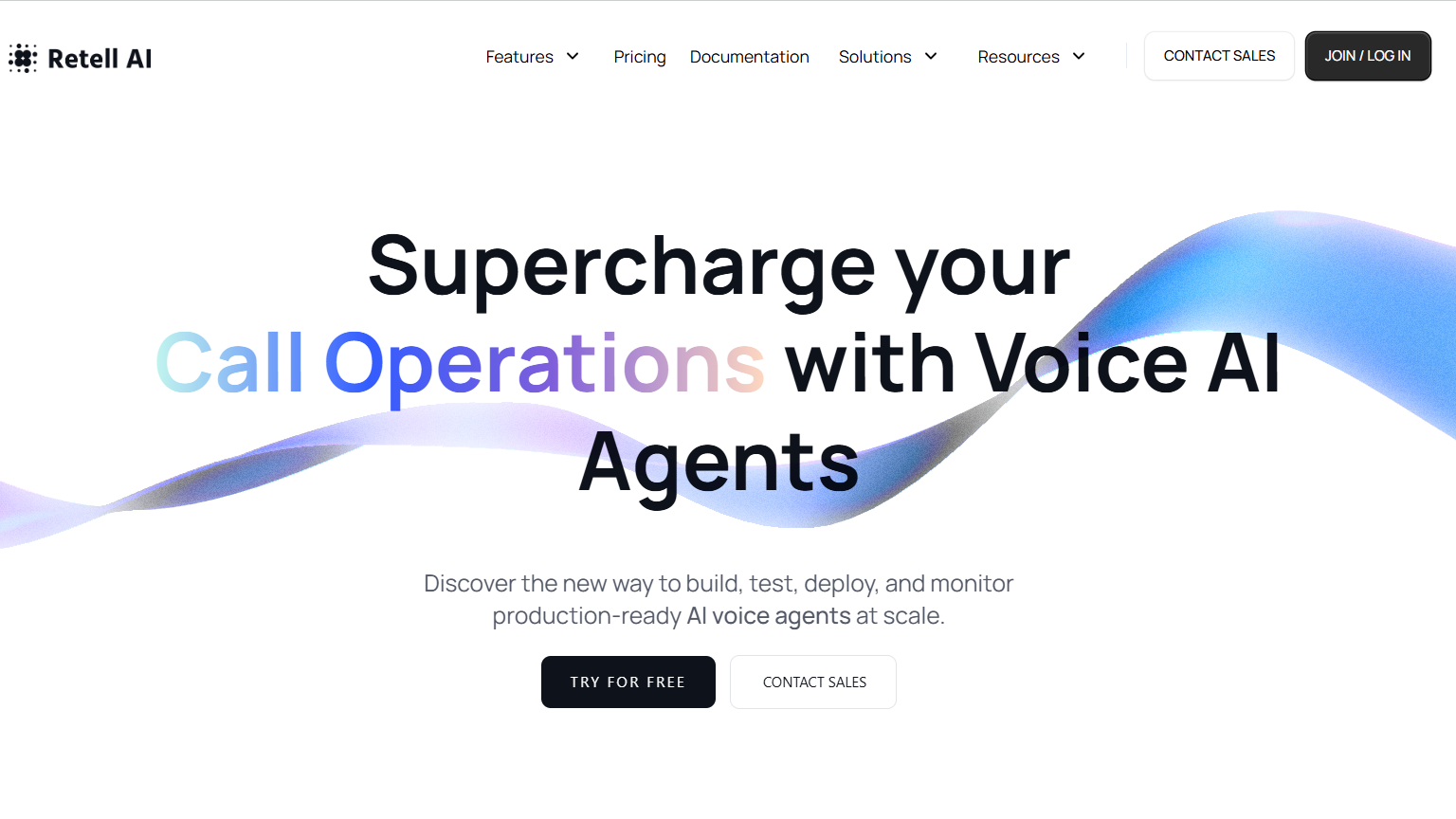
Most AI agents either required huge technical assistance or lacked customisability; however, Retell AI lets you build and launch AI agents in just five minutes (literally!)
What you'll like most about Retell AI is how natural and human-like the voice sounds during calls. The AI agent responds dynamically, handles interruptions smoothly, and maintains real conversations rather than following rigid scripts. You can get started quickly thanks to the intuitive interface and build sophisticated call flows without requiring technical expertise.
Compared to other voice agents, Retell offers over 50+ languages and various call options. This helps in lead qualification, data collection, and providing the best information to receivers.
Retell provides massive integration with your favorite CRM (Hubspot, Pipedrive, Zoho CRM, others), telephony (Twilio, Ring Central, others), payment (Stripe), ecommerce (Shopify), and others.
Retell AI offers transparent, usage-based pricing with no platform licensing fees. You pay only for the resources and minutes consumed.
New users get $10 free credit and 60 minutes of call time to experiment without commitment.
What does it do? Synthflow AI is a no-code AI call bot builder that helps users build and deploy call bots without needing any programming knowledge.
Who is it for? Best for businesses that don't want to rely on expensive human staffing or manage the technical difficulty of building sophisticated, low-latency conversational AI from scratch, Synthflow AI solves this challenge with its no-code builder AI agent builder.
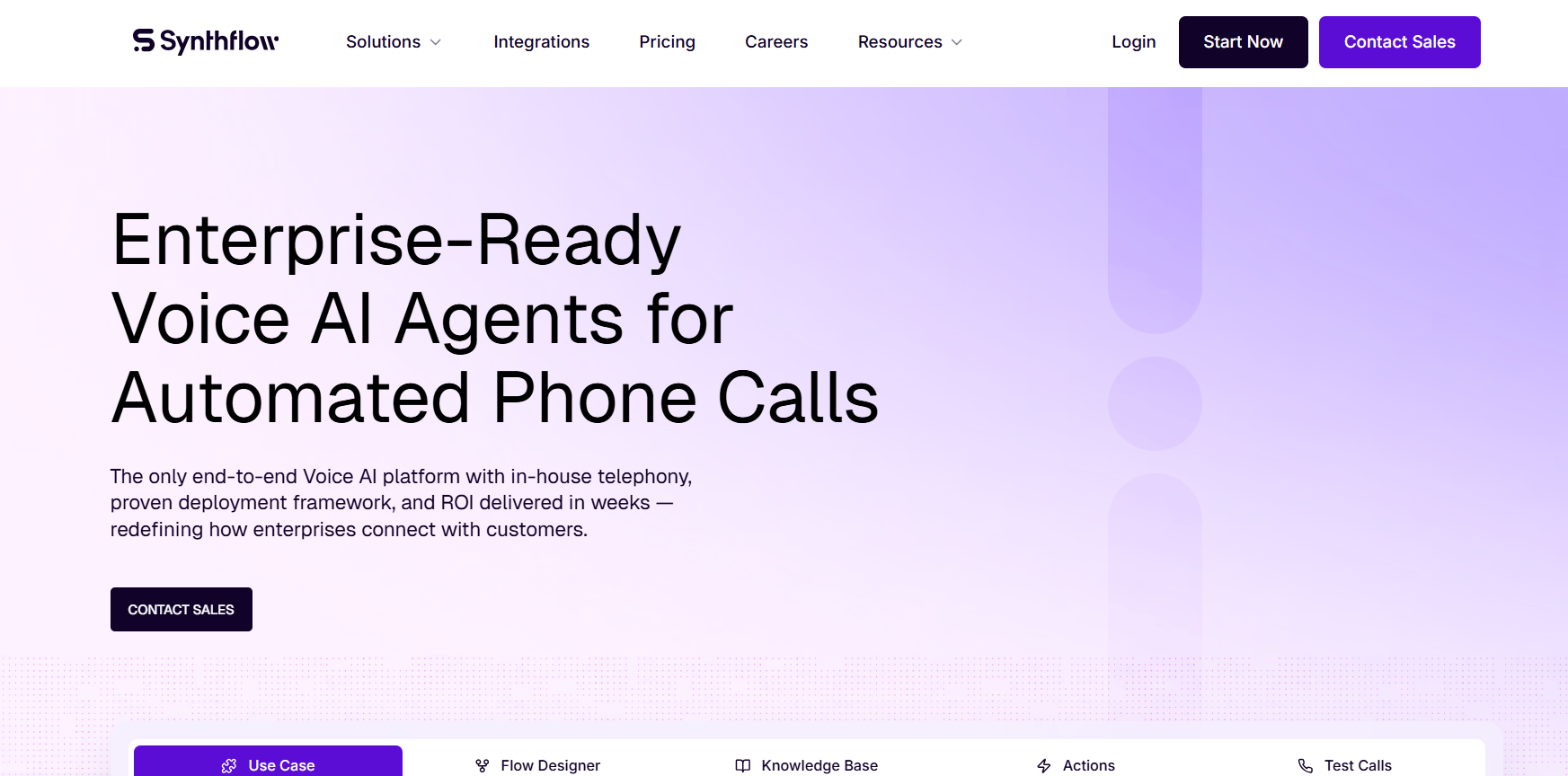
Synthflow AI is a plug-and-play option that offers enough control for real business use cases. It is fast, painless, and immediately gives you access to the platform without any friction.
You can configure, prompt agents, add actions, deploy, and test them in real-time, without having to write a piece of code. For instance, you can select your voice and control its speed, volume, and latency right from your dashboard.
Synthflow's integration with Elevenlabs provides access to incredibly natural-sounding voices in over 30 languages. You can also clone your voice easily by simply uploading some samples.
However, even with all the technical pieces in place, Synthflow fails to deliver consistent performance. The dashboard felt glitchy, and interacting with the support team was a nightmare. You will constantly face voice bots that don't work, API issues, or hallucinating bots.
While you don't need to code, you do need a solid understanding of how logic blocks and fallback responses work; otherwise, your call flows can fail midway through a conversation.
Synthflow integrates with Hubspot, Salesforce, Stripe, Cal.com, GoHighLevel, Zapier, Make, Bubble, Elevenlabs and Twilio.
Synthflow AI uses a subscription-based pricing model with four tiers: Pro, Growth, Agency, and Enterprise, starting at $375/month.
The starting plans lack access to the tools required actually to build a usable flow. Many users believe that unless you take the enterprise plan, the platform lacks stability and support from the Synthflow team.
Learn how Retell AI compares to Synthflow AI
Data analytics tools are software platforms that help enterprises collect, process, analyze and visualize their data to uncover meaningful insights. They transform raw data from various sources like sales records, customer interactions, website traffic, and social media into understandable charts, reports, and dashboards.
These are the best data analytics software for your enterprise:
What does it do? Microsoft Power BI is an enterprise business intelligence platform that transforms raw data into interactive dashboards, reports, and visualizations. It enables organizations to connect multiple data sources, analyze business performance, and share insights across teams in real time.
Who is it for? Best for enterprises already using Microsoft's ecosystem or organizations seeking scalable business intelligence capabilities, Power BI helps companies centralize data analysis, improve decision-making, and create data-driven workflows across departments.
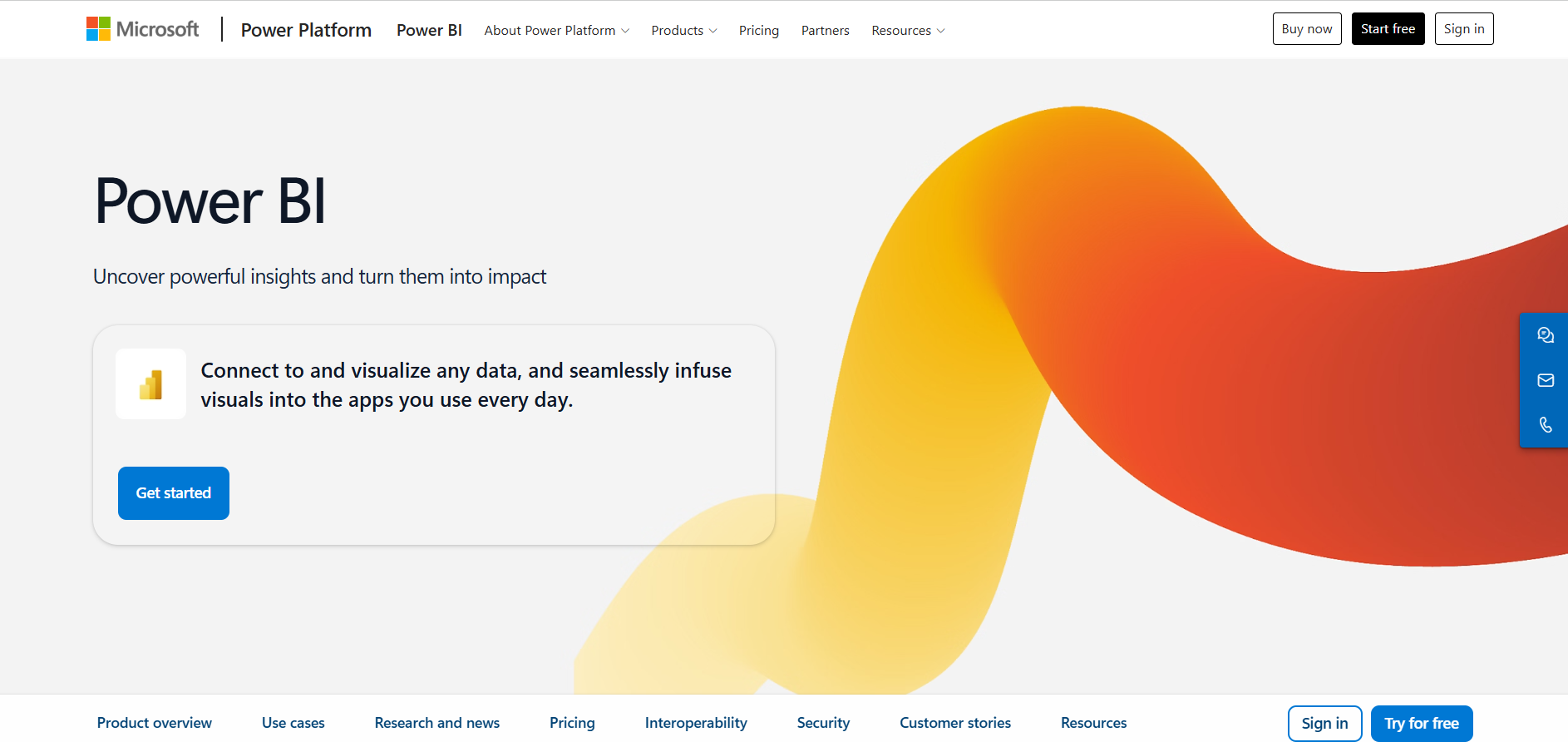
Power BI stands out for its direct integration with Microsoft's ecosystem, including Azure, Excel, Teams, and Dynamics 365. This makes it especially valuable for enterprises that want to uses existing infrastructure rather than adopt an entirely new analytics stack.
The platform offers powerful visualization capabilities with drag-and-drop dashboard creation, allowing both technical and non-technical users to build reports without extensive coding knowledge. Its AI-powered features, such as natural language queries and automated insights, further simplify data analysis for business users.
Power BI also supports enterprise-grade governance, security, and compliance requirements. Organizations can implement role-based access controls, data encryption, and centralized management to maintain control over sensitive business information while enabling collaboration across teams.
Power BI integrates with SQL Server, Azure, Excel, Salesforce, Google Analytics, SAP, Oracle, Dynamics 365, Snowflake, and hundreds of other enterprise data sources.
Power BI offers a free account and multiple paid pricing tiers, including:
While Power BI delivers strong value for enterprises already invested in Microsoft products, organizations with highly complex analytics requirements or multi-cloud environments may need additional tools or expertise to opens up its full potential.
What does it do? Tableau is an enterprise analytics and business intelligence platform that helps organizations visualize, analyze, and share data through interactive dashboards and reports. It enables users to uncover trends, monitor KPIs, and make data-driven decisions without requiring deep technical expertise.
Who is it for? Best for enterprises that prioritize advanced data visualization and self-service analytics, Tableau is ideal for organizations looking to lets business users with intuitive tools for exploring and understanding complex datasets.
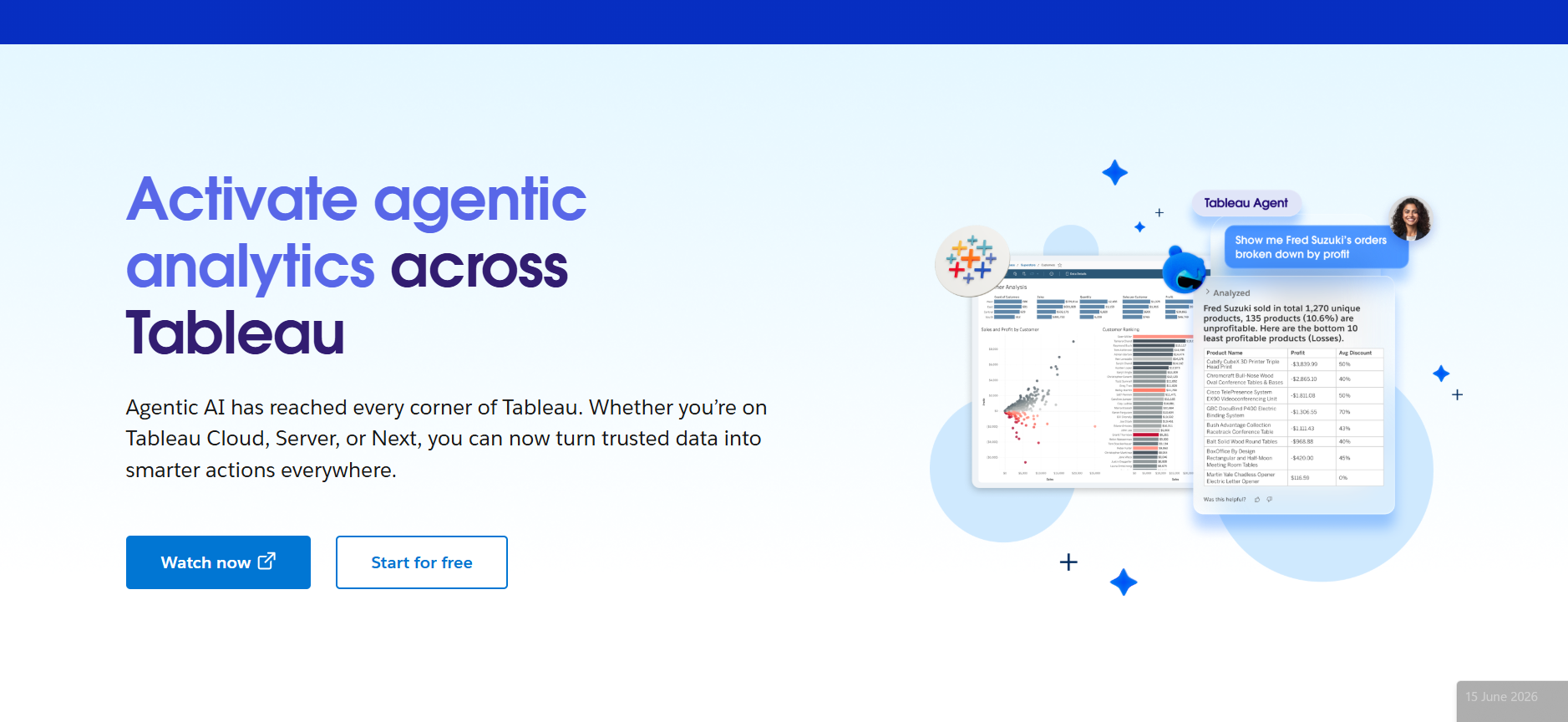
Tableau is widely recognized for its industry-leading visualization capabilities and user-friendly interface. Its drag-and-drop functionality allows users to create sophisticated dashboards with minimal coding, making analytics accessible to both technical teams and business stakeholders.
Following its acquisition by Salesforce, Tableau has expanded its ecosystem integrations and AI capabilities. Features like Tableau Pulse and AI-powered insights help users discover patterns, ask questions in natural language, and receive proactive recommendations based on their data.
The platform supports a wide range of deployment options, including cloud, on-premises, and hybrid environments, giving enterprises flexibility in how they manage their analytics infrastructure. Tableau also offers strong governance features that enable organizations to maintain data quality and security at scale.
Tableau integrates with Salesforce, Snowflake, Google BigQuery, Amazon Redshift, SQL Server, SAP, Oracle, Databricks, Excel, and hundreds of other enterprise data sources.
Tableau enterprise pricing is designed for organizations that require advanced governance, enhanced scalability, and add-ons like Tableau Data Management, starting at $35/ user/month.
If you want an AI solution that doesn't just automate surface-level tasks but actually runs operations end-to-end, Retell AI is built for you.
Whether it's answering customer queries, routing calls, qualifying leads, scheduling meetings or processing documents, Retell AI acts like a reliable teammate who works across your tools, 24/7.
Retell AI adapts to the way your team works and not the other way around. It prioritizes security at every stage, meeting high standards for data protection. With advanced features like encryption, access controls, and compliance with major regulations (GDPR, HIPAA, SOC 2 Type II), Retell AI enables businesses to use Voice AI confidently.
For founders, ops leaders, and growing teams, Lindy is the fastest way to scale without hiring.
Try Retell's free trial and start automating your enterprise tasks.
Enterprise AI solutions are software platforms that use artificial intelligence to automate business processes, improve decision-making, and enhance customer experiences at scale. They combine technologies like machine learning, NLP, and generative AI with enterprise systems such as CRMs and ERPs. Organizations use enterprise AI for customer support, analytics, sales automation, operations, and voice AI across departments.
Unlike consumer AI tools designed for individual productivity, enterprise AI solutions prioritize scalability, security, governance, and integrations with business systems. They support compliance frameworks such as GDPR, HIPAA, and SOC 2 while providing centralized controls and workflow automation. Enterprise AI also enables multiple teams and departments to collaborate using shared data and AI agents across complex organizational processes.
The best enterprise AI solutions offer scalability, governance, security, enterprise integrations, and advanced automation capabilities. Organizations should prioritize features like multi-agent orchestration, human-in-the-loop controls, compliance certifications, and flexible deployment options. A strong enterprise AI platform should also integrate smoothly with CRMs, ERPs, analytics tools, and communication systems to automate workflows end-to-end.
Yes, many enterprise AI platforms are designed with enterprise-grade security and compliance in mind. Leading solutions support standards such as GDPR, HIPAA, SOC 2, and role-based access controls. Features like encryption, audit logs, and approval workflows help organizations manage sensitive data responsibly while maintaining regulatory compliance across industries such as healthcare, finance, and legal services.
Yes, most enterprise AI solutions are designed to integrate with existing software ecosystems, including CRMs, ERPs, communication platforms, and analytics tools. Platforms like Salesforce Einstein, Zapier, Power BI, and Retell AI offer extensive integrations through APIs and connectors. Strong integration capabilities allow businesses to automate workflows, unify data, and scale AI initiatives efficiently.
See how much your business could save by switching to AI-powered voice agents.
Total Human Agent Cost
AI Agent Cost
Estimated Savings
A Demo Phone Number From Retell Clinic Office