Setting Up the Retell AI + Zapier Integration
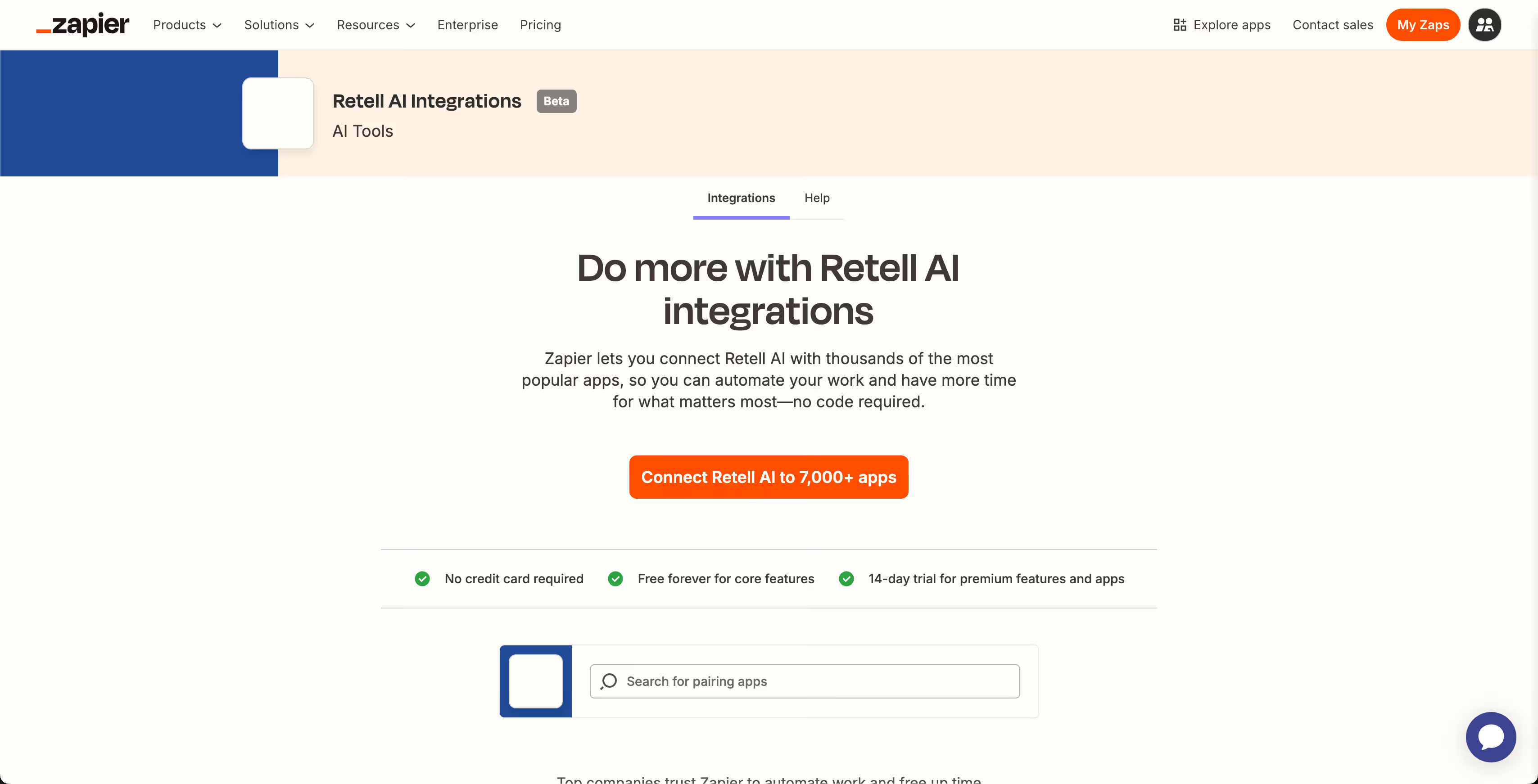
Before you start building powerful automations, you’ll need to connect Retell AI to Zapier. The setup process is fast and straightforward, letting you instantly start using Retell AI with thousands of other apps—no code required.
Step 1: Log into Zapier
Go to zapier.com and log into your account. If you don’t have one yet, sign up—it’s free to get started.
Step 2: Create a New Zap
Click “Create Zap” in the top left corner. This opens the Zap editor, where you’ll build your automation workflow.
Step 3: Choose Retell AI as Your Action App
In the Action step, search for “Retell AI” in the app list. From there, you can select any available action, such as “Make a Phone Call,” “Get a Call,” or “Create a Phone Number.”
Step 4: Connect Your Retell AI Account
When prompted, connect your Retell AI account by entering your API key, which you can find in your Retell AI dashboard under Settings > API Keys.
Step 5: Finish Setting Up Your Zap
Customize your action with the required data—like the phone number, voice, or agent ID—based on the selected Retell action. You can then add additional steps (e.g., send a Slack message after a call completes).
Once done, hit “Publish” to activate your Zap. That’s it—you’re now ready to automate Retell AI with over 7,000 apps on Zapier.



























.avif)
.avif)
.avif)

.avif)
.avif)


.avif)

-Logo.wine.svg)


.svg)


